
Copyright 2026 © swekartor. All Rights Reserved.



Information about PowerDirector - Video Editor
App Feature
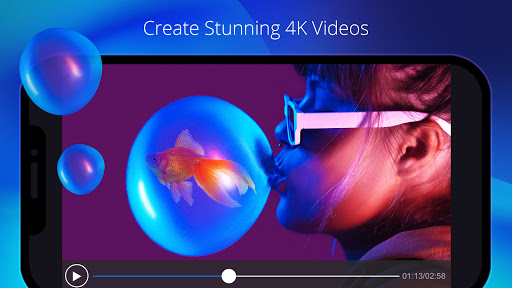
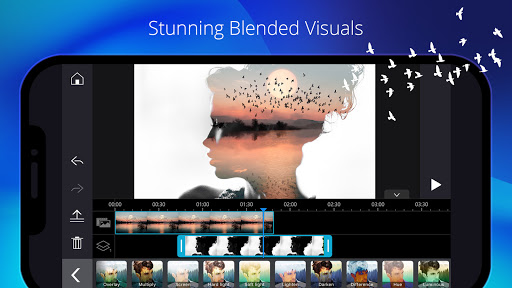
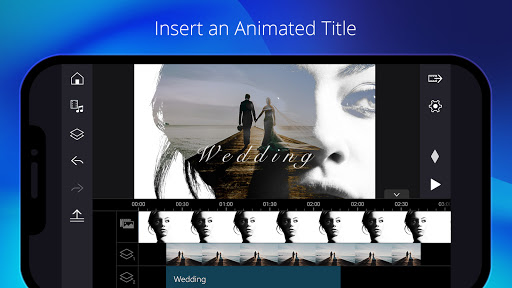
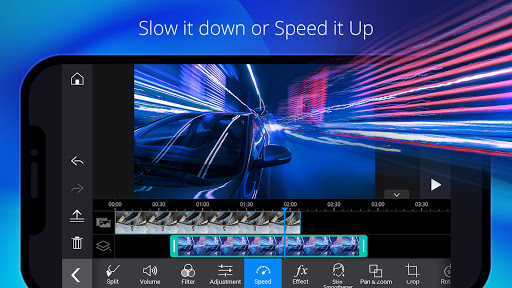
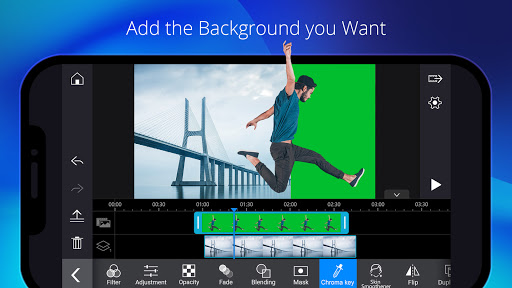
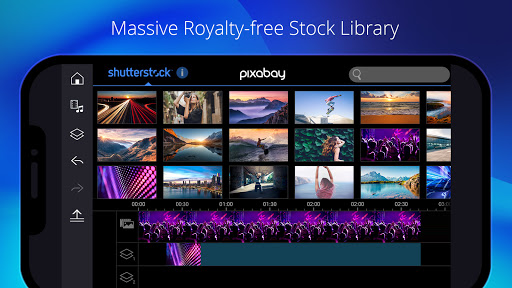
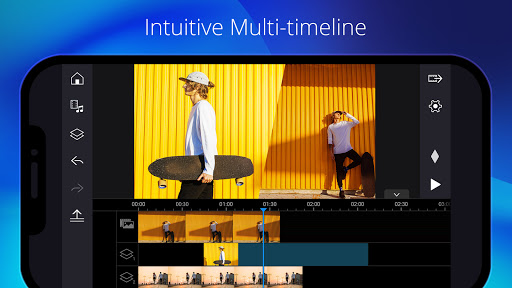
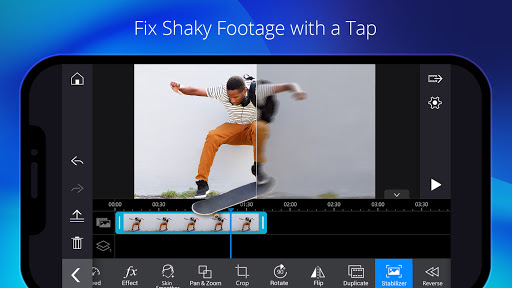
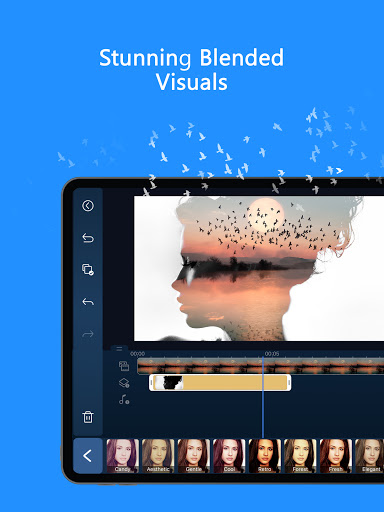
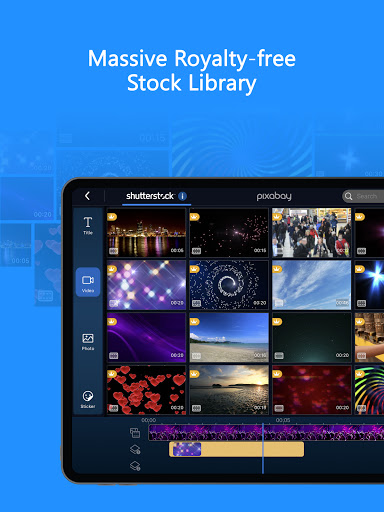
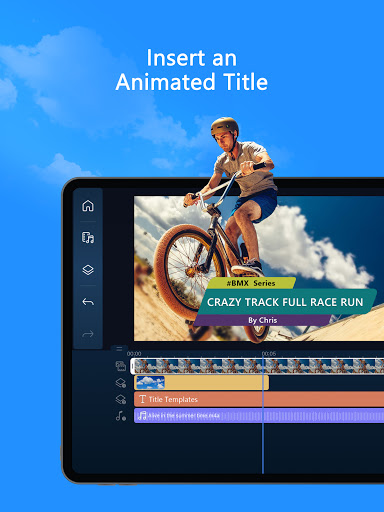
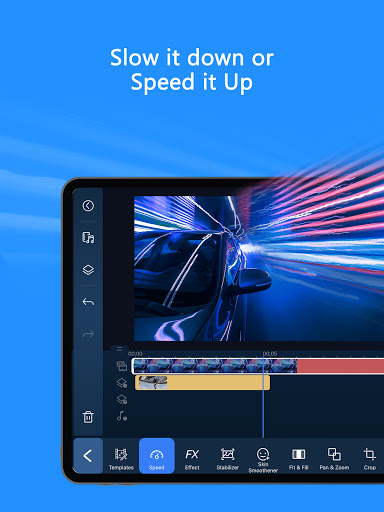
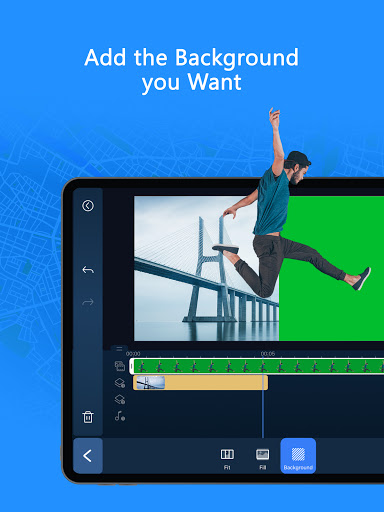
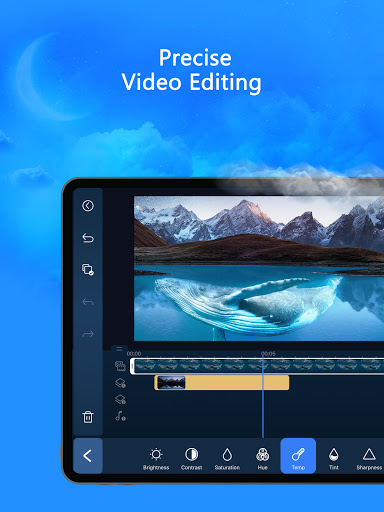
PowerDirector - Video Editor is a mobile-first, AI-powered video editor for creating social-ready clips and full projects. It offers multi-track timelines, precise trimming, green screen, keyframes, overlays, transitions, stock media, and numerous AI tools (auto edit, portrait/anime filters, background removal, smart cutout, captions, voice changer/enhancement, slow motion). Templates and an intuitive UI speed up editing for beginners while giving creators room to fine-tune.
Verdict
Verdict: A feature-rich, beginner-friendly editor with strong AI and pro tools, best if you’re OK with a subscription to remove limits and watermarks.
Who is it for
Best for:
- Creators making TikTok/YouTube/Instagram videos who want fast AI-assisted edits
- Mobile editors seeking green screen, keyframes, and multi-track control
- Users who value templates, stock media, and cross-platform workflow (mobile + PC)
Not ideal for:
- Those who need fully free, watermark-free exports and advanced audio tools without paying
- Professionals requiring desktop-grade depth, plug-ins, or niche color/audio workflows
Real-world User Experience
Users like it:
Simple, intuitive timeline editing on mobile; strong results quickly with templates, transitions, titles, and effects; reliable for YouTube and long-form edits; smooth cross-device flow with PowerDirector on PC; good value for the premium plan; frequent updates and modern effects.
Users complain about:
Free tier watermark and ads; occasional audio glitches or timeline precision issues; some requests for more fonts/voice effects/pitch controls and smoother fade transitions; no native animation tools; subscription model fatigue and limited cross-platform license portability.
Is it Worth Paying For?
If you edit regularly, yes. Premium removes ads/watermarks, unlocks exclusive effects, AI features, and a sizable Getty-powered stock library usable for commercial projects—good value compared to piecing together separate apps and assets. Casual users can stay on the free tier to test, but expect watermarks and content limitations.
How it Compares to Alternatives
Compared to CapCut and VN, PowerDirector leans more into classic timeline controls plus a broad AI suite and green screen, with a stronger stock library via Getty for commercial use. InShot excels at quick social edits but has fewer pro controls. KineMaster offers robust tools but also watermarks on free. Adobe Premiere Rush integrates with Adobe’s ecosystem but costs more and is less template-driven. PowerDirector strikes a balance: easier than pro desktop tools, more capable than many mobile editors, with competitive AI features.
Summary
PowerDirector merges approachable design with serious capability: multi-track timelines, keyframes, chroma key, and a growing roster of AI utilities make fast, polished edits feasible on a phone. Reviews highlight its ease of use, speed from template-driven workflows, and practicality for YouTube and social content. Downsides include free-tier watermarks, occasional audio/timeline quirks, and some missing audio refinements (pitch/voice effects) users want. If you can justify the subscription, premium’s ad-free experience, unlocked effects, and Getty stock library offer strong value, making this a top pick for mobile creators who want both speed and control.

Ratings
Trending APP








Alternative to this app









