Copyright 2026 © swekartor. All Rights Reserved.


Information about All Document Reader & Viewer
App Feature
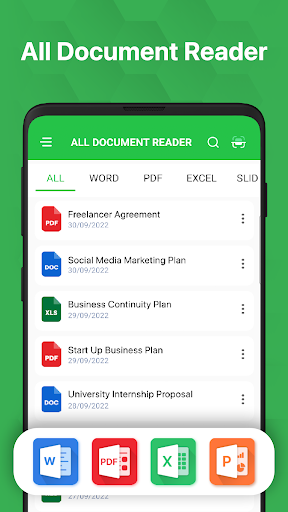
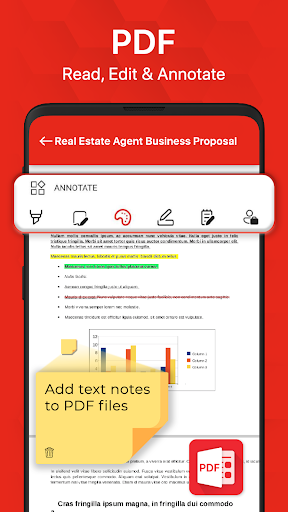
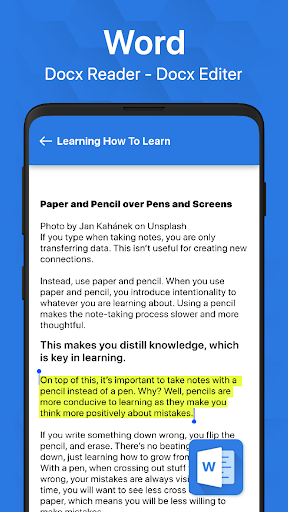
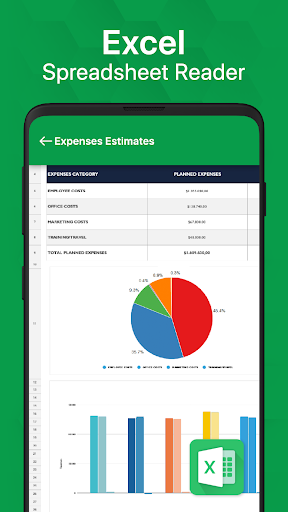
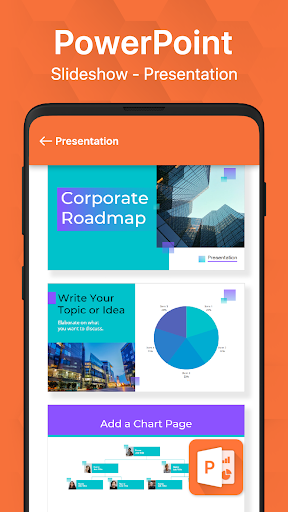
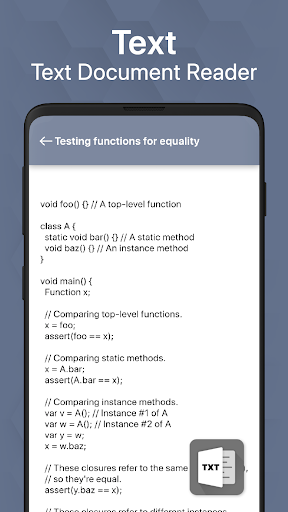
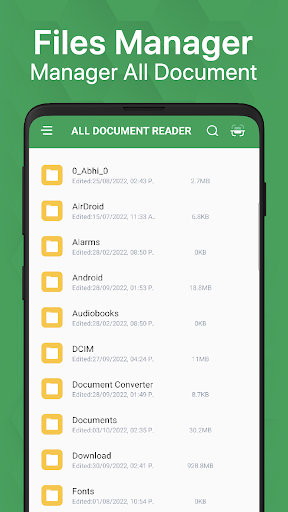
All-in-one document viewer and light editor for mobile that opens PDF, Word (DOC/DOCX), Excel (XLS/XLSX/CSV), PowerPoint (PPT/PPTX) and TXT; includes PDF annotation/signing, adding text/images, night mode, document search, file management, a built-in scanner with OCR, and fast, simple navigation.
Verdict
Verdict: A fast, capable all-format mobile viewer with handy PDF tools, best if you want a lightweight, ad-supported alternative to full office suites.
Who is it for
Best for:
- Users who need a single app to open most document types quickly
- Students and professionals needing on-the-go PDF markup and basic edits
- Anyone who wants built-in scanning and OCR without separate apps
Not ideal for:
- Power users needing full document creation, advanced editing, or collaboration
- Ad-averse users who dislike interruptions without paying to remove them
- Those requiring deep cloud integration or seamless cross-device workflows
Real-world User Experience
Users like it:
Consistently praised for speed, simplicity, and reliability in opening varied file types; users appreciate the clean navigation, practical organization of documents, landscape support, and the convenience of having PDF annotation, scanning, and OCR in one place.
Users complain about:
Frequent ads can be irritating; occasional session resets when returning from background, rotation or zoom limitations in some documents, scattered bugs, and a few reports of recent instability that need fixes.
Is it Worth Paying For?
Core viewing and basic tools are free but ad-supported. If an IAP removes ads and/or unlocks premium features (e.g., expanded PDF tools or OCR limits), it’s worth it for frequent use—especially if you annotate PDFs often or want an uninterrupted experience. Casual viewers can stay on the free tier.
How it Compares to Alternatives
Compared to Microsoft Office or Google Drive/Docs, it’s lighter, faster to open varied files, and less tied to cloud accounts but lacks advanced editing and collaboration. Versus WPS Office, it feels simpler with quick viewing, though WPS offers richer authoring. Against Adobe Acrobat Reader, it adds multi-format support and built-in scanner/OCR in one app, but Acrobat still leads in pro-grade PDF workflows.
Summary
All Document Reader & Viewer delivers a nimble, unified way to open and lightly edit almost any common document on Android. Its strengths are speed, simplicity, broad format support, and practical extras like PDF annotation, night mode, and scanning with OCR. The trade-offs are ads on the free plan, occasional state resets when multitasking, and fewer advanced editing/collab features than full office suites. If you primarily need a fast, all-format reader with handy PDF tools on the go, it’s an excellent, high-value pick; heavy editors and ad-averse users may prefer upgrading or choosing a more feature-rich suite.
Ratings
Trending APP












Alternative to this app