Copyright 2026 © swekartor. All Rights Reserved.


Information about PDF Reader – PDF Viewer
App Feature
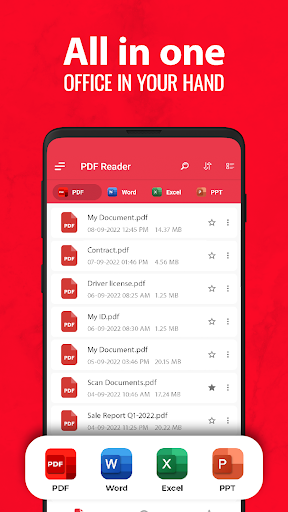
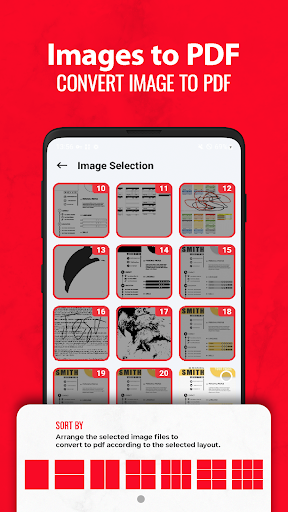
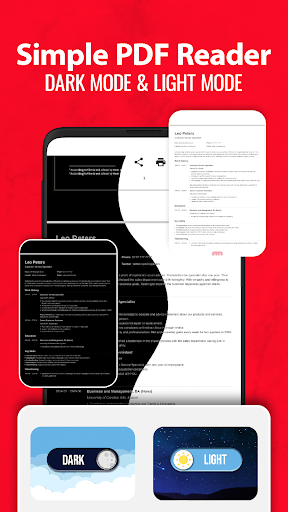
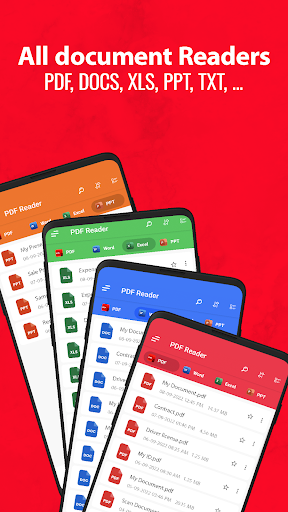
A lightweight, offline-capable PDF reader and manager focused on fast loading of large files, clean navigation, and essential tools like bookmarks, multiple viewing modes (single/two-page, book, fullscreen), theme options (light/dark), and basic PDF utilities (image-to-PDF, PDF-to-JPG, multi-image PDF creation).
Verdict
Verdict: A fast, no-frills PDF reader with handy extras, best if you value speed and offline access but can tolerate ads.
Who is it for
Best for:
- Students and professionals needing a quick, offline PDF viewer for large files
- Users who want simple annotations and bookmarks without a heavy suite
- People who occasionally convert images to PDFs or extract pages as images
Not ideal for:
- Power users needing advanced editing, forms, e-signatures, or deep collaboration
- Anyone who is sensitive to in-app ads or wants an ad-free experience by default
- Users who require robust cloud sync and cross-device workflows out of the box
Real-world User Experience
Users like it:
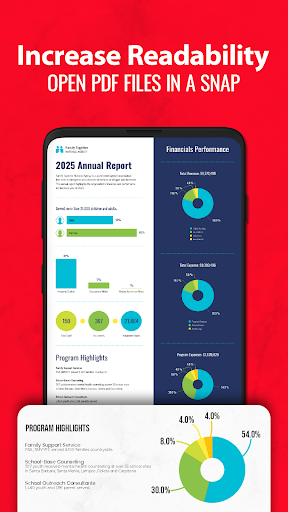
Very fast loading compared to other readers, stable on phones, clear rendering, intuitive UI, easy navigation and bookmarking, helpful for studying and managing multiple documents, basic conversions work as advertised.
Users complain about:
Frequent ads can interrupt flow; some users want better document organization (folders/categories); occasional confusion about dark mode availability; advanced features beyond reading/annotating are limited.
Is it Worth Paying For?
The core reader is free and sufficient for most. If the app offers a paid option to remove ads or unlock advanced tools, it’s worth considering only if you use it daily for annotations/conversions or find the ads disruptive; casual readers can stick with the free tier.
How it Compares to Alternatives
Compared to Adobe Acrobat Reader, this app feels lighter and faster for basic viewing but lacks robust form handling, e-sign, and cloud integration. Versus Xodo or Foxit PDF, it’s simpler and speedier for opening files, yet trails in advanced annotation, collaboration, and cross-device features. It stands out for quick offline reading and large-file performance, not for pro-grade editing.
Summary
PDF Reader – PDF Viewer delivers a fast, lightweight, and offline-first reading experience with practical extras like bookmarks, multiple viewing modes, dark/light themes, and basic PDF conversions. It excels at opening large files quickly and keeping navigation simple, making it a strong everyday reader for students and professionals. Ads are the main trade-off, and while annotation is present, advanced editing and cloud-centric workflows are limited. If you prioritize speed and simplicity over pro features, it’s a reliable choice; those needing deeper editing or fewer ads should consider premium tiers or more feature-rich alternatives.
Ratings
Trending APP












Alternative to this app