
Copyright 2026 © swekartor. All Rights Reserved.



Information about Downloader by AFTVnews





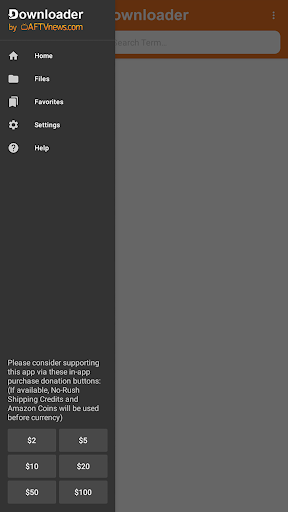
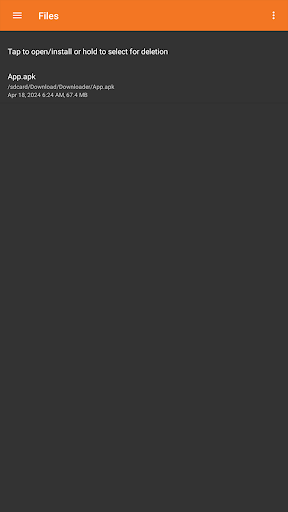

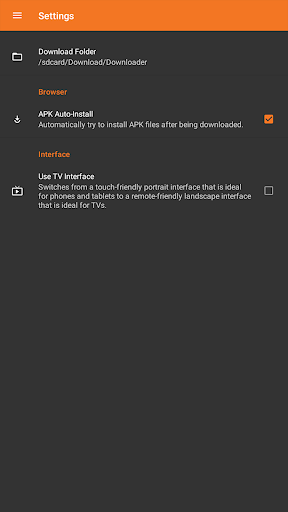
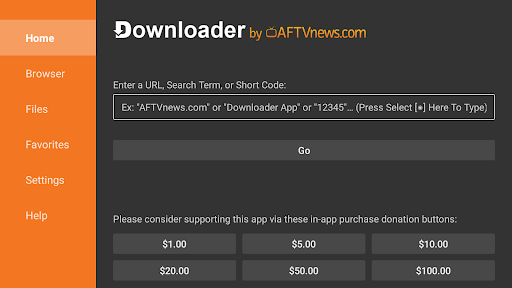
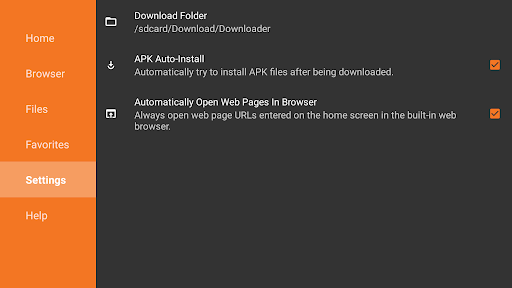
App Feature
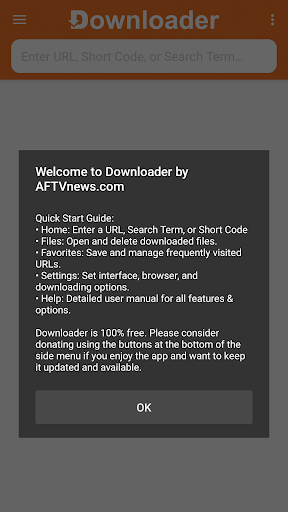
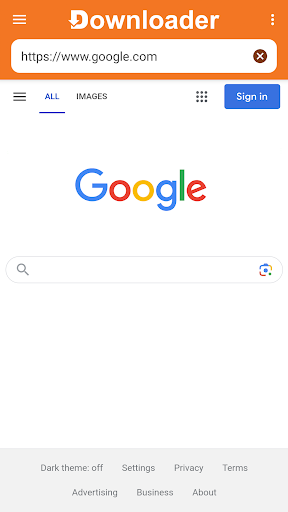
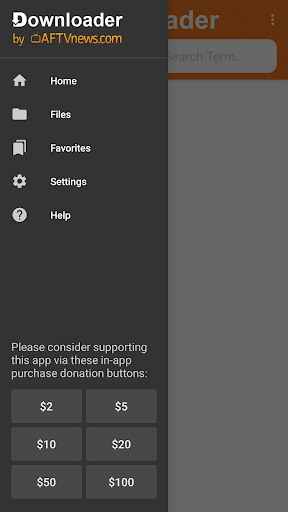
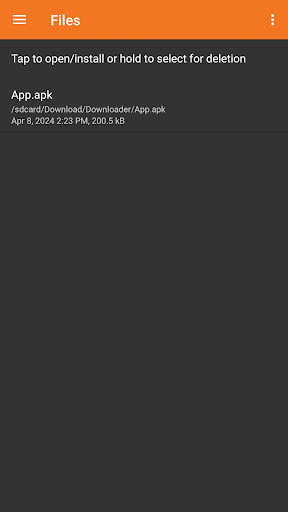
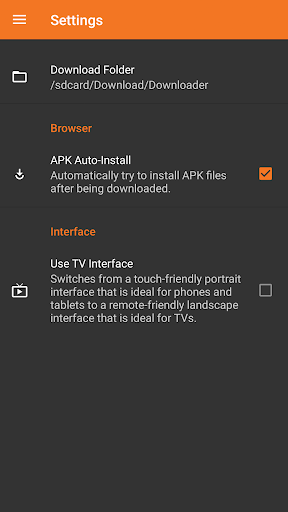
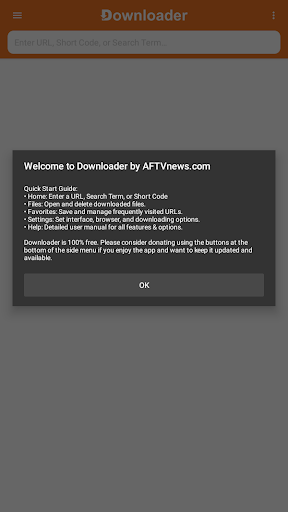
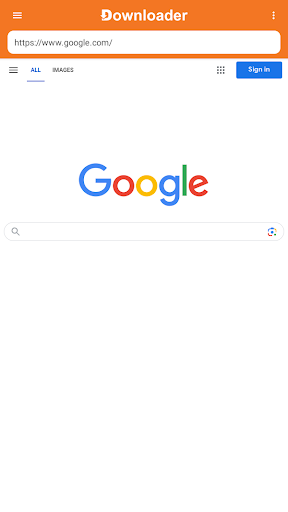
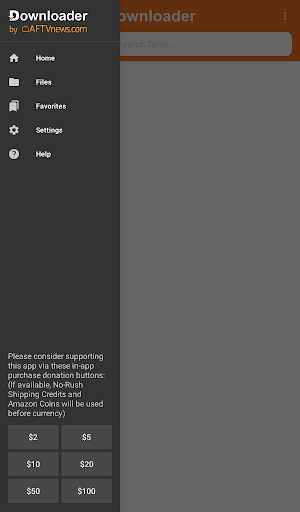
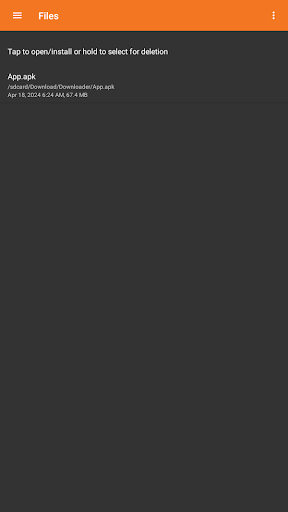
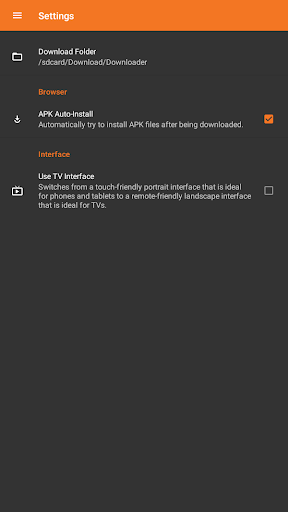
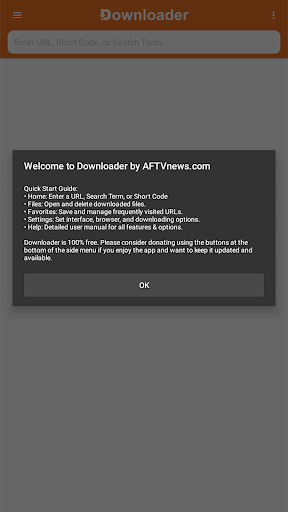
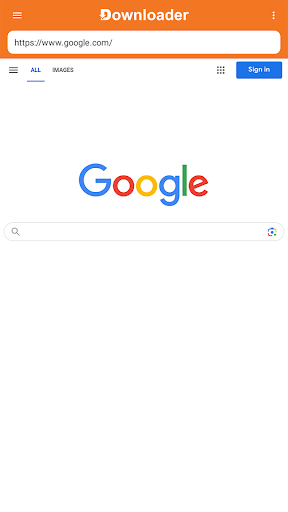
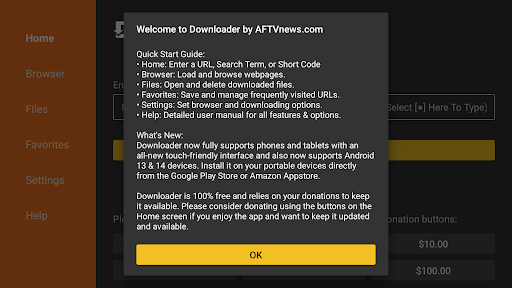
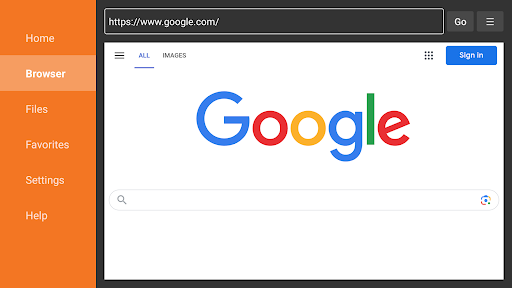
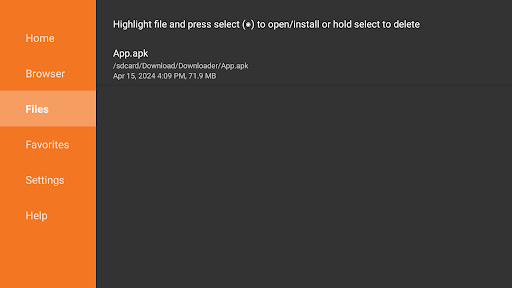
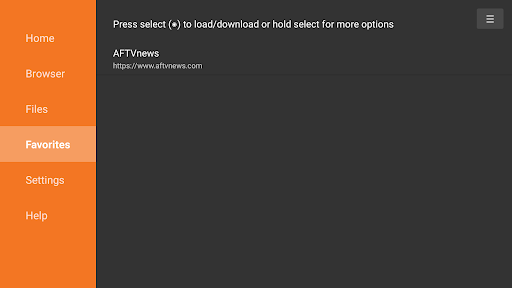
Downloader by AFTVnews is a free Tools app that lets you enter URLs or Short Codes to quickly download files—including APKs—on Android TV/Google TV, Fire TV, phones, and tablets. It includes a simple TV-remote-friendly browser, favorites and history, and a built-in file manager to open, install, or delete downloads. Emphasis is on fast downloads and straightforward sideloading.
Verdict
Verdict: A fast, reliable, and dead-simple downloader and sideloading companion for Android/Google/Fire TV and Android devices.
Who is it for
Best for:
- TV and streaming device users who need a no-fuss way to sideload APKs
- Android users who want a lightweight downloader with basic file management
- People who value Short Codes, favorites, and quick URL entry for repeat downloads
Not ideal for:
- Users seeking a full-featured web browser with advanced rendering and search features
- Power users needing robust download scheduling, multi-thread controls, or automation
- Anyone uncomfortable with managing unknown sources or sideloading on their device
Real-world User Experience
Users like it:
Consistently praised for being extremely easy to use across Google TV, Android TV, Fire TV, and phones; very fast and dependable downloads; excellent for sideloading APKs; simple interface with history and favorites; responsive developer support; works reliably where other methods fail.
Users complain about:
Requests for better page scrolling and image search compatibility on some sites, optional cursor customization and desktop/mobile view toggles; minor friction around enabling installation from unknown sources (a platform requirement rather than the app’s fault).
Is it Worth Paying For?
The core app is free with ads and optional IAP/donations. For most users, the free version more than suffices; donating is good value if you rely on it frequently, given its reliability and cross-device support.
How it Compares to Alternatives
Compared to general TV browsers like TV Bro or Puffin TV, Downloader is more focused on fast file retrieval and sideloading rather than full browsing. Versus file managers (X-plore, Solid Explorer), it offers simpler navigation and a direct URL/Short Code workflow but fewer advanced file ops. Against transfer tools (Send Files to TV), Downloader removes the need for a second device by fetching directly on the TV. Its niche focus and reliability make it the go-to for TV sideloading.
Summary
Downloader by AFTVnews distills downloading and sideloading on Android/Google/Fire TV and Android devices into a fast, frictionless workflow. Enter a URL or Short Code, pull down the file, and use the built-in manager to open, install APKs, or clean up. With 50M+ installs and strong user sentiment, it’s a standout utility for anyone customizing their TV or quickly grabbing files on-device. While it’s not a full browser and could improve site compatibility and cursor options, the speed, simplicity, and reliability make it an essential tool for sideloading and direct downloads. The free version is robust; consider a donation if it becomes part of your regular setup.
Ratings
Trending APP












Alternative to this app










