
Copyright 2026 © swekartor. All Rights Reserved.



Information about Wifi Analyzer
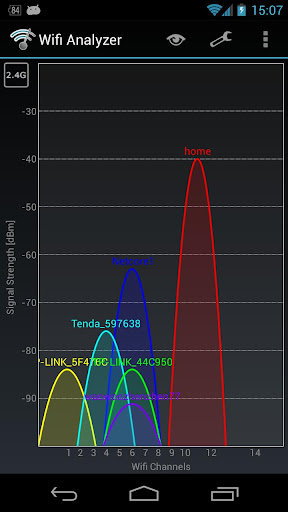
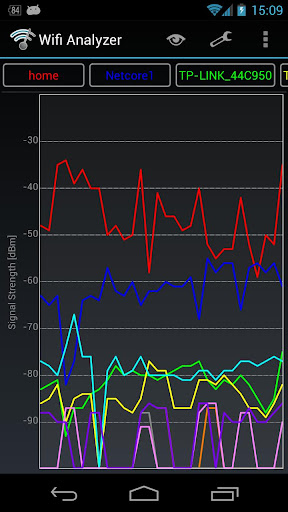
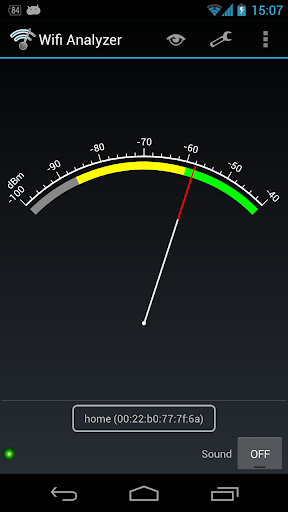
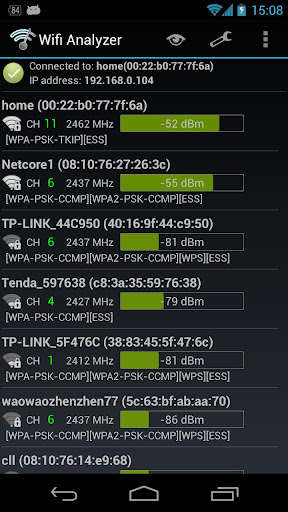
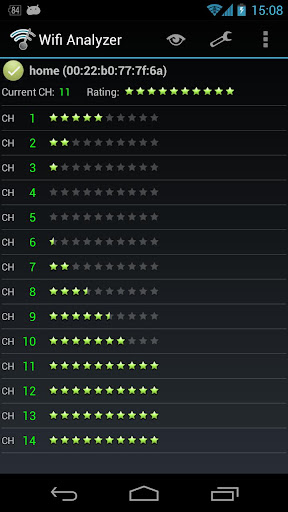
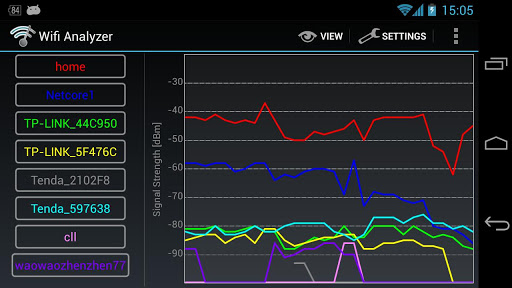
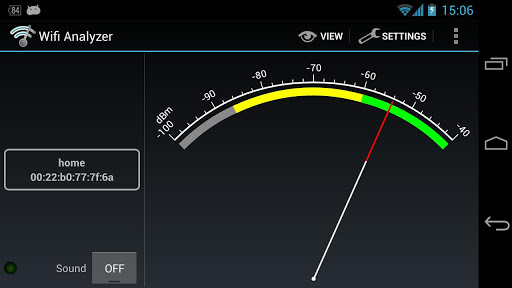
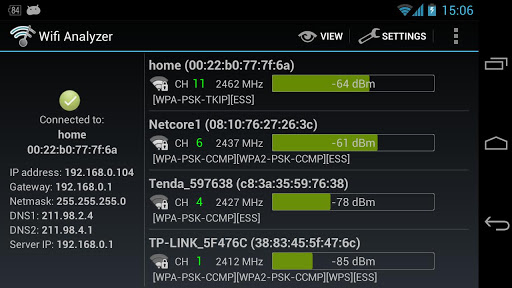
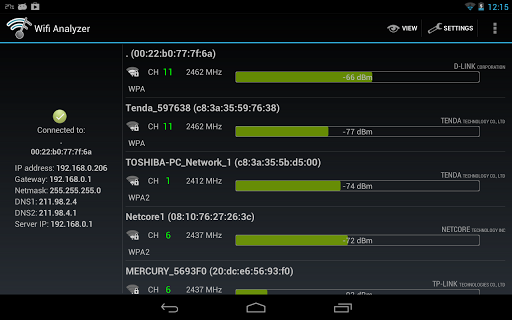
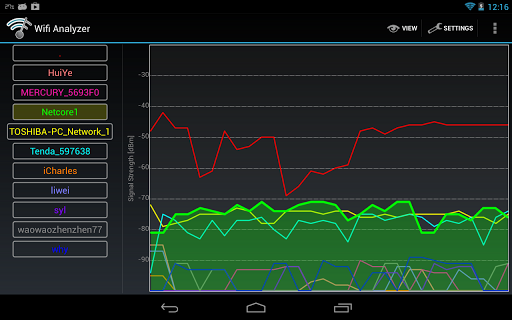
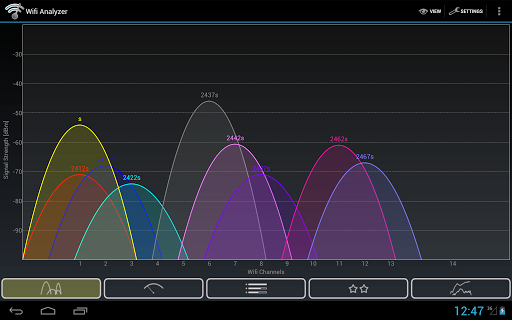
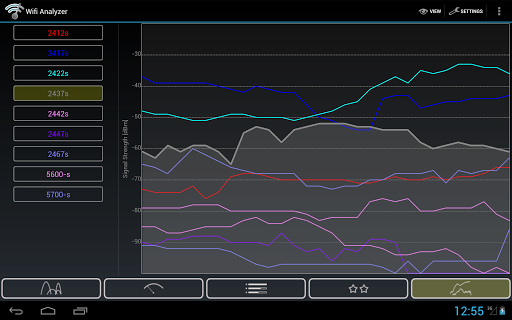
App Feature
Wifi Analyzer is a free Wi‑Fi diagnostics tool that visualizes signal strength, channels, and encryption details to help you optimize your network. Core functions include a signal strength heatmap for spotting dead zones, channel/interference analysis to choose the least congested channel, and real‑time monitoring of nearby networks for troubleshooting.
Verdict
Verdict: A capable, free Wi‑Fi diagnostics utility with useful visuals, though its mixed ratings suggest room for polish and reliability improvements.
Who is it for
Best for:
- Home users optimizing router placement and coverage
- Power users/IT enthusiasts needing quick channel and interference insights
- Renters or small offices mapping signal dead zones
Not ideal for:
- Users seeking plug‑and‑play simplicity with zero learning curve
- Professionals needing enterprise‑grade reporting or exports
- Anyone expecting integrated speed tests or advanced throughput analytics
Real-world User Experience
Users like it:
Clear visualization of signal strength and channels, practical heatmap for identifying dead zones, and lightweight real‑time scanning that helps quickly diagnose interference.
Users complain about:
Mixed satisfaction (3.6 rating) points to occasional accuracy, stability, or usability quirks; some may find the interface dated or the learning curve steeper than basic network apps.
Is it Worth Paying For?
The app is free with no noted in‑app purchases, making it a low‑risk download; strong value if you need straightforward Wi‑Fi diagnostics without paying for pro features.
How it Compares to Alternatives
Compared with newer Wi‑Fi tools, Wifi Analyzer is lightweight and focused on core diagnostics (signal, channels, heatmap). Alternatives may offer sleeker UIs, speed tests, data export, multi‑band/mesh insights, or cross‑platform desktop companions. If you want a quick, on‑device analyzer, this fits; if you need richer reporting and automation, alternatives may serve better.
Summary
Wifi Analyzer targets the essentials of Wi‑Fi troubleshooting: visualize coverage, identify interference, and choose better channels. Its heatmap is especially helpful for repositioning routers or access points to eliminate dead spots, while real‑time channel analysis guides you toward less congested frequencies. With 10M+ downloads and a 3.6 rating, it clearly solves common problems for many users, though the experience can feel uneven in polish and ease of use. As a free, focused diagnostic tool, it’s a practical first step to improve Wi‑Fi performance; power users or pros needing advanced reporting or integrated speed/throughput testing may outgrow it and look to more feature‑rich alternatives.
Ratings
Trending APP












Alternative to this app










