
Copyright 2026 © swekartor. All Rights Reserved.



Information about Fly Browser-Search & Private

App Feature
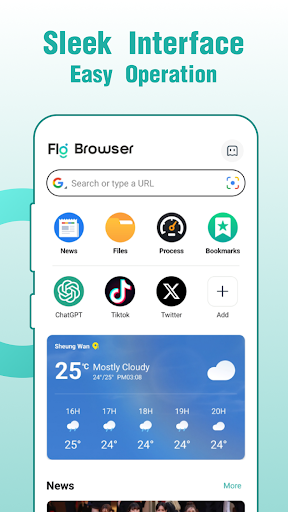
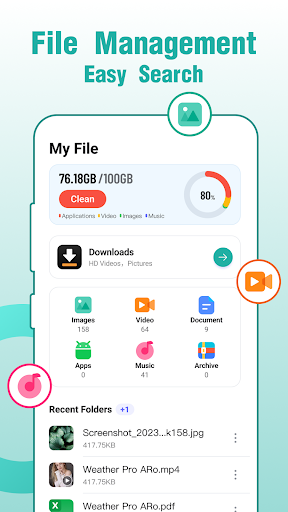
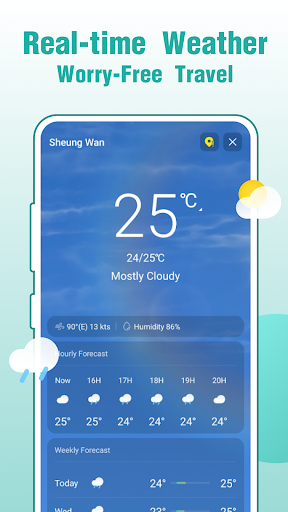
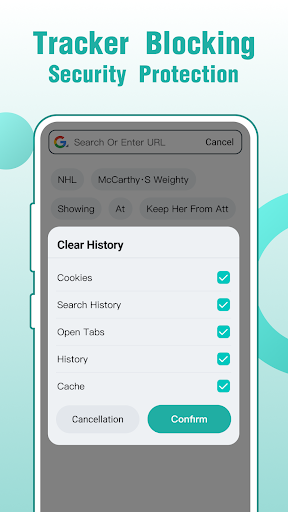
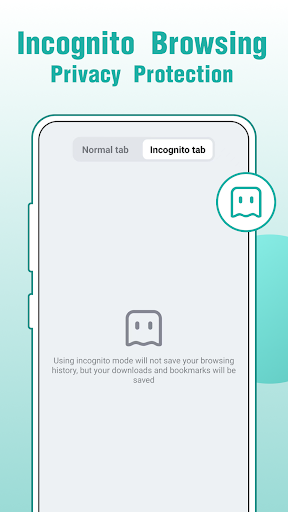
Fly Browser-Search & Private is a lightweight Android web browser focused on privacy and speed. It offers tracker and third‑party cookie blocking, built‑in security defenses against malicious sites, an intelligent search experience, and extras like real‑time news, weather, and a basic file manager for on‑device organization.
Verdict
Verdict: A fast, privacy‑leaning Android browser that feels lighter than big names, but ads and limited power features may deter demanding users.
Who is it for
Best for:
- Users who want a quick, simple, privacy‑minded browser on Android
- People frustrated with heavier browsers like Chrome and seeking faster page loads
- Anyone who values easy bookmark/password import and low data usage
Not ideal for:
- Power users who need desktop‑class extensions, deep customization, or cross‑platform sync
- Ad‑averse users who want a completely ad‑free experience without paying
- Those who distrust browsers bundling extras like news, weather, and file tools
Real-world User Experience
Users like it:
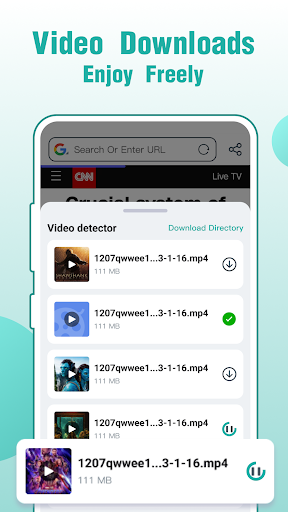
Consistently praised for speed, ease of use, and stability versus heavier browsers (e.g., Chrome). Several users successfully imported bookmarks, passwords, history, and tabs from Google/Brave/Firefox without hiccups. Reviewers report fewer pop‑ups/annoying ads while browsing, low data consumption, and reliable performance for everyday tasks (even resolving specific site logins like X/Twitter). Some appreciate the safe feel and handy extras (video downloads, basic phone file management).
Users complain about:
A subset encountered or complained about excessive in‑app ads. One user felt it wasn’t as fast as advertised. Another cautioned against storing sensitive files in the app’s file manager. Occasional confusion/rough edges are implied, and feature depth is behind top‑tier browsers.
Is it Worth Paying For?
Core browsing is free with ads; the app offers in‑app purchases. If an IAP removes ads or unlocks smoother browsing, frequent users may find it worthwhile. Casual users can comfortably stick with the free tier, as core speed, privacy blocking, and importing work without paying.
How it Compares to Alternatives
Compared to Chrome, Fly feels lighter and quicker but lacks Google’s ecosystem sync and extension support. Versus Brave, it shares a privacy focus (tracker/cookie blocking) but trails on advanced shields, crypto features, and desktop parity. Against Firefox, it’s simpler and faster to many users, yet doesn’t match Firefox’s add‑ons or customization. Opera/Opera GX offer more features for gamers and power users; Fly counters with simplicity, low data usage, and minimal setup.
Summary
Fly Browser-Search & Private delivers a snappy, straightforward Android browsing experience with meaningful privacy protections like third‑party cookie blocking and built‑in security checks. Users highlight quick page loads, smooth imports from major browsers, fewer pop‑ups while browsing, and frugal data use. The bundled news, weather, and file manager may be convenient for some but feel like bloat to others. Ads are present and can annoy, though they appear manageable for most; an IAP may help. If you want a clean, fast, privacy‑leaning browser on your phone without wading through complex settings, Fly is an easy recommendation. Power users who rely on extensions, deep customization, or tight desktop sync may prefer Brave, Firefox, or Chrome.
Ratings
Trending APP












Alternative to this app










