
Copyright 2026 © swekartor. All Rights Reserved.



Information about Video Maker Music Video Editor
App Feature
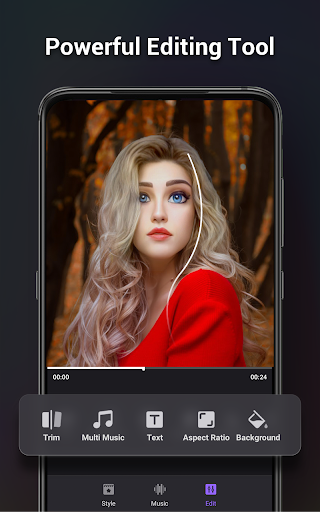
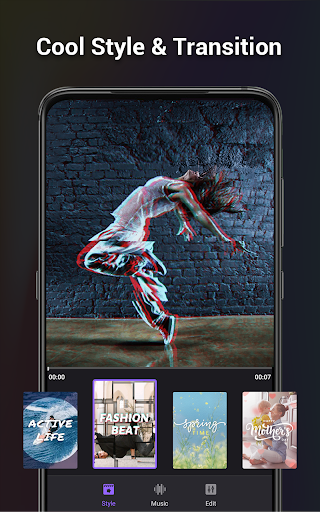
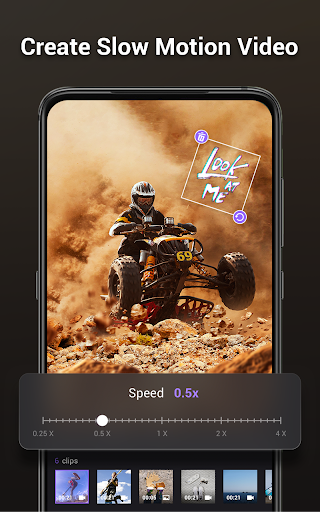
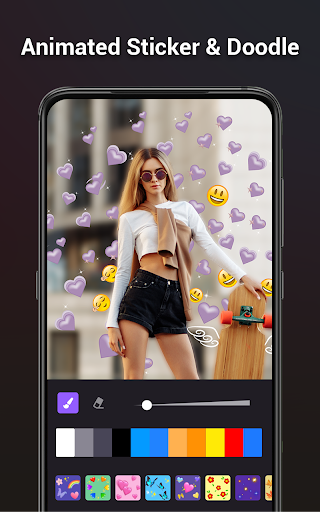
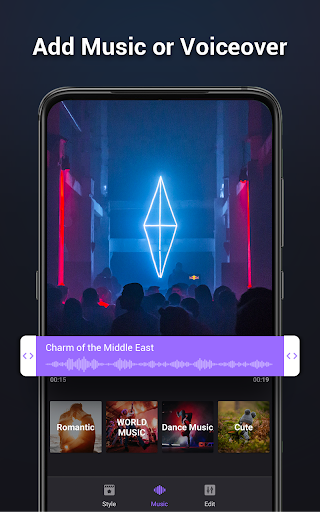
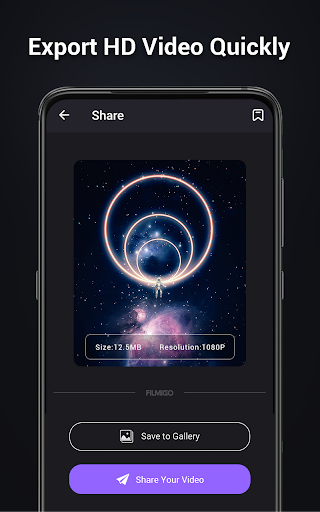
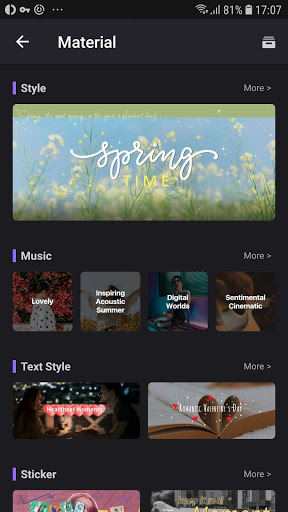
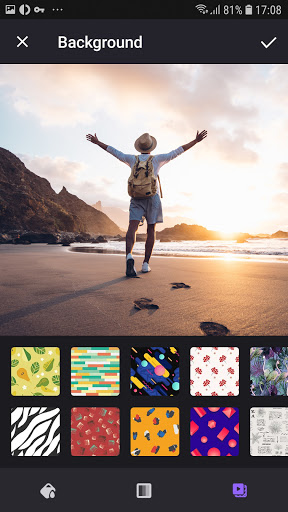
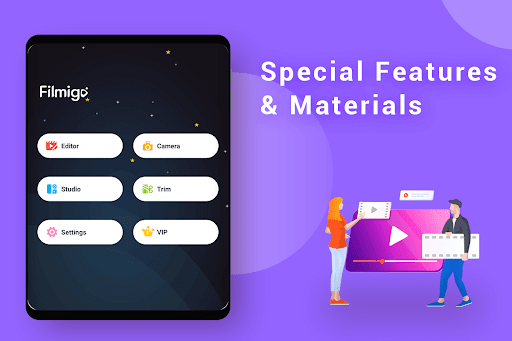
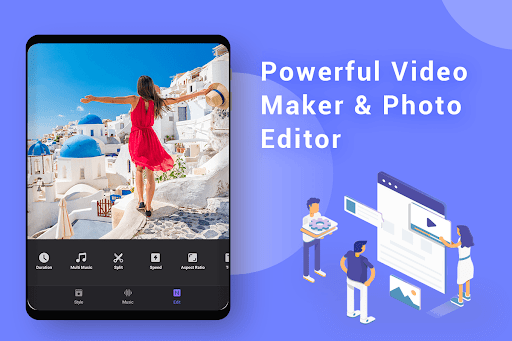
An easy, template-driven AI video editor (Filmigo) for creating music videos, slideshows, and short-form content with AI text/photo-to-video, smart edit, background cutout/replace, effects, transitions, stickers, subtitles, and a large music library. Core tools include trim, split, merge, speed, reverse, filters, and multi-track audio with voiceover and AI music generation.
Verdict
Verdict: A powerful, beginner-friendly editor with generous features, but heavy ads and occasional stability quirks may frustrate power users.
Who is it for
Best for:
- Beginners and casual creators making reels, stories, and slideshows
- Small businesses and influencers needing fast, template-based edits with music
- Users who value AI effects, auto-cutout, and quick social-ready exports
Not ideal for:
- Power editors seeking granular timeline control, color grading, or pro audio mixing
- Users who dislike frequent ads or need rock-solid background autosave
- Creators needing precise audio timing and complex photo reordering
Real-world User Experience
Users like it:
Simple, intuitive workflow with robust basics (trim/split/merge), lots of transitions/effects/stickers, flexible image/video timing, easy slideshows, voiceovers, and a broad music library; drafts auto-save, watermark/VIP features often unlockable via ads; fast path to polished content for YouTube, WhatsApp status, TikTok/Instagram; affordable annual plan.
Users complain about:
Frequent ads interrupt editing; progress may be lost when app is minimized; some export audio timing drift; limited control over music start/end and volume; photo reordering can be cumbersome in current version; occasional AI feature hiccups; missing confirmations (e.g., accidental audio track deletion); background blur/change and voice style options requested.
Is it Worth Paying For?
Yes for frequent users: the low-cost yearly plan (~$24 cited by users) removes many limitations and ads, speeding up workflow. That said, the free tier is unusually generous—many effects, fonts, and even watermark removal are accessible by watching ads—so light users can do well without paying if they tolerate interruptions.
How it Compares to Alternatives
Compared to CapCut, InShot, VN, and KineMaster, Filmigo leans harder into templates and beginner-friendly AI while offering a rich free tier. CapCut and VN provide deeper timeline control and often tighter audio syncing; KineMaster excels in multi-layer pro features; InShot is a polished all-rounder with strong social export flows. Filmigo stands out for quick, stylish results with minimal learning curve, but lags in advanced precision and is heavier on ads than some rivals’ paid tiers.
Summary
Video Maker Music Video Editor (Filmigo) is a high-accessibility AI video tool that makes social-ready videos and slideshows fast with templates, effects, and a large music library. It covers essentials (trim/split/merge, speed, voiceover) and adds AI perks like text/photo-to-video, background cutout, and smart edits. Users praise its ease and value, though heavy ads, occasional background-save issues, and some audio/timing limitations can slow experienced editors. If you want quick, stylish results with minimal effort—especially for TikTok/Instagram/WhatsApp—Filmigo is excellent. If you need fine-grained timeline/audio control and fewer interruptions, consider CapCut, VN, or KineMaster’s paid tiers.
Ratings
Trending APP








Alternative to this app









