
Copyright 2026 © swekartor. All Rights Reserved.


Information about Google Slides
App Feature
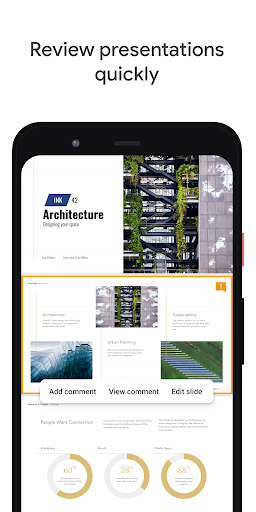
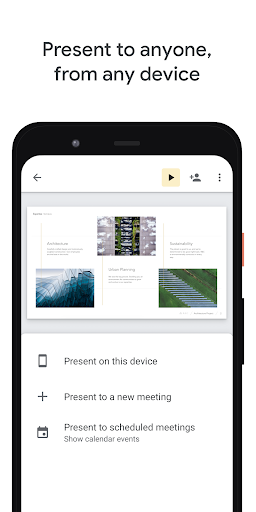
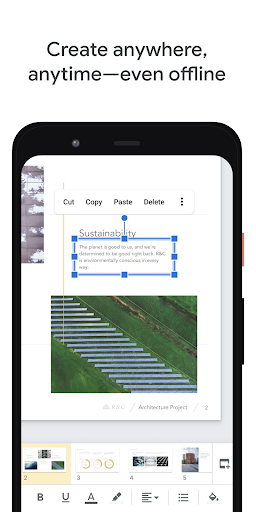
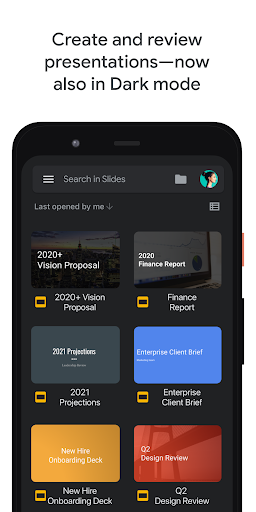
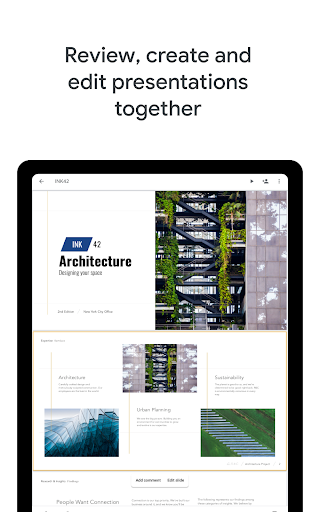
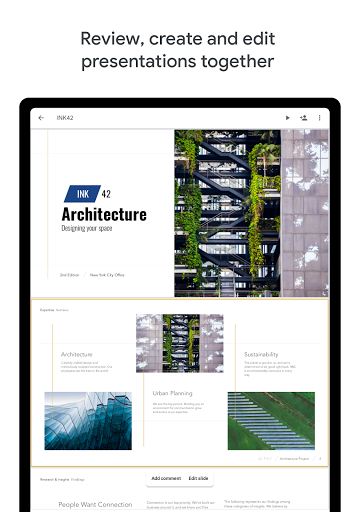
Google Slides is a free, cloud-first presentation app for Android that lets you create, edit, and present slides from any device. Core strengths include real-time collaboration, automatic saving to Google Drive, offline access, PowerPoint compatibility, basic formatting and templating, and presenting directly from your phone or tablet.
Verdict
Verdict: A reliable, collaboration-first presentation tool that excels on mobility and simplicity, but falls short for advanced multimedia and complex formatting on mobile.
Who is it for
Best for:
- Students, teachers, and teams needing real-time collaboration and easy sharing
- Users who value cloud sync, cross-device access, and offline editing
- Presenters who need quick on-the-go edits and simple slide creation
Not ideal for:
- Power users requiring advanced animations, custom templates, or deep design control
- Presentations that rely on embedded audio/video playback, especially offline
- Users who prefer full desktop-style toolbars on small screens
Real-world User Experience
Users like it:
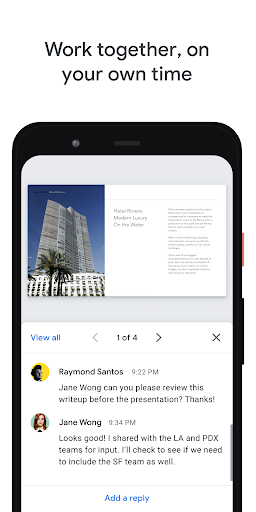
Clean, intuitive UI optimized for mobile; dependable auto-save and Drive integration; seamless access across devices; strong collaboration, comments, and sharing; surprisingly capable for quick edits, simple layouts, and even creative uses like social media graphics.
Users complain about:
Limited advanced features on mobile (custom templates, complex animations); difficulty with precise touch targets on small screens; inconsistent or missing media playback (audio/video), especially offline; occasional quirks like duplicate paste behavior.
Is it Worth Paying For?
The app is free with no ads or in‑app purchases. Google Workspace subscribers get enterprise collaboration and admin features, but the core mobile Slides experience is fully usable at no cost—excellent value for most users.
How it Compares to Alternatives
Compared to Microsoft PowerPoint, Slides is lighter, faster for collaboration, and better integrated with cloud storage, but offers fewer advanced design tools and more limited multimedia support on mobile. Versus WPS Office or Polaris Office, Slides wins on real-time co-editing and reliability, but those suites may offer broader offline file features. Apple Keynote remains stronger for polished design on iOS, while Slides is more cross-platform and team-friendly.
Summary
Google Slides delivers a streamlined, collaboration-first presentation experience that works anywhere. With automatic saving, real-time co-editing, offline support, and tight Drive integration, it’s ideal for education and teams who need fast, reliable access from multiple devices. Its mobile app prioritizes simplicity over power—great for quick edits and clear, professional slides, but less suitable for heavy design work, custom slide master creation, or multimedia-heavy decks (especially offline). Given its zero cost and broad compatibility with PowerPoint files, it’s a top pick for most everyday presentations, classroom projects, and on-the-go adjustments.
Ratings
Trending APP












Alternative to this app




















