
Copyright 2026 © swekartor. All Rights Reserved.



Information about Google Chat
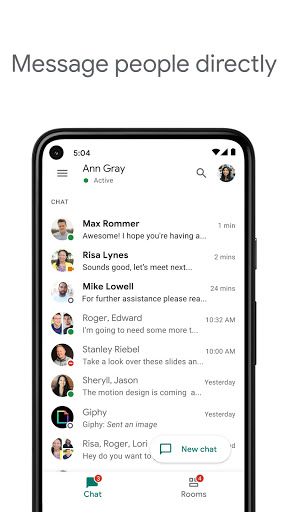
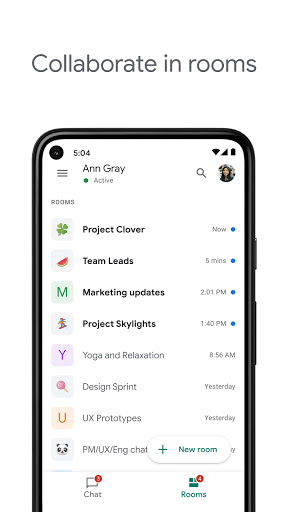
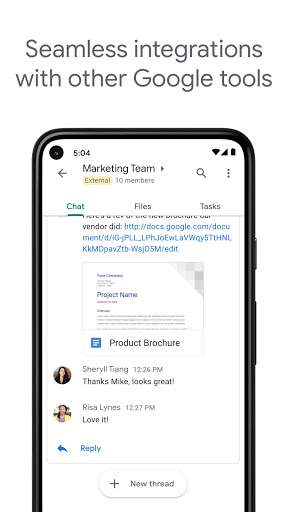
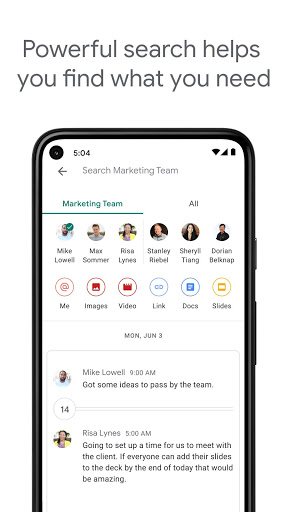
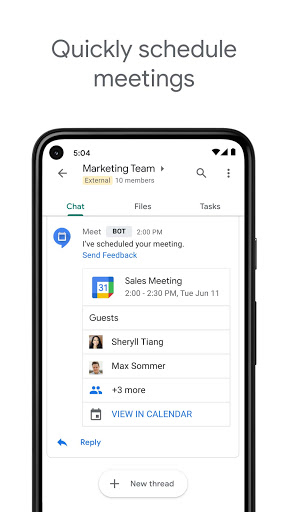
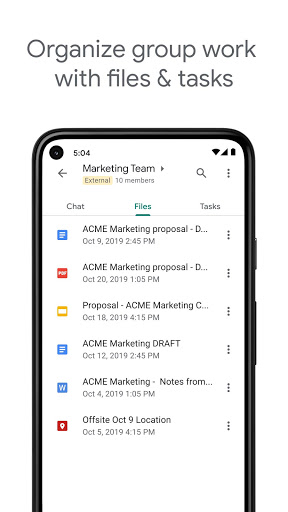
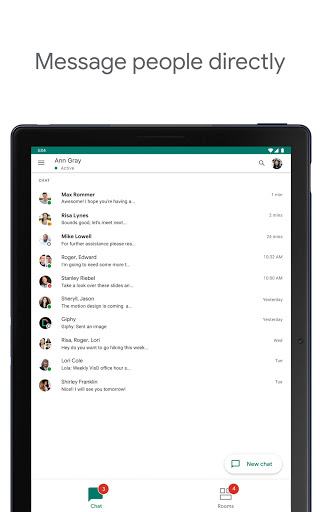
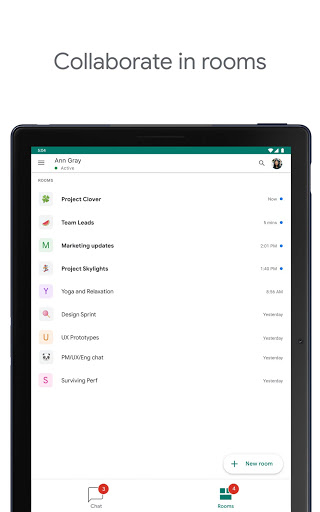
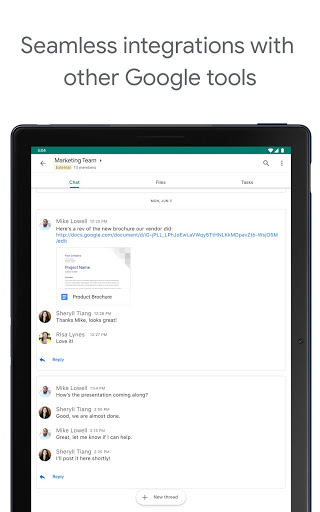
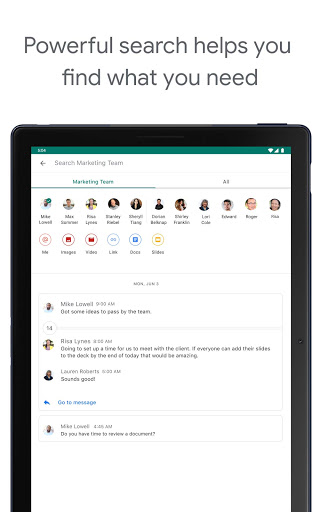
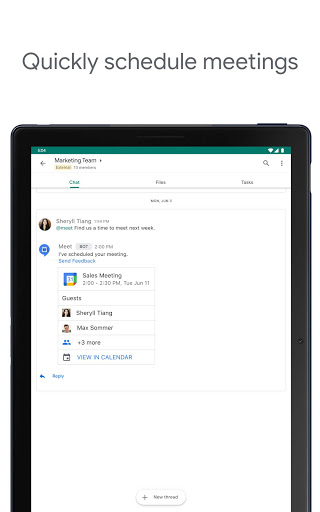
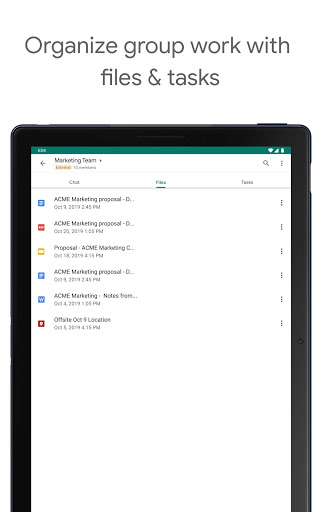
App Feature
Google Chat is a Workspace-focused messaging app for teams and individuals, offering direct messages, group Spaces, audio/video notes and huddles, deep integration with Gmail, Drive, Calendar and Meet, AI (Gemini) features like conversation summaries, translation and search, plus enterprise security and admin controls.
Verdict
Verdict: A polished, secure team messenger that shines in Google Workspace, but may feel limited for heavy community chats or advanced moderation needs.
Who is it for
Best for:
- Organizations using Google Workspace that want seamless Gmail/Drive/Meet integration
- Teams needing smart search, summaries, and translation to stay aligned
- Users who want cross‑device messaging without a phone number
Not ideal for:
- Communities requiring robust moderation, roles, and granular channel controls
- Power users expecting universal message editing/deleting on personal accounts
- People prioritizing rich customization (themes, sounds) and advanced media handling
Real-world User Experience
Users like it:
Reliable cross‑device chat; easy file/link sharing and smart search; Spaces for group collaboration; read receipts; tight Gmail/Drive/Meet integration; good call quality; helpful AI features (summaries, translation); works well without cellular service and only needs an email.
Users complain about:
Editing/deleting messages can be restricted for personal accounts; occasional delivery/notification quirks; slow or failed media/voice message sending; higher memory usage; limited moderation tools; missing niceties (custom notification sounds, location sharing, always‑visible formatting controls); occasional UI preferences (bubble layout) and call option sometimes unavailable.
Is it Worth Paying For?
The app is free and includes robust features; some premium capabilities are tied to a Google Workspace subscription. If your team already uses Workspace, the added value (admin controls, security, integrations, AI features) is compelling; otherwise, the free version suffices for basic messaging.
How it Compares to Alternatives
Against Slack: Slack offers broader third‑party app workflows and advanced channel management, but Google Chat integrates more naturally with Gmail/Drive and now adds Gemini features. Versus Microsoft Teams: Teams is stronger for Microsoft 365 shops and telephony, while Chat is the clear fit for Google Workspace. Compared to Discord/Telegram/WhatsApp: those excel at large communities or personal E2E messaging and customization; Chat focuses on workplace collaboration, governance, and Workspace-native productivity.
Summary
Google Chat delivers a fast, reliable messaging hub built around Google Workspace. Its strengths are deep Gmail/Drive/Calendar/Meet integration, smart AI features (summaries, translation, search), Spaces for team collaboration, and enterprise‑grade security. Real users praise its cross‑device convenience, call quality, and frictionless file sharing, while calling out limitations like restricted message edits on personal accounts, occasional delivery/media issues, and modest moderation/customization. With a 4.4 rating and 50M+ installs, it’s a strong choice for teams already in Google’s ecosystem. If you need heavy community management, extensive customization, or personal‑account parity for all features, alternatives like Slack, Teams, or consumer messengers may fit better; otherwise, Google Chat is an efficient, AI‑boosted work messenger that keeps teams moving.
Ratings
Trending APP












Alternative to this app























