
Copyright 2026 © swekartor. All Rights Reserved.



Information about YouTube TV: Live TV & more
App Feature
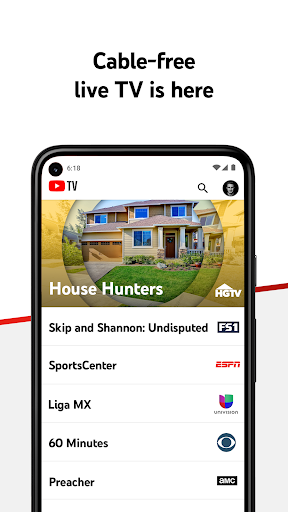
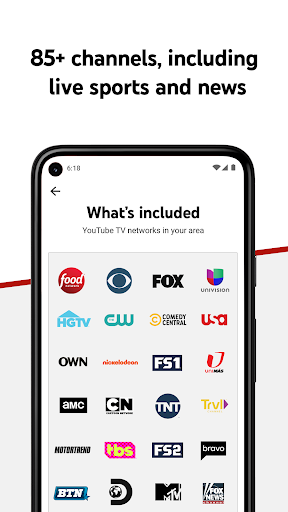
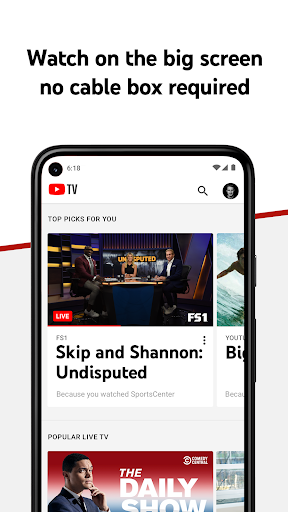
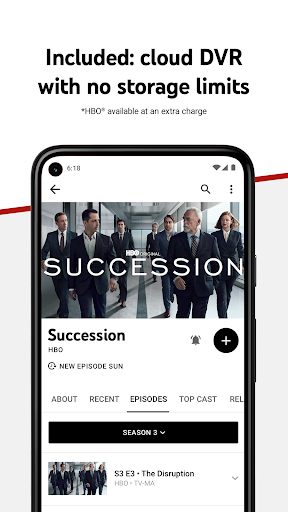
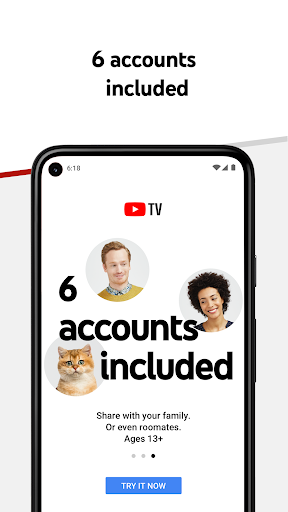
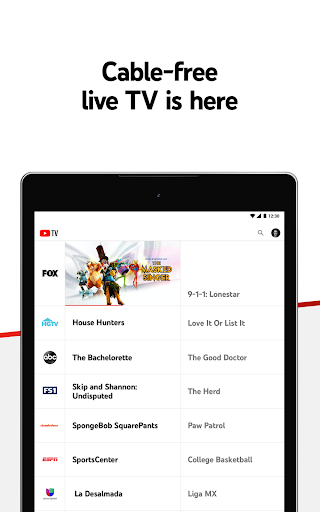
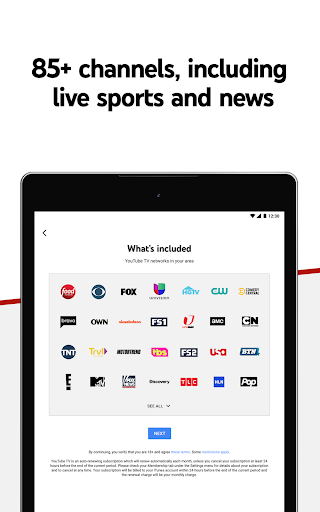
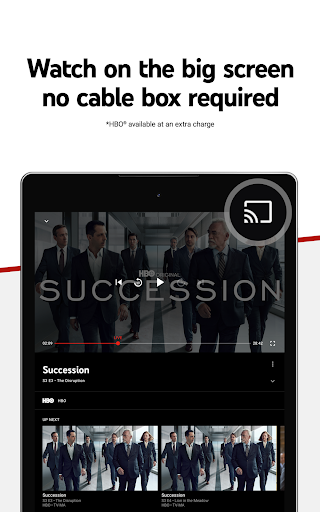
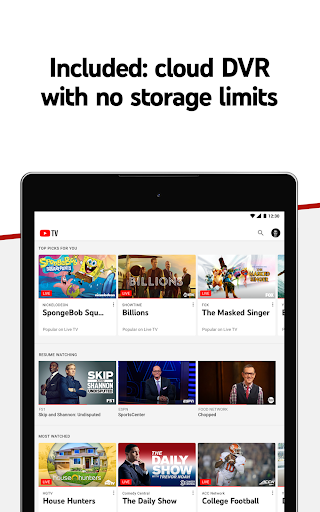
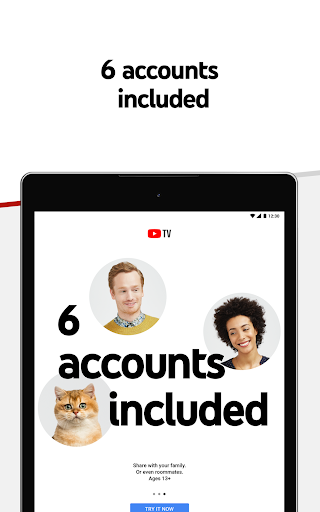
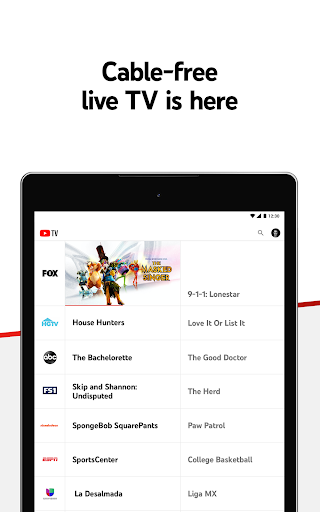
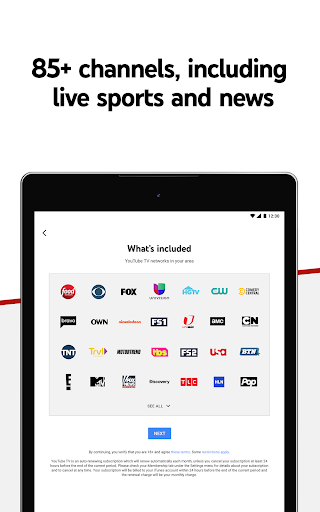
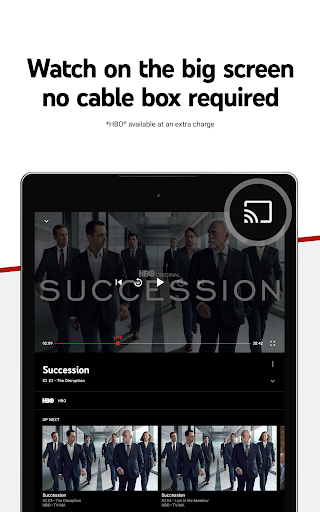
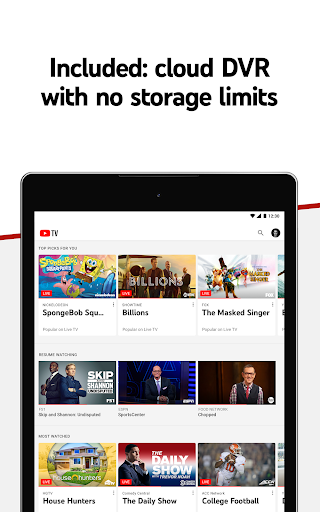
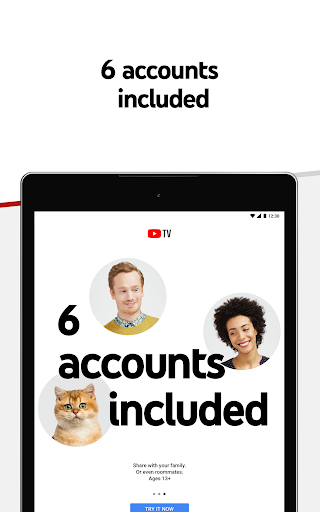
Live TV streaming service with 100+ channels, cloud DVR with no storage limits (kept for 9 months), six household accounts, multi‑device support, local channels in many markets, sports features (key plays, stats), and NFL Sunday Ticket access. Includes kids content, optional Spanish-language add‑ons, and tools like score‑hiding and parental filters.
Verdict
Verdict: A feature-rich cable replacement with unmatched DVR and sports perks, but the rising price and a few usability gaps may give budget seekers pause.
Who is it for
Best for:
- Cord-cutters wanting a reliable, cable-like lineup with strong local/news/sports coverage
- Sports fans (especially NFL viewers) who value key plays, stats, and NFL Sunday Ticket access
- Households needing multiple profiles and large DVR capacity across devices
Not ideal for:
- Price-sensitive users seeking the lowest-cost live TV bundle
- Viewers who require specific missing channels or deep guide planning features
- People outside the U.S. (service is U.S.-only)
Real-world User Experience
Users like it:
Smooth setup across TVs and devices; high video quality; robust, unlimited cloud DVR; intuitive search and interface; excellent sports viewing with key plays and live stats; reliable family sharing and pausing membership; strong local channels; responsive customer support.
Users complain about:
Monthly price is high and has increased; occasional streaming stutter for some; guide and recording quirks (can’t always start from beginning until program ends, guide not updating for some); preferences (sorting) not remembered; missing channels for certain users (e.g., Hallmark/NFL Network in some periods); ads still present on some content; YouTube Premium not included.
Is it Worth Paying For?
If you value unlimited DVR, local channels, and premium sports features (including NFL Sunday Ticket), the price is justifiable and compares favorably to cable. If cost is your top concern or you don’t need sports/news, cheaper services may fit better. The free trial makes it easy to test before committing.
How it Compares to Alternatives
Versus Sling TV: cheaper entry price but fragmented channel packs and smaller/limited DVR; YouTube TV is fuller and simpler. Versus Hulu + Live TV: Hulu often bundles Disney+/ESPN+ but DVR rules and interface feel less generous; YouTube TV’s DVR is stronger. Versus Fubo: Fubo excels at sports (esp. international) but can be pricier; YouTube TV offers broader mainstream mix plus NFL Sunday Ticket. Versus DirecTV Stream: strong regional sports networks but notably more expensive; YouTube TV is better value for most. Versus Philo: far cheaper but lacks sports/news; YouTube TV is the comprehensive option.
Summary
YouTube TV is a polished, cable-like live TV service with more than 100 channels, excellent unlimited cloud DVR, and standout sports features—now including NFL Sunday Ticket. It’s easy to use, shares well across a household, and works smoothly on phones, tablets, TVs, and the web. The main tradeoffs are price and a few nagging usability issues (guide behavior, resume/sorting preferences). For sports fans and families who want a dependable all-in-one bundle with robust DVR and local channels, it’s one of the best options. If you’re budget-focused or only need entertainment channels without sports/news, alternatives like Sling or Philo may be a better fit.
Ratings
Trending APP












Alternative to this app























