
Copyright 2026 © swekartor. All Rights Reserved.


Information about Google Keep - Notes and Lists
App Feature
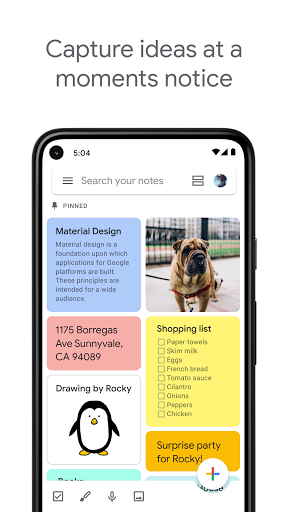
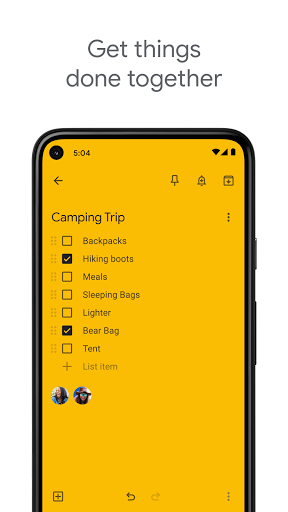
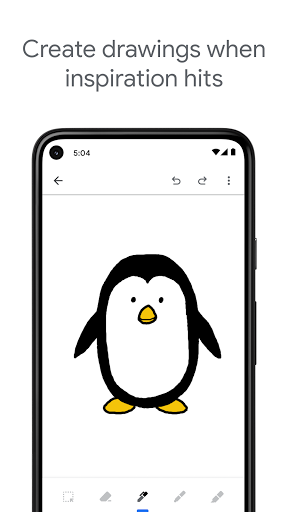
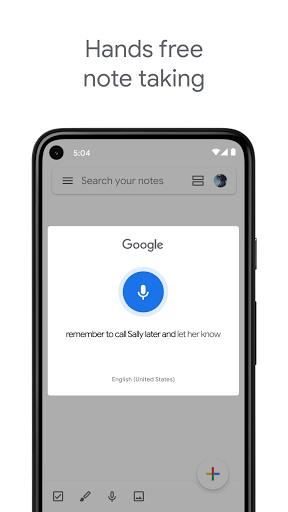
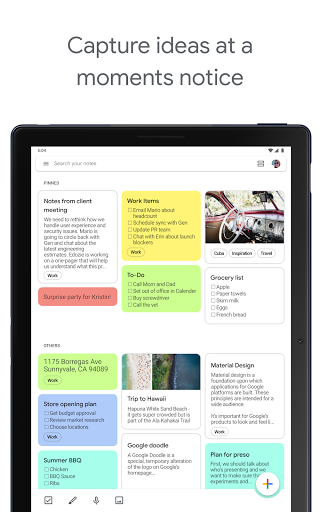
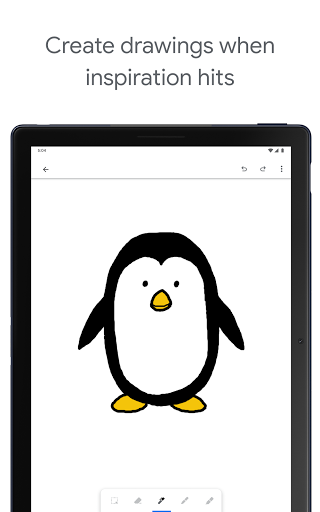
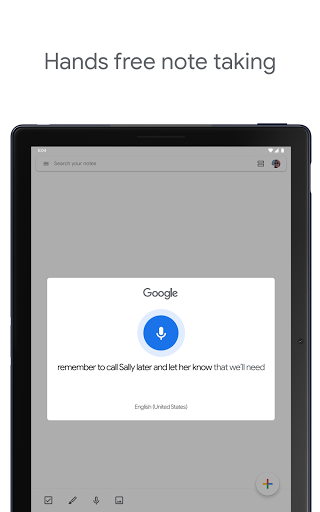
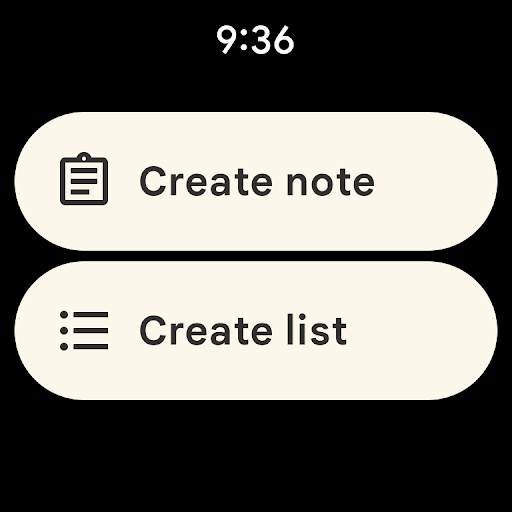
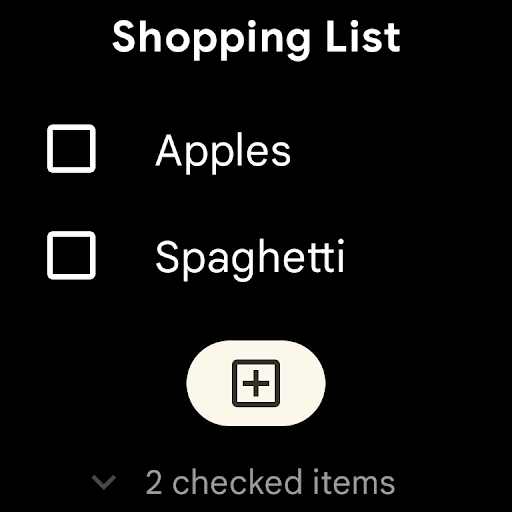
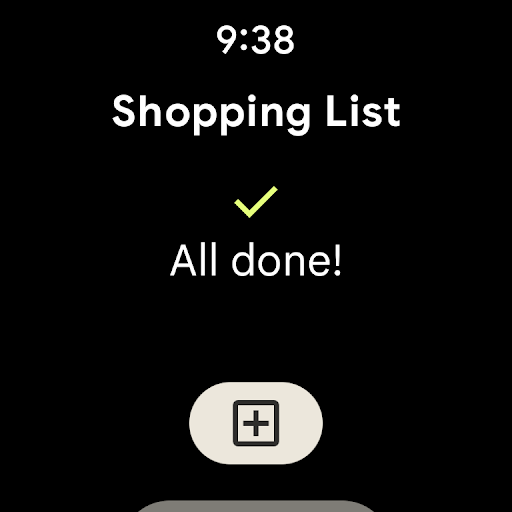
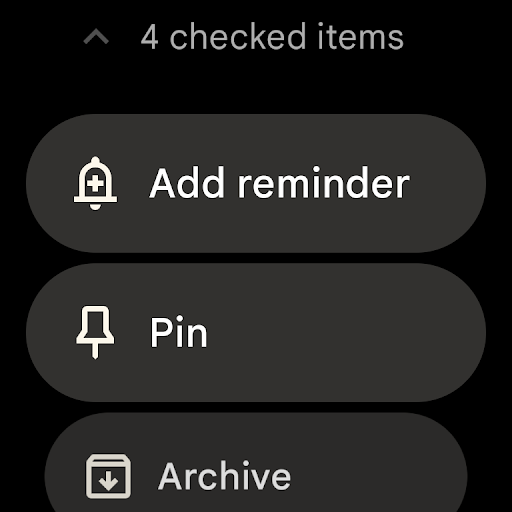
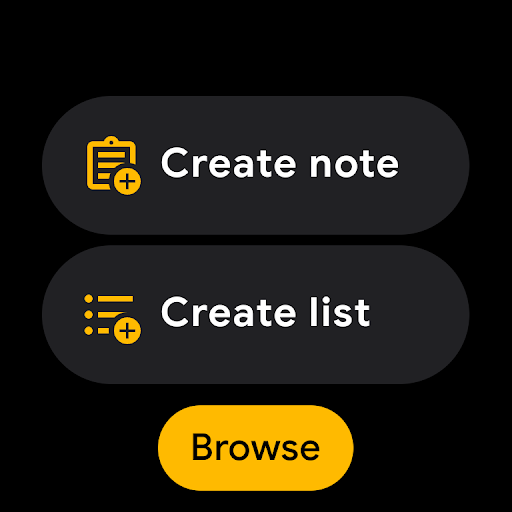
Google Keep is a lightweight, cross‑platform notes and lists app for quickly capturing text, checklists, images, and voice memos, with labels, colors, reminders, widgets, and seamless syncing across phone, tablet, web, and Wear OS.
Verdict
Verdict: A fast, minimalist note-taking app that excels at everyday capture and syncing, but lacks advanced organization and rich text tools.
Who is it for
Best for:
- Users who want quick, reliable notes and checklists that sync across devices
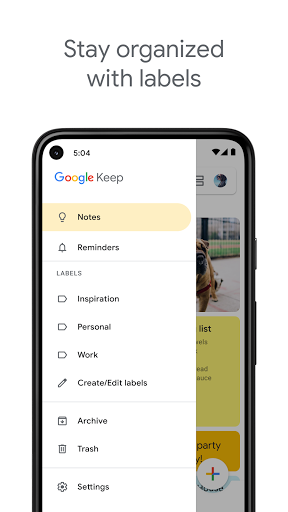
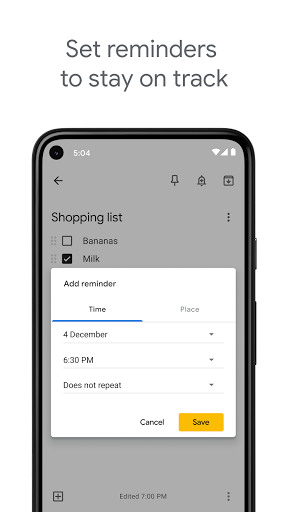
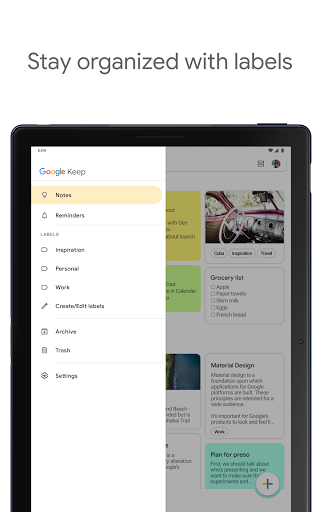
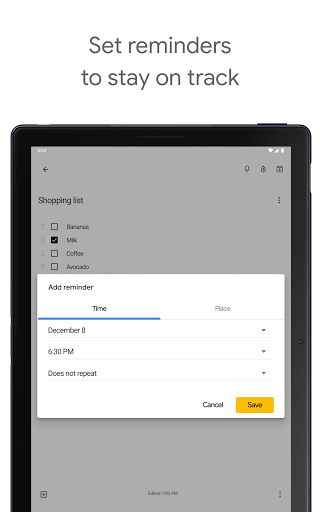
- People who value simple organization via labels, colors, pins, and reminders
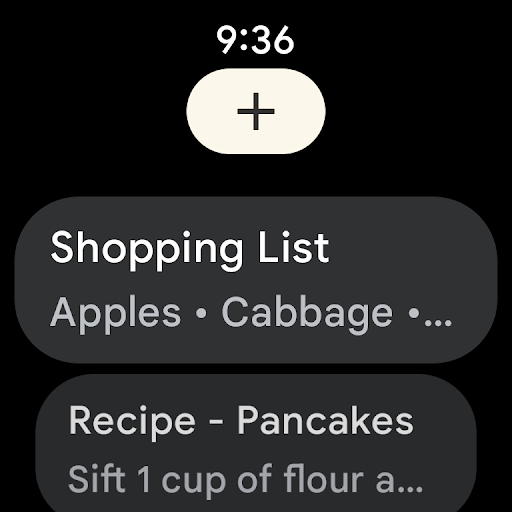
- Wear OS and Android users who want handy widgets and tiles
Not ideal for:
- Power users needing robust formatting, notebooks/folders, and advanced structure
- Those requiring per-note locking, encryption options, or granular privacy controls
- Writers who need long-form editing with styles, highlighting, and file attachments
Real-world User Experience
Users like it:
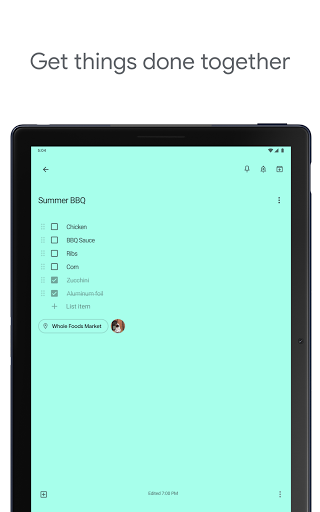
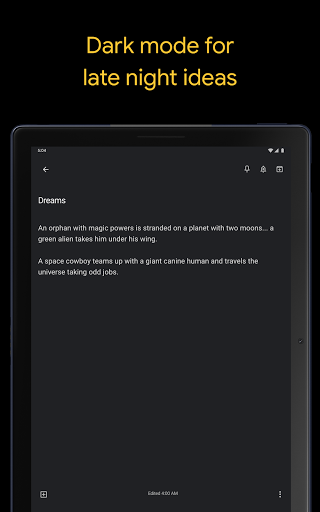
Speed and simplicity; effortless cross‑device syncing (phone, tablet, web); great for shopping lists, brainstorming, and everyday reminders; labels/colors for quick organization; image support and background themes; works offline with auto‑sync; reliable widgets and Wear OS tiles.
Users complain about:
No rich text (bold/italic/underline), font options, or text colors; no folders/notebooks for deeper hierarchy; no per‑note lock/password; occasional sync hiccups or missing notes after device changes for some; character limits in notes; timestamps update on edits without preserving original date; sporadic auto‑archive behavior noted by a few.
Is it Worth Paying For?
The app is free with no ads and no in‑app purchases, so there’s nothing to buy—excellent value if you’re satisfied with a minimalist feature set.
How it Compares to Alternatives
Compared to Evernote and Microsoft OneNote, Keep is faster and simpler but lacks notebooks, rich text, and deep organization. Against Notion, it’s far lighter and quicker for capture but missing databases and powerful layouts. Versus SimpleNote, it adds colors, images, reminders, and better Android/Wear OS integration. Compared to Samsung Notes or Apple Notes, Keep offers broader cross‑platform web access and Google account syncing, but fewer formatting tools and no per‑note locking.
Summary
Google Keep focuses on speed and ease: jot a thought, check a box, snap a photo, set a reminder, and it’s synced everywhere. Its label/color system, widgets, and Wear OS support make it great for daily lists and quick capture. However, it deliberately skips heavy features, so power users may miss rich text formatting, hierarchical folders, per‑note locks, and long‑form editing. If you want a clean, dependable, free notes app that works seamlessly across devices, Keep is an excellent choice; if you need advanced organization or formatting, consider a heavier alternative.
Ratings
Trending APP












Alternative to this app




















