
Copyright 2026 © swekartor. All Rights Reserved.



Information about Super Cleaner: Phone Booster
App Feature
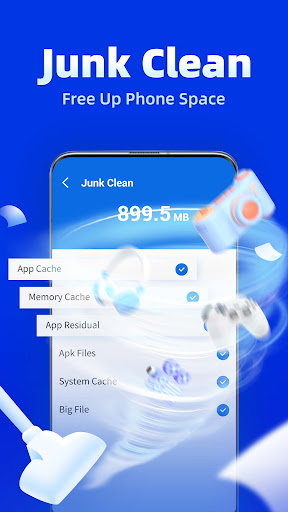
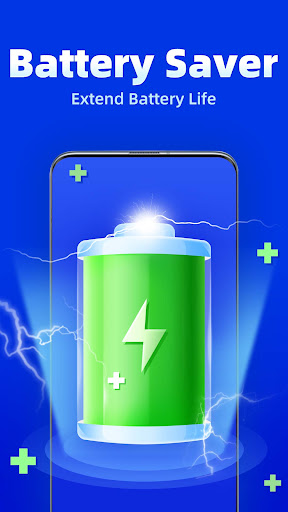
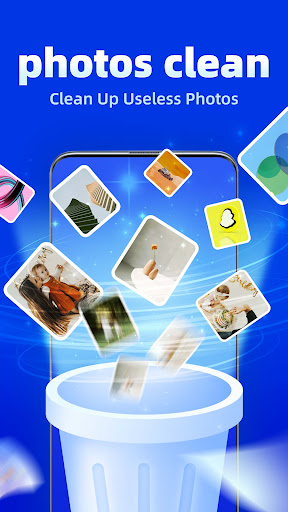
Super Cleaner: Phone Booster is a free utility that promises one-tap performance boosts by clearing junk files and cache, closing background apps to free RAM, and offering a battery saver to reduce power drain.
Verdict
Verdict: A straightforward phone cleanup and booster app that helps with quick tidying, but its benefits may be modest and short-lived for power users.
Who is it for
Best for:
- Users with older or storage-limited Android phones needing quick cleanups
- People who want a simple, one-tap boost and basic battery saving
Not ideal for:
- Users seeking deep system-level optimization or detailed controls
- Anyone sensitive to frequent ads or skeptical of task-killer style boosters
Real-world User Experience
Users like it:
Easy one-tap cleanup, noticeable short-term speedups, and quick storage recovery by clearing cache and junk files.
Users complain about:
Effects may fade over time, potential ads and prompts, and possible aggressive app-killing that can interrupt background tasks or notifications.
Is it Worth Paying For?
The app is listed as free and no in-app purchases are indicated here. As a no-cost utility, it’s fine to try; if a paid option exists elsewhere, most users can likely stick with the free features.
How it Compares to Alternatives
Compared with Files by Google, it offers more overt 'booster' and battery-saver toggles but less trustworthy storage insights and fewer safeguards. Versus CCleaner or SD Maid, it’s simpler and more beginner-friendly but lacks granular control, schedules, and detailed analytics. Many cleaner apps show similar short-term gains; long-term benefits are typically limited across the category.
Summary
Super Cleaner: Phone Booster focuses on quick wins: clearing cache and junk, freeing RAM, and throttling power-hungry apps to squeeze out smoother performance and better battery life. With a 3.9 rating and 50K+ downloads, it appears serviceable for basic tidying, especially on older devices. Expect short-lived boosts rather than sustained performance changes, and be mindful of potential ads or aggressive task-killing behavior. If you need deeper controls, reporting, or automation, more advanced alternatives may suit you better, but as a free, simple cleanup tool, it’s a reasonable starting point.

Ratings
Trending APP












Alternative to this app










