
Copyright 2026 © swekartor. All Rights Reserved.



Information about Junk Files Cleaner
App Feature
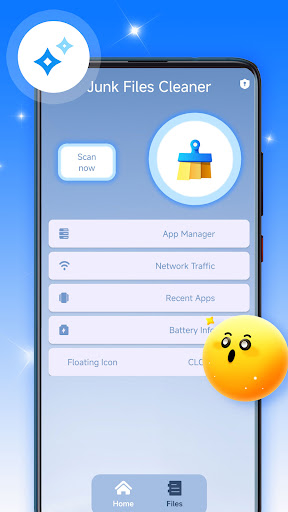
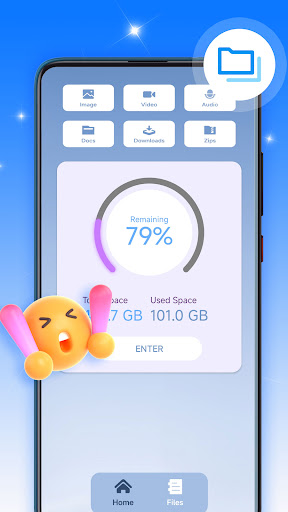
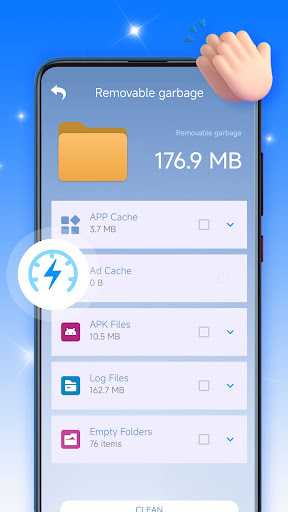
Junk Files Cleaner is a free utility that identifies and removes unnecessary files to reclaim storage, improve responsiveness, and let users customize what gets cleaned through a simple, beginner-friendly interface.
Verdict
Verdict: A handy, no-frills cleaner for freeing space, but mixed reliability and polish may leave power users wanting more.
Who is it for
Best for:
- Users running low on storage who want quick cleanups
- Beginners who prefer a straightforward, easy-to-navigate interface
- People who want basic, customizable junk-file removal
Not ideal for:
- Power users needing deep system tools and detailed analytics
- Anyone sensitive to potential ad interruptions or mixed stability
- Users seeking an all-in-one device maintenance suite
Real-world User Experience
Users like it:
Reports suggest it’s easy to use, quickly surfaces junk files, and can free meaningful storage with simple, customizable options.
Users complain about:
Feedback appears mixed (3.6 rating): some note inconsistent cleaning depth, occasional performance hiccups, and possible ad-related interruptions.
Is it Worth Paying For?
It’s free; there’s no clear indication of paid plans or IAP. For basic storage cleanup, the free offering provides acceptable value.
How it Compares to Alternatives
Compared to well-known options like Files by Google (safe, conservative cleaning) or CCleaner/SD Maid (richer diagnostics and controls), Junk Files Cleaner emphasizes simplicity and quick wins over advanced analysis. It’s lighter than feature-packed tools but may feel less thorough and polished than top-tier alternatives.
Summary
Junk Files Cleaner targets a common pain point—running out of space—by simplifying junk identification and removal behind a clean, approachable interface. Its customizable filters help protect important data while clearing clutter, making it useful for routine maintenance. However, the middling rating hints at uneven performance and potential ad or stability trade-offs. If you want a fast, simple way to reclaim storage without learning complex tools, it’s a reasonable pick; if you need deeper insights, safer-by-design defaults, or broader device-maintenance features, more established alternatives may serve you better.
Ratings
Trending APP












Alternative to this app










