
Copyright 2026 © swekartor. All Rights Reserved.


Information about Remote Control for Roku
App Feature
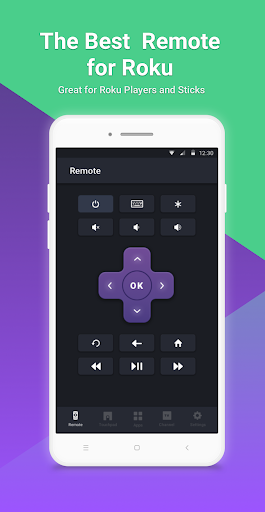
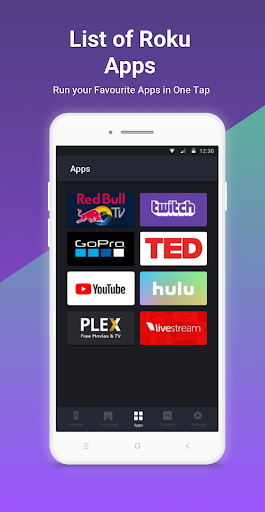
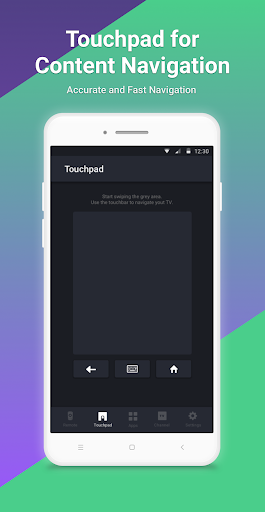
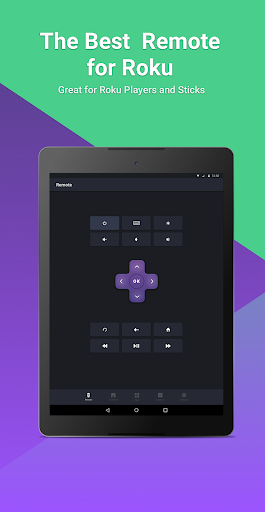
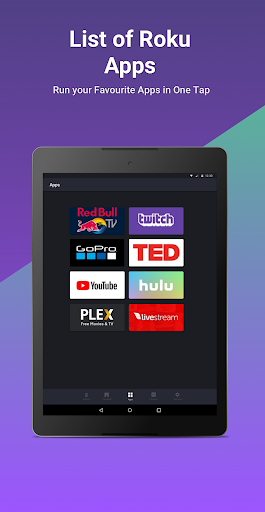
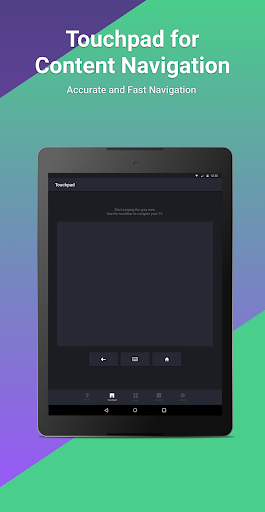
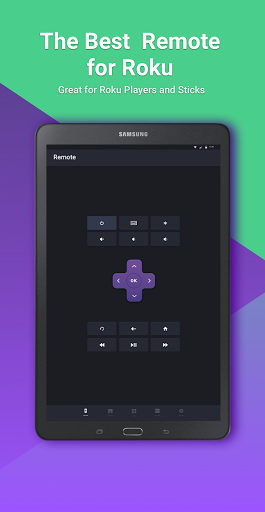
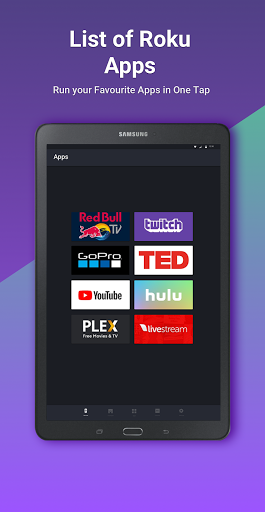
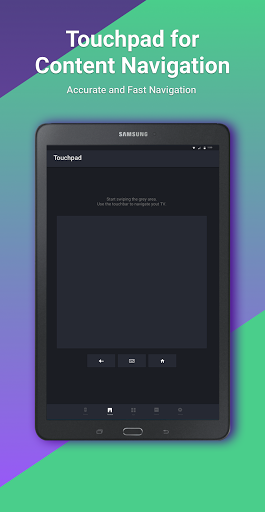
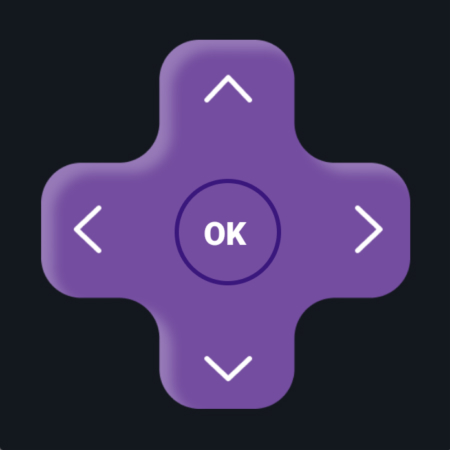
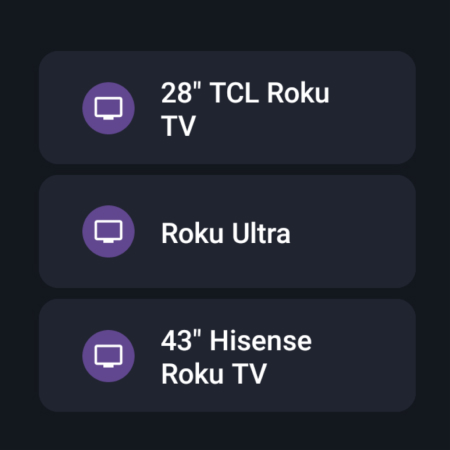
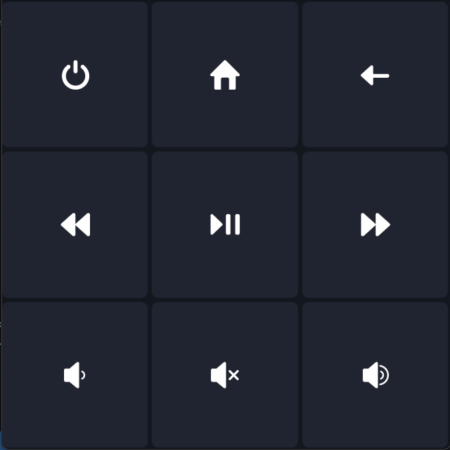
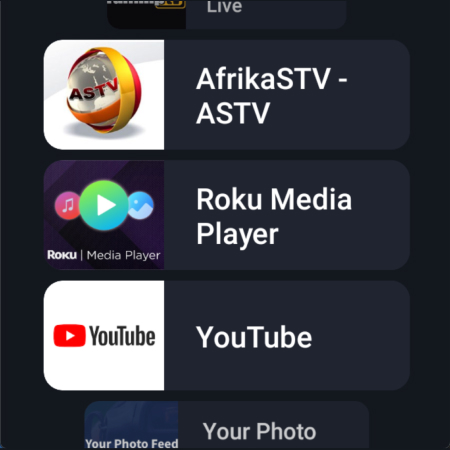
Remote Control for Roku lets your Android device act as a full Roku/Roku TV remote with automatic discovery on the same Wi‑Fi, directional buttons or a large touchpad for navigation, media playback controls, text entry via keypad, app launching, and volume/channel controls on Roku TVs. It supports most Roku models and brands (TCL, Hisense, Insignia, etc.) and offers a simple, uncluttered interface plus Wear OS support.
Verdict
Verdict: A reliable, easy Roku remote replacement with useful touchpad and text entry, but expect ads and occasional reconnect hiccups.
Who is it for
Best for:
- Roku/Roku TV owners who frequently misplace the physical remote
- Users who want fast setup, simple controls, and a touchpad-style navigation
- Households with multiple Roku brands/models needing broad compatibility
Not ideal for:
- Users who require flawless connectivity every session or offline control
- People who dislike ads and won’t pay a small fee to remove them
- Those needing full keyboard input in apps that block external text entry (e.g., YouTube)
Real-world User Experience
Users like it:
Very quick and easy setup; responsive controls with low latency; touchpad navigation feels natural; stays awake during browsing; effective replacement when the physical remote is lost or damaged; ad-free upgrade is inexpensive; broad device compatibility (TCL, Philips, Sony with Roku box, etc.).
Users complain about:
Occasional failure to reconnect or find the device after initial success; reliance on same Wi‑Fi means it can’t power on some TVs directly; ads in the free tier can be intrusive; keyboard input doesn’t work in certain apps with their own on-screen keyboards; sporadic freezes after long inactivity.
Is it Worth Paying For?
Yes, if you’ll use it regularly. The free version works well but shows ads; the low-cost premium upgrade removes them and improves day-to-day usability. It’s cheaper than replacing a physical remote and provides added conveniences like touchpad navigation.
How it Compares to Alternatives
Compared to the official Roku app, Rokie focuses on being a straightforward remote with a large touchpad and quick access to apps, often connecting fast and keeping the screen awake during browsing. The Roku app adds ecosystem extras (casting, account features) but can feel busier. Versus other third‑party remotes, Rokie is praised for its clean UI, broad TV brand support, and responsive controls; some competitors have heavier ads or slower discovery. Limitations are similar across the category: same‑network requirement, keyboard restrictions in certain channels, and occasional reconnect issues.
Summary
Remote Control for Roku (Rokie) is a polished, no‑nonsense Roku/Roku TV remote that excels at quick setup, responsive navigation (especially via its touchpad), app launching, playback control, and TV volume/channel control where supported. Users consistently report it as a dependable stand‑in when the physical remote is missing, with a simple interface that stays usable while browsing. The trade‑offs are typical for Wi‑Fi remotes: it can’t always power on TVs directly, may occasionally fail to reconnect, and the free version shows ads. Given its low‑cost ad‑free upgrade, wide device compatibility, and strong everyday performance, it’s an easy recommendation for most Roku households.
Ratings
Trending APP












Alternative to this app










