
Copyright 2026 © swekartor. All Rights Reserved.



Information about WiFi Connection Manager
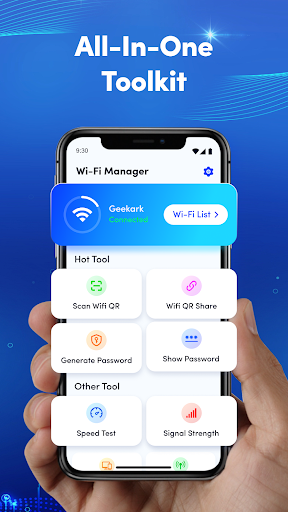
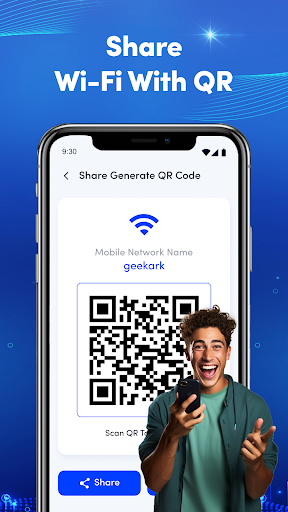
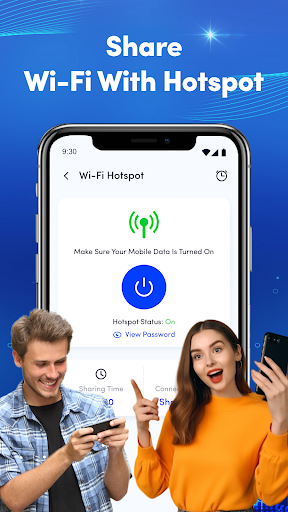
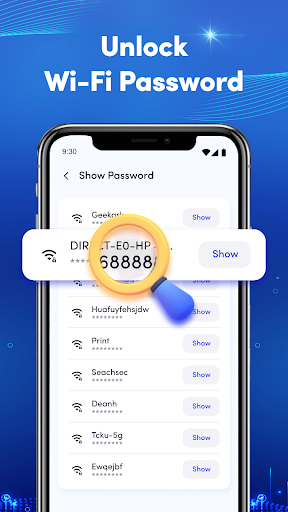
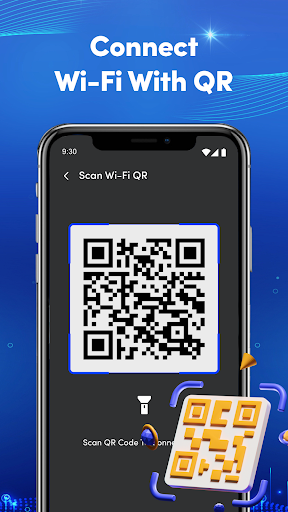
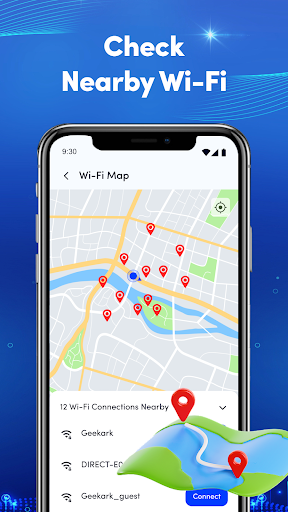
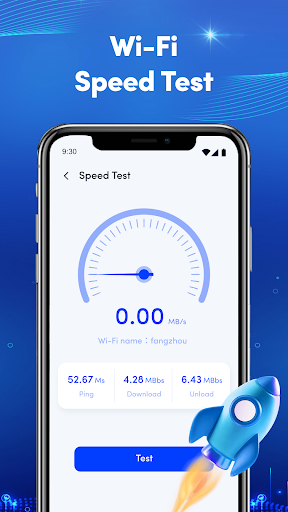
App Feature
WiFi Connection Manager helps users find, connect to, and monitor WiFi networks with a clean interface, real-time signal and quality insights, and built‑in data usage tracking across networks.
Verdict
Verdict: A straightforward WiFi manager with helpful monitoring and data tracking, best for everyday users who value simplicity over pro‑level diagnostics.
Who is it for
Best for:
- Users who want an easy, no-fuss way to manage WiFi
- People who need real-time signal and quality info to pick networks
- Users tracking WiFi data consumption across hotspots
Not ideal for:
- Power users seeking advanced WiFi analysis or spectrum tools
- IT admins needing enterprise features like policy control or inventory
- Users expecting deep router configuration from within the app
Real-world User Experience
Users like it:
The intuitive UI makes network selection and monitoring simple, and real-time signal strength plus data usage tracking help optimize connections without a learning curve.
Users complain about:
Advanced diagnostics and enterprise-level controls are limited, and performance or compatibility may vary depending on device and router capabilities.
Is it Worth Paying For?
The app is free; no paid plan or in‑app purchases are indicated, so there’s solid value with no cost barrier.
How it Compares to Alternatives
Compared to dedicated analyzers (e.g., apps focused on channel congestion, heatmaps, or spectrum insights), this app emphasizes ease of use and practical decision-making (signal quality, usage tracking) rather than deep technical analysis. It offers broader day‑to‑day utility than basic OS WiFi pickers, but fewer pro diagnostics than specialist tools.
Summary
WiFi Connection Manager focuses on everyday WiFi management: quickly viewing nearby networks, assessing signal and connection quality, and tracking data usage across hotspots. Its clear, approachable interface lowers the barrier for non‑experts, while real-time insights support smarter network choices. It doesn’t replace professional analyzers or enterprise utilities, but for most users who want to improve daily connectivity without digging into technical minutiae, it strikes a practical balance—especially at a free price point.
Ratings
Trending APP












Alternative to this app










