
Copyright 2026 © swekartor. All Rights Reserved.


Information about Phone 14 Launcher, OS 16
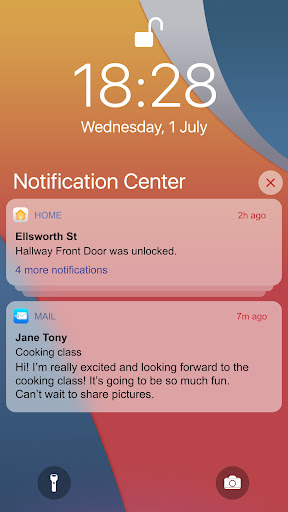
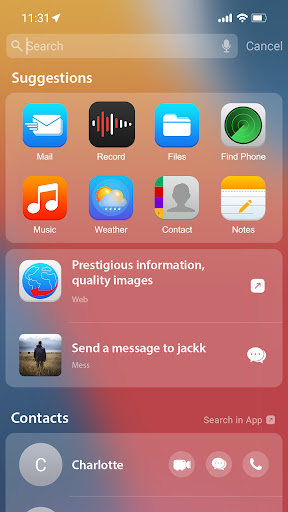
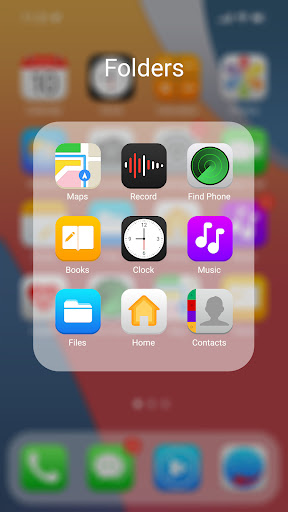
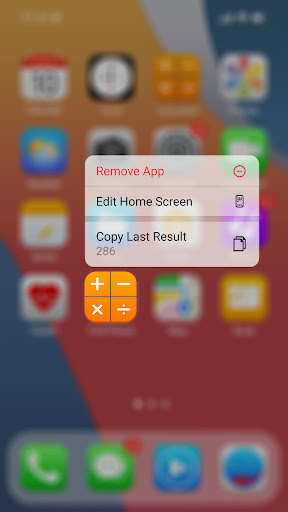
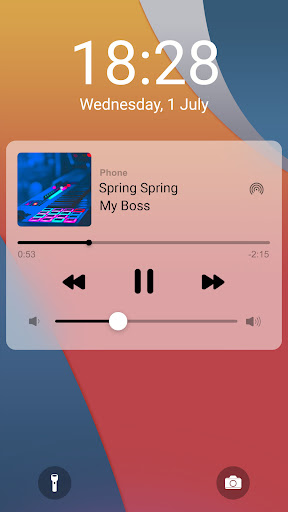
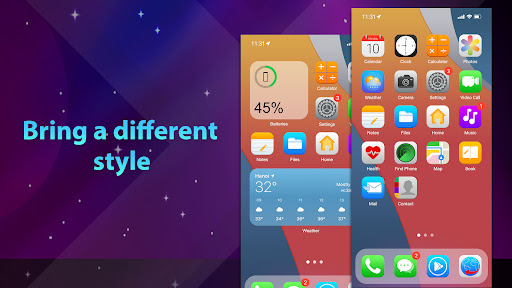
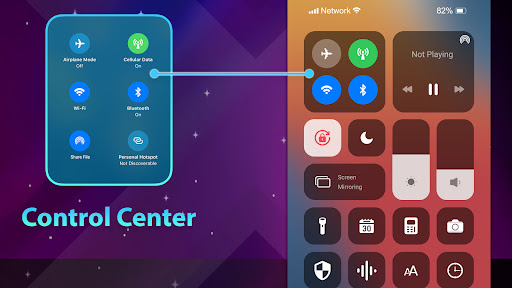
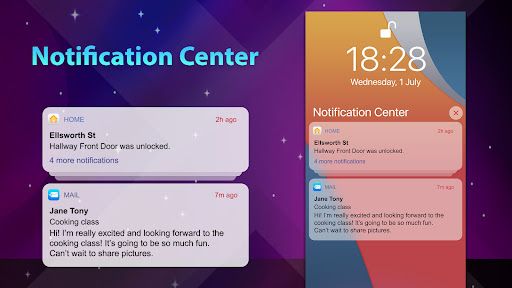
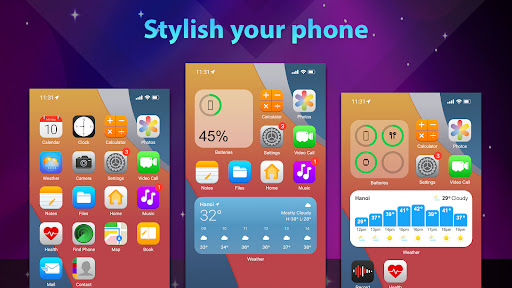
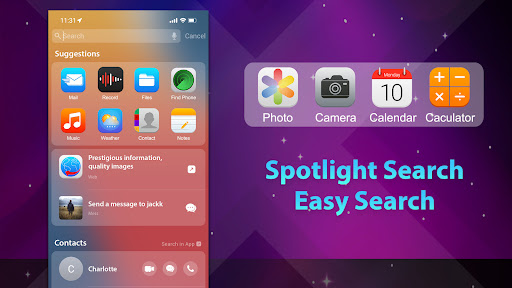
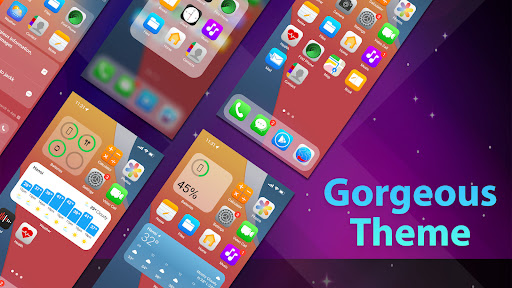
App Feature
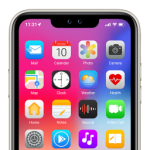
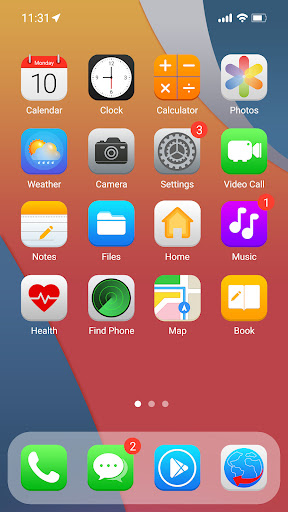
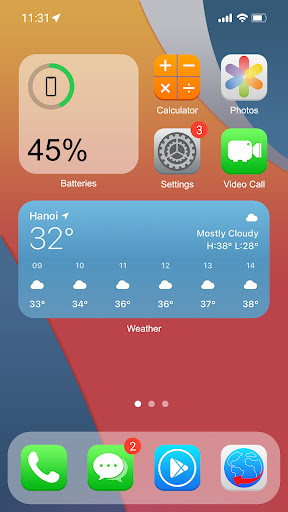
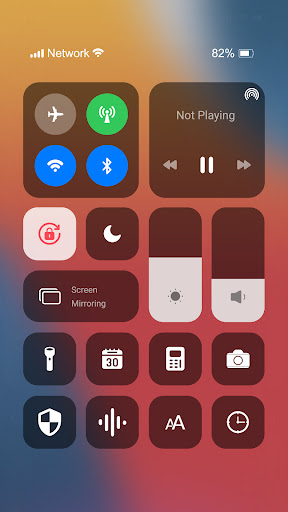
Phone 14 Launcher, OS 16 mimics the iOS look-and-feel on Android with an iPhone-style home screen, app icons, widgets, control center toggles, smart swipe-down search, customizable wallpapers/folders, a faux notch option, lock-screen with passcode/pattern, and a built-in screen recorder.
Verdict
Verdict: A polished, feature-packed iOS-style launcher that convincingly transforms Android, but ads, heavy permissions, and minor inconsistencies may deter purists.
Who is it for
Best for:
- Android users who want an iPhone-like UI without switching devices
- Customization fans who want icons, wallpapers, widgets, and control center tweaks
- Anyone wanting an easy, reliable iOS aesthetic with extras like screen recording
Not ideal for:
- Privacy-conscious users wary of Accessibility and broad package-query permissions
- Those who dislike ads or subscriptions and want a true one-time purchase
- Users expecting system-deep iOS features (iMessage, true iOS status/notification behavior)
Real-world User Experience
Users like it:
Highly convincing iOS aesthetics across the launcher, lock screen, notifications, and control center; smooth performance with minimal lag; excellent icon pack and wallpapers that brighten screens; handy built-in screen recorder; customization options (hide notch, rename/change icons, app hiding, passcodes) and fast, accurate swipe-down search.
Users complain about:
Ads can be intrusive; subscription pricing with no lifetime option; occasional UI inconsistencies where Android behaviors still appear (recent apps, unlock flow); small bugs like status bar overlapping Spotlight search and control center on lock screen not always working; potential battery drain for some; extra downloads needed for full iOS-like keyboard/emoji; one-off prompts to disable default lock screen.
Is it Worth Paying For?
The free version is very usable but ad-supported. The premium subscription (~$2/month or ~$12/year per reviewers) removes friction and unlocks more polish, yet the lack of a lifetime purchase frustrates many. If you’ll use it daily and want fewer ads and more features, the subscription can be worth it; otherwise, the free tier suffices.
How it Compares to Alternatives
Compared to other iOS launchers (e.g., Launcher iOS-style apps, separate control center/lock-screen utilities), this one feels more complete out of the box—spanning home screen, lock screen, control center, notifications, and even screen recording. Alternatives may be lighter with fewer permissions or fewer ads but often require multiple apps to replicate the same breadth. This app’s attention to iconography and customization stands out, though power users may still prefer modular tools for finer control.
Summary
Phone 14 Launcher, OS 16 delivers one of the most convincing iOS facelifts for Android, blending an elegant home screen with cohesive icons, widgets, a capable control center, lock screen security, and a surprisingly useful screen recorder. It’s fast, highly customizable, and popular for making Android feel familiar to ex‑iPhone users. Trade-offs include ad pressure, a subscription model without lifetime purchase, broad permissions (Accessibility and package queries), and occasional Android/iOS UI seams. If you value a near iPhone look, it’s among the best; if you’re sensitive to ads, subscriptions, or permissions, consider lighter alternatives or stick to the free tier.
Ratings
Trending APP












Alternative to this app










