
Copyright 2026 © swekartor. All Rights Reserved.



Information about Super Cleaner - Smart Booster
App Feature
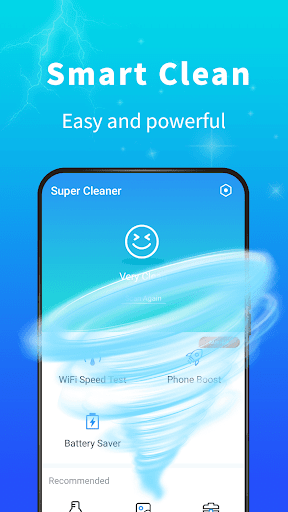
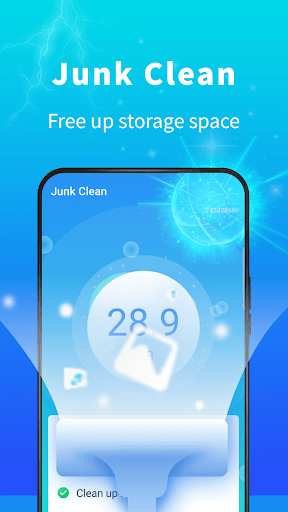
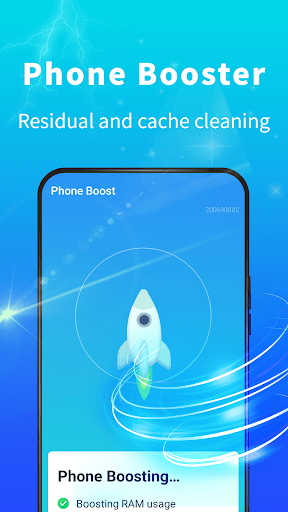
Super Cleaner - Smart Booster focuses on one-tap cleanup and performance optimization: clearing cache/junk files, stopping background autostarts, hibernating power-hungry apps, cooling CPU by closing overheating processes, and offering simple app management to reclaim storage.
Verdict
Verdict: A straightforward cleaner and booster for quick tune-ups, but redundant if you already use Android’s built-in tools or prefer ad-free utilities.
Who is it for
Best for:
- Users with older or storage-constrained phones needing quick space cleanup
- People who want a simple, one-tap cache/junk cleaner and basic speed boost
Not ideal for:
- Users who prefer ad-free, system-native tools (e.g., Files by Google)
- Power users seeking detailed analytics, automation, or transparent controls
Real-world User Experience
Users like it:
The one-tap cleaner is easy to use and can quickly free up space by removing cache and leftover files; some users notice smoother performance and fewer background apps running.
Users complain about:
Effectiveness of battery saver/CPU cooler can be inconsistent; features may overlap with Android’s built-in storage and battery tools; ads or prompts may interrupt flow (common in free cleaners).
Is it Worth Paying For?
The app is listed as free; no paid plans or IAPs are specified. As a free utility, it can be useful if you don’t mind potential ads. If an ad-removal purchase is offered in-app, weigh it against free, ad-free alternatives before paying.
How it Compares to Alternatives
Compared to Files by Google, Super Cleaner adds speed boost, hibernation, and CPU cooling but may include ads; Files by Google is ad-free and highly reliable for storage cleanup. Versus CCleaner or SD Maid, Super Cleaner emphasizes quick boosts over deep, transparent controls and reporting. Android’s built-in Storage, Battery, and App management features already cover many basics without extra apps.
Summary
Super Cleaner - Smart Booster delivers a quick, accessible way to clear cache and junk, rein in background apps, and attempt battery/CPU optimizations. It’s most helpful for older devices or users who want a simple one-tap tune-up and lightweight app management. Still, several features overlap with Android’s native tools, and advanced users may prefer more transparent, configurable utilities. If you accept potential ads and want a fast cleanup button, it’s a convenient pick; if you value an ad-free experience or deeper insights, consider Files by Google or more specialized cleaners.


Ratings
Trending APP












Alternative to this app










