
Copyright 2026 © swekartor. All Rights Reserved.



Information about Lookout Security and Antivirus
App Feature
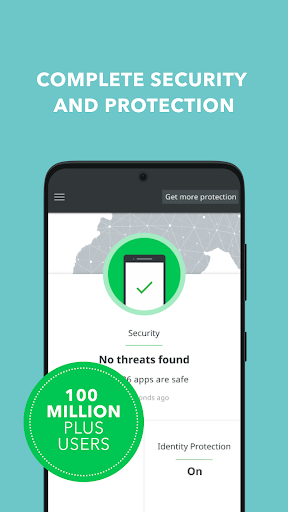
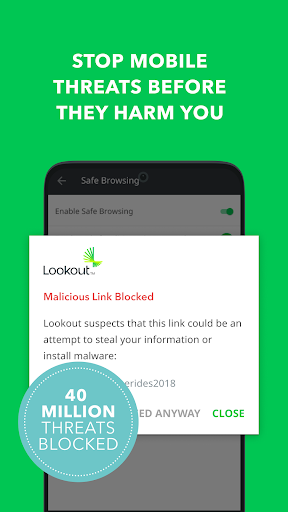
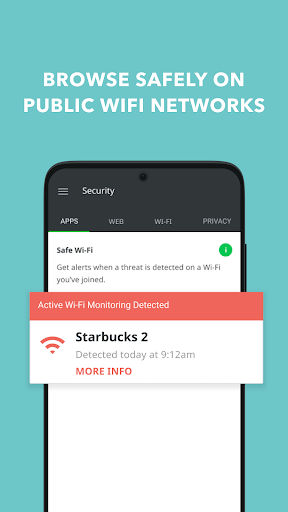
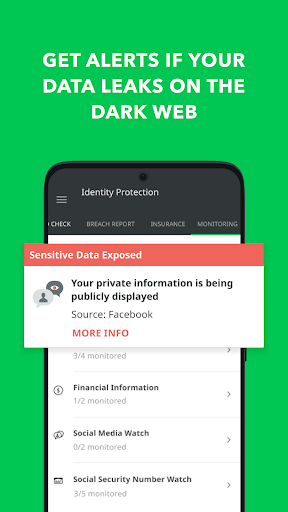
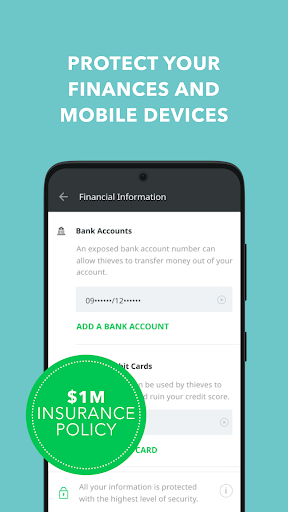
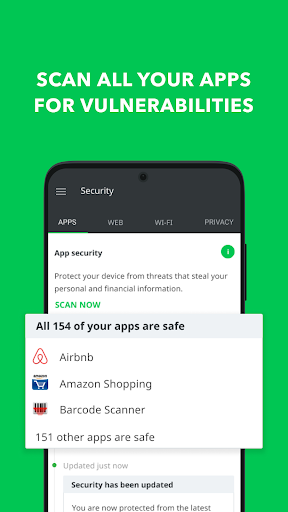
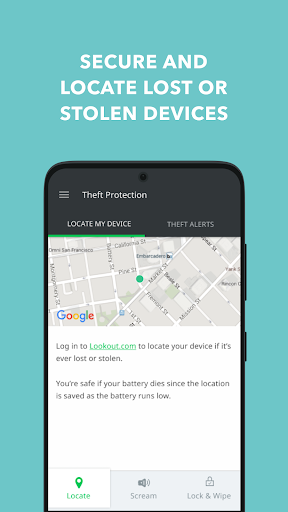
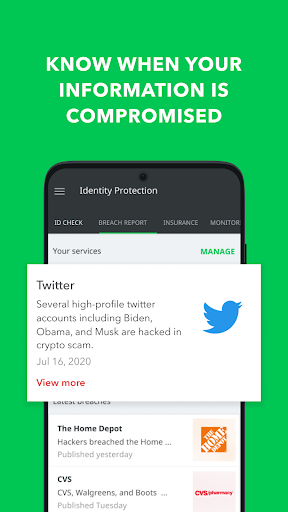
Comprehensive mobile security suite offering real-time malware protection, safe browsing/anti-phishing (VPN-based URL scanning), Wi‑Fi safety checks, device locator with alarm/lock/wipe, theft alerts, system advisor, breach reports, and optional identity monitoring. Lightweight scans run automatically on install and periodically in the background.
Verdict
Verdict: A dependable all‑in‑one Android security app with standout device‑locator and safe‑browsing tools, best for users who want set‑and‑forget protection plus optional identity features.
Who is it for
Best for:
- People who misplace devices and want reliable locate/lock/wipe tools
- Users who browse widely on public Wi‑Fi and need anti‑phishing + safe browsing
- Those wanting multi-device coverage and optional identity monitoring
Not ideal for:
- Minimalists relying solely on Google Play Protect and careful app hygiene
- Users who dislike background notifications or occasional security prompts
- Anyone expecting a fully free tier with all premium features (VPN/ID monitoring)
Real-world User Experience
Users like it:
Consistently praised for catching threats during installs, running quietly without draining battery, and an excellent lost‑device flow that can locate, alarm, lock, or wipe—several users recovered phones thanks to it. Long‑time users (years, multiple devices) report no infections and appreciate fast, helpful support and stability.
Users complain about:
Occasional annoyances like periodic ‘X apps are fine’ notifications, rare login or connectivity conflicts (e.g., email attachments/Wi‑Fi) that required support or settings changes, sporadic slowdowns during high attack periods, and some confusion/friction around updates and the free/premium boundary.
Is it Worth Paying For?
Yes for frequent travelers, public‑Wi‑Fi users, and those wanting phishing protection, theft alerts, and identity monitoring; the free/basic protection is solid for many, but premium adds meaningful safety (safe browsing via VPN, breach alerts, multi‑device features). If you mainly install from trusted sources and browse cautiously, the free tier plus Play Protect may suffice.
How it Compares to Alternatives
Compared to Google Play Protect, it adds stronger anti‑phishing, Wi‑Fi checks, and robust device‑locator controls. Versus Norton 360, Bitdefender, or Avast, its locator/theft features and low overhead stand out, while competitors may offer broader cross‑platform suites or bundled VPNs. Identity monitoring (US‑centric) and theft alerts differentiate it, but name changes (Lookout → F‑Secure) may confuse existing users.
Summary
Lookout Security and Antivirus—now F‑Secure Mobile Security—delivers a mature, low‑friction security package that scans apps in real time, blocks risky sites, and shines with a practical lost‑device toolkit (locate, alarm, lock, wipe, theft alerts). Long‑time users report clean devices and smooth performance, with support generally resolving occasional hiccups like login or network conflicts. The free tier covers core malware defense, while paid options add valuable safe‑browsing, Wi‑Fi protection, and identity monitoring for those at higher risk. If you need dependable everyday protection and a best‑in‑class phone‑finder, it’s an easy recommendation; power users should compare VPN/identity breadth with Norton/Bitdefender, but for Android‑first security and device recovery, this app is a strong pick.
Ratings
Trending APP












Alternative to this app










