
Copyright 2026 © swekartor. All Rights Reserved.


Information about Digital Clock Widget
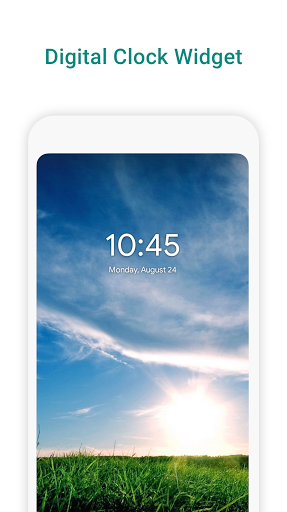
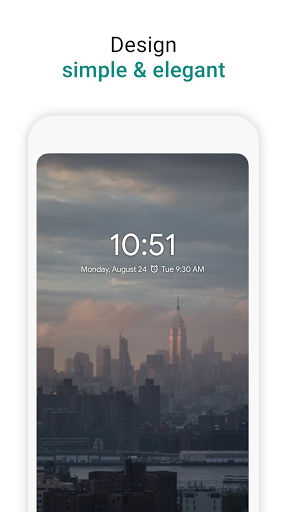
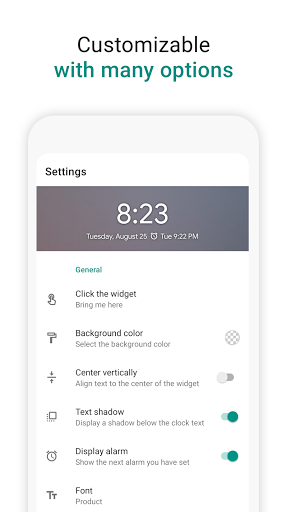
App Feature
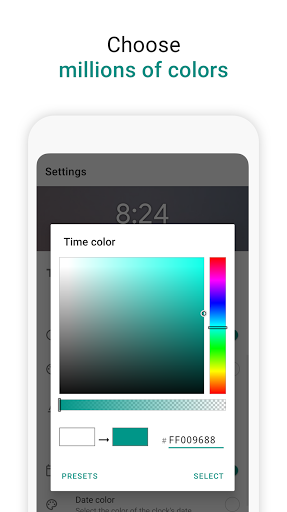
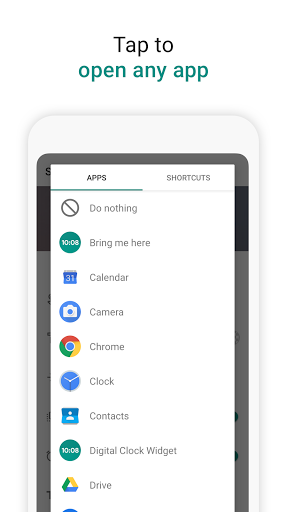
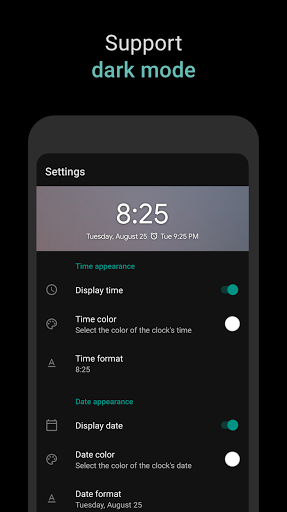
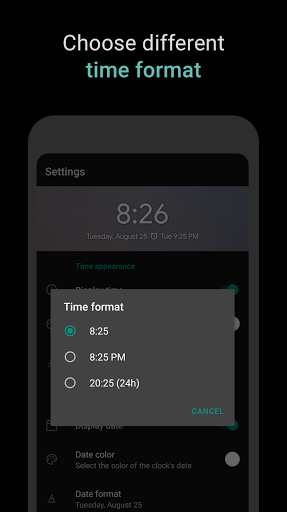
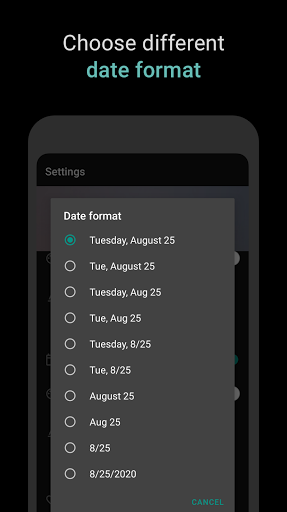
A lightweight, highly customizable home‑screen digital clock and date widget with real‑time previews, resizing, color and font controls, optional next‑alarm/calendar display, app‑launch shortcut, multi‑format support, and broad Android/tablet/language compatibility.
Verdict
Verdict: A polished, low‑friction clock widget that excels at customization and simplicity, though power users may want deeper styling controls.
Who is it for
Best for:
- Users who want a clean, resizable clock/date widget with per‑element color and font tweaks
- People who value glanceable extras like next alarm and quick app launch
- Those seeking a free, lightweight widget that works reliably on a wide range of devices
Not ideal for:
- Users needing extreme theming or complex layouts (e.g., KWGT-level control)
- Anyone expecting lock‑screen widgets or guaranteed perfect alarm integration on all OEMs
- People who prefer a paid, ad‑free option (no IAP to remove ads)
Real-world User Experience
Users like it:
Consistently praised for its simplicity, low footprint, and depth of customization (independent time/date styling, alignment, size, colors), plus reliable resizing and the ability to open a chosen app when tapping the widget. Many report long‑term stability across multiple devices/Android versions, with ads described as minimal and not shown on the widget itself. The next‑alarm display and quick visibility at a glance are frequent positives.
Users complain about:
A subset on Samsung/Android 12+ note next‑alarm pulling from calendar or other services, causing incorrect times—often an OS/OEM quirk rather than the widget. Some wish for more fonts (including a classic 7‑segment style) and easier sizing for visually impaired users. Occasional reports of widgets needing re‑adding (likely system-related), and no lock‑screen placement.
Is it Worth Paying For?
The app is free, contains unobtrusive ads, and offers no in‑app purchases. Given the strong feature set and minimal ad impact, it delivers excellent value; a paid ad‑free option would be welcome but its absence doesn’t diminish utility.
How it Compares to Alternatives
Compared to stock clock widgets, it offers finer control (colors, fonts, alignment, shortcuts) and a cleaner look. Against power tools like KWGT/Kustom, it’s far simpler and faster to set up, though less flexible. Versus alternatives like Chronus or Simple Clock, it hits a sweet spot of customization without bloat, with strong reliability and tiny resource use.
Summary
Digital Clock Widget focuses on doing one thing exceptionally well: putting a clear, good‑looking, and highly configurable clock on your home screen. Real‑time preview, resizing, independent styling for time/date, shortcut launching, and optional next‑alarm/calendar display make it easy to tailor. Long‑time users highlight stability and minimal, non‑intrusive ads. While it lacks ultra‑advanced theming and can be affected by OEM alarm/calendar integrations, it remains a top pick for a free, fast, and elegant clock widget that just works.
Ratings
Trending APP












Alternative to this app










