
Copyright 2026 © swekartor. All Rights Reserved.


Information about Copy My Data: Transfer Content
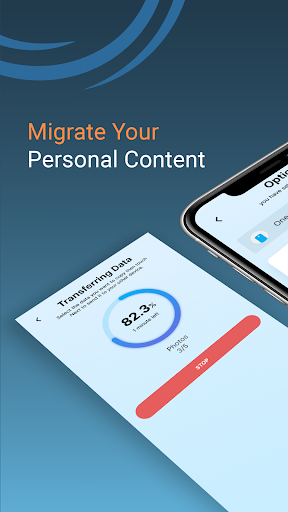
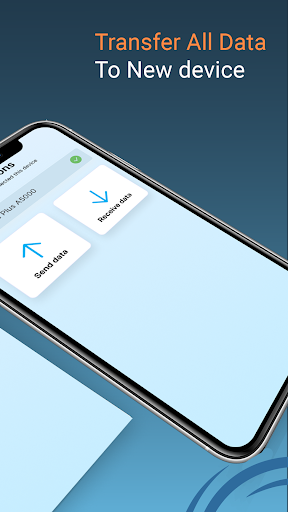
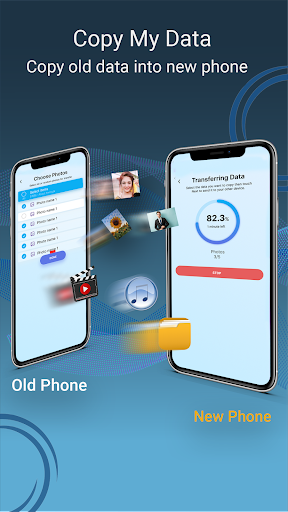
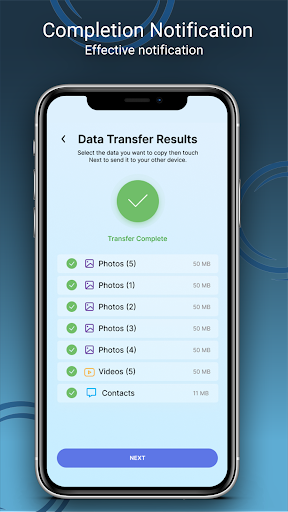
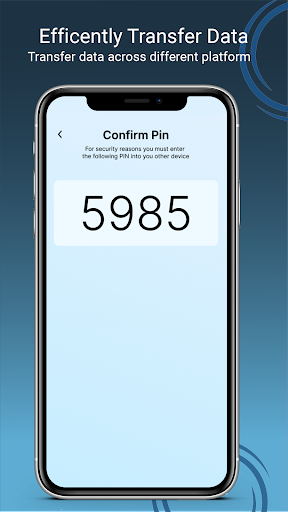
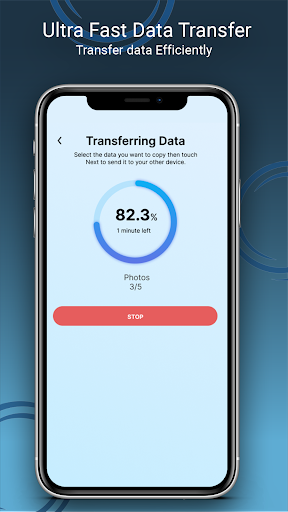
App Feature
Copy My Data: Transfer Content moves contacts, photos, videos, calendar events, and (on some devices) messages between phones over the same Wi‑Fi using a QR pairing flow—no computer required. It focuses on quick, one‑tap setup and a guided, step‑by‑step transfer process.
Verdict
Verdict: A fast, no‑frills Wi‑Fi transfer tool that excels at moving essentials, but lacks granular controls and can stumble on newer Android versions or edge cases.
Who is it for
Best for:
- Users switching phones who want a simple, cable‑free transfer of core items (contacts, photos, videos, calendar).
- Cross‑platform movers (iPhone ↔ Android) needing a quick, reliable photo/contact migration.
- Anyone frustrated by OEM tools who wants a lightweight, QR‑based alternative.
Not ideal for:
- Power users needing full app/data cloning, folder structure preservation, or detailed item‑level selection.
- People on very new Android versions or uncommon devices where permission/compatibility issues have been reported.
- Users requiring guaranteed transfer of special formats or strict continuity of album/folder organization.
Real-world User Experience
Users like it:
Transfers are frequently described as effortless, fast, and reliable—even for thousands of photos and large media libraries. Many report successful iPhone‑to‑Android moves when other apps failed. The guided steps, QR pairing, and lack of cables reduce friction, with several users completing full migrations in minutes.
Users complain about:
Occasional hiccups on newer Android phones (permission handling, errors), interruptions (e.g., phone calls) that stall progress, limited control over what to include (e.g., unable to deselect videos), and loss of photo folder/album structure after transfer. Some experience duplicates if interrupted, incompatible photo formats on certain devices, and uncertainty about where data goes beyond the target phone.
Is it Worth Paying For?
The core migration works for free with ads; in‑app purchases appear optional. Given the app’s effectiveness for essential transfers, most users won’t need to pay unless they want to remove ads or access any optional extras—value is strong at the free tier.
How it Compares to Alternatives
Compared to Samsung Smart Switch or Google’s built‑in Data Transfer Tool, Copy My Data is simpler and device‑agnostic but offers fewer advanced options and can’t truly clone apps/data like OEM tools sometimes can on the same ecosystem. Versus SHAREit/Send Anywhere/CLONEit, it’s lighter and more guided with fewer distractions, but provides less granular selection and organization fidelity. Against Apple’s Move to iOS or OEM utilities, it’s a practical fallback when those fail or aren’t available.
Summary
Copy My Data: Transfer Content delivers a streamlined, QR‑based Wi‑Fi migration that reliably moves the essentials—contacts, photos, videos, and calendars—between Android and iOS without cables or a computer. Backed by a long track record and massive install base, it often succeeds where OEM tools or other transfer apps struggle, especially for large photo libraries. Trade‑offs include limited fine‑grained controls, imperfect preservation of folder/album structures, occasional permission or compatibility issues on newer Android devices, and potential stalls if the process is interrupted. If you need a quick, no‑cost route to get your core content onto a new phone, it’s an excellent first try; if you require true app/data cloning or exact organizational fidelity, pair it with OEM tools or more advanced solutions.
Ratings
Trending APP












Alternative to this app










