Copyright 2026 © swekartor. All Rights Reserved.



Information about Microsoft Word: Edit Documents
App Feature
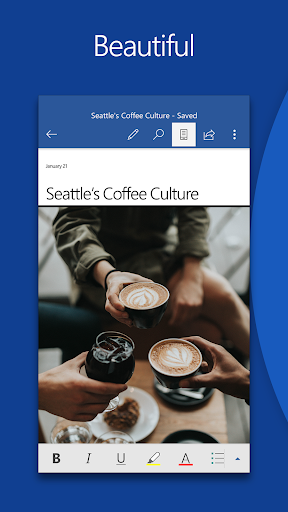
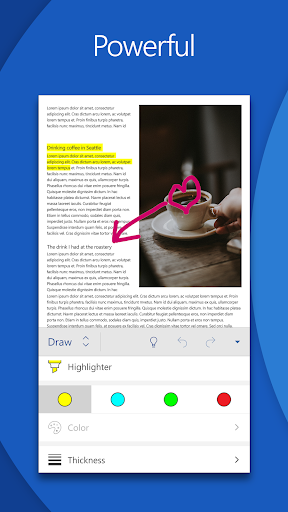
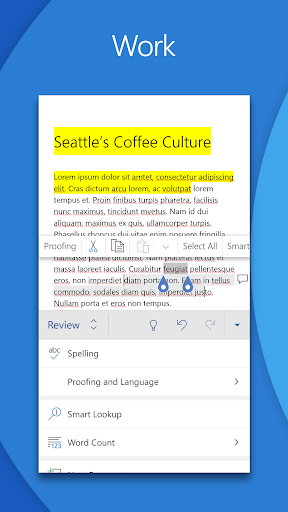
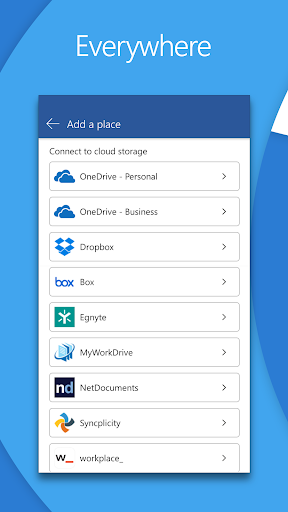
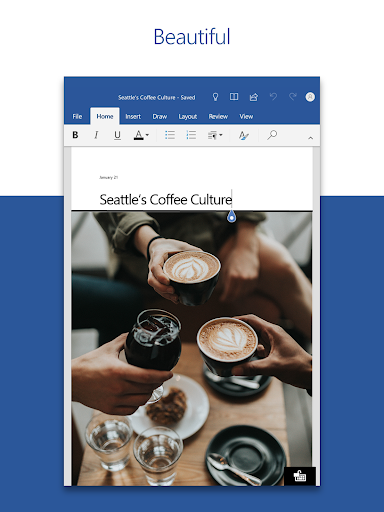
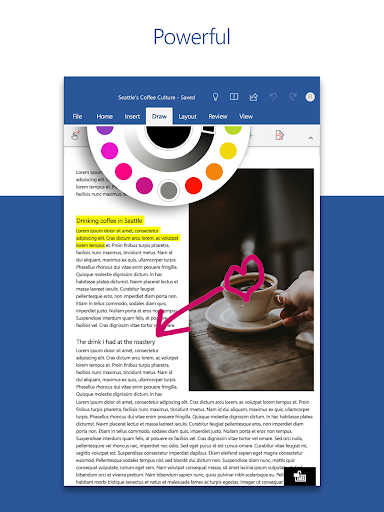
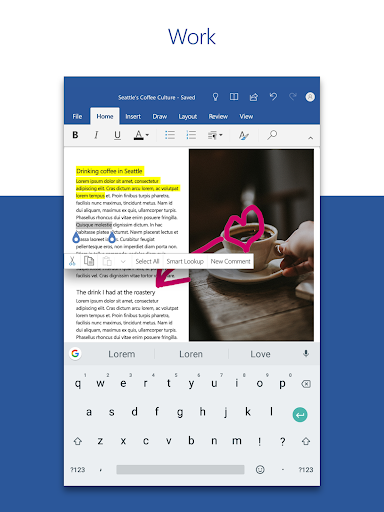
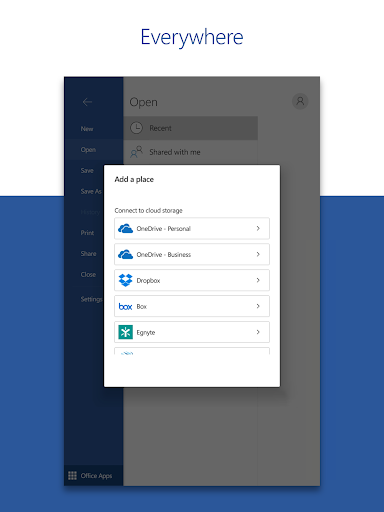
Microsoft Word on mobile lets you create, edit, and format documents with robust desktop-like tools, collaborate via comments and version history, and convert between DOCX and PDF. It includes a large template gallery, built‑in reading mode, cloud integration (OneDrive), and reliable cross‑device formatting fidelity.
Verdict
Verdict: A powerful, familiar mobile word processor that excels at formatting and collaboration, with minor mobile UX quirks and some features gated behind Microsoft 365.
Who is it for
Best for:
- Students and professionals who need desktop‑grade formatting and reliable cross‑device compatibility
- Writers and teams who collaborate with comments, track changes, and version history
- Users already in the Microsoft 365/OneDrive ecosystem
Not ideal for:
- Users who want fully offline workflows including PDF conversion and seamless local file editing
- People who prefer lightweight editors with minimal interface or who dislike autocorrect/zoom behaviors
- Those unwilling to pay for Microsoft 365 but needing premium templates and advanced features
Real-world User Experience
Users like it:
High reliability and familiarity matching the desktop experience; strong formatting preservation across devices; rich features like headers/footers, footnotes, track changes, columns, and templates; seamless collaboration with comments; autosave and cloud syncing (when using OneDrive); generally better than some alternatives for serious writing.
Users complain about:
Mobile UX annoyances like auto-zoom on word tap, aggressive/buggy autocorrect inserting letters, cursor jumping after search or while typing, missing/desired features (word count visibility, batch file selection, default font choices), limited offline capabilities (e.g., PDF conversion/editing, renaming OneDrive files offline), difficulty editing files moved between directories, and occasional voice typing issues.
Is it Worth Paying For?
Core editing, templates, and basic PDF export/conversion are available free, making it excellent value for most users. Microsoft 365 adds premium templates, advanced proofreading, deeper collaboration features, and large OneDrive storage—worth it if you live in Word daily, collaborate heavily, or need seamless cloud storage and cross-device workflows. Casual users can comfortably stay on the free tier.
How it Compares to Alternatives
Against Google Docs, Word offers stronger offline-capable editing on mobile, superior formatting fidelity, and richer desktop‑class features; Docs can be simpler for web-first collaboration. Compared to WPS Office, Word has cleaner collaboration, better compatibility with complex DOCX, and no intrusive ads, though WPS can be more flexible with local files. In Apple’s ecosystem, Pages is polished on iOS but less ubiquitous for cross‑platform sharing; Word remains the de facto standard for professional exchange.
Summary
Microsoft Word: Edit Documents brings the desktop standard to mobile with robust formatting, collaboration, and dependable DOCX/PDF handling. It shines for students and professionals who need reliable cross‑device fidelity, comments, and track changes, backed by a vast template library and autosave. Real users praise its stability and productivity gains but note mobile-specific quirks like tap-to-zoom, autocorrect glitches, cursor jumps, and limited offline operations for certain tasks. The free version suffices for most everyday writing, while Microsoft 365 is a strong upgrade for heavy users who want premium features and integrated cloud storage. If you need a professional, widely compatible mobile word processor, Word is hard to beat.
Ratings
Trending APP

Alternative to this app