
Copyright 2026 © swekartor. All Rights Reserved.


Information about Software Update - Phone Update
App Feature
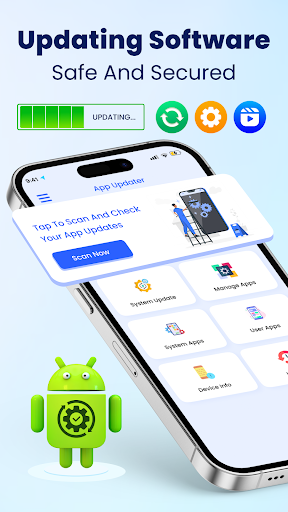
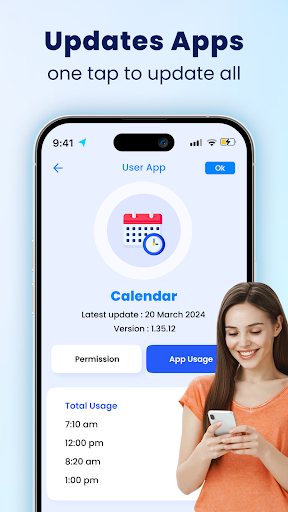
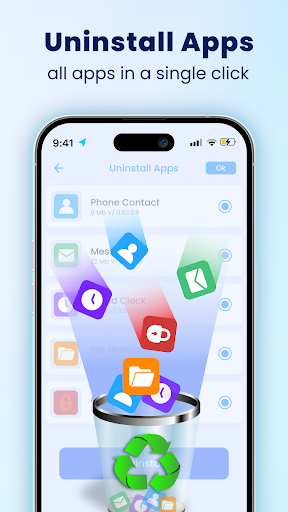
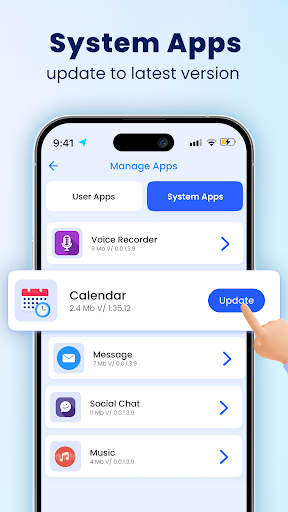
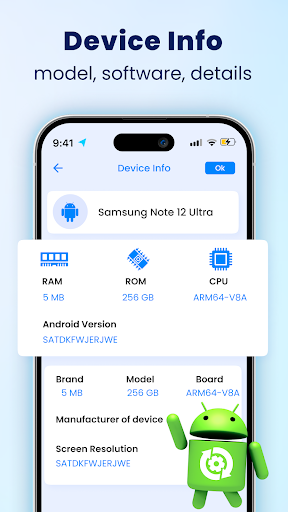
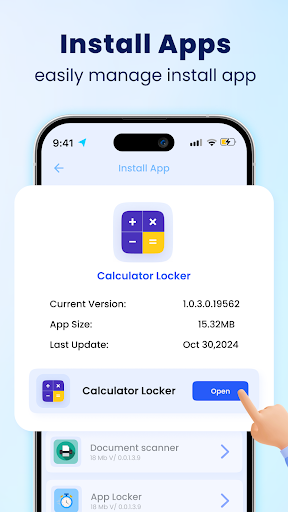
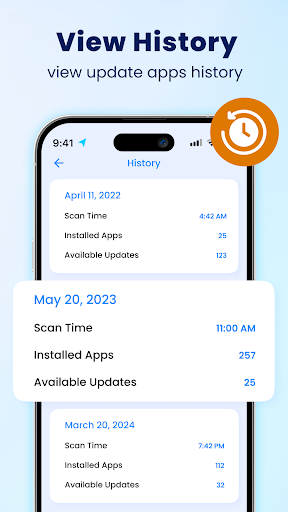
A utility to scan installed apps for pending updates, open their Google Play pages to update, and display device, battery, and usage information. It also lists system apps (view-only) and includes a basic multi-app uninstaller (non-system).
Verdict
Verdict: A handy update checker and device-info companion, but it doesn’t replace native Play Store or system update tools.
Who is it for
Best for:
- Users who want a one-tap scan to see all app updates in one place
- People who value extra device, battery, and app usage stats alongside updates
- Those managing many third-party apps who want a simple uninstaller list
Not ideal for:
- Users expecting true firmware/OS updates or automatic app updates
- Power users needing granular update scheduling, changelog aggregation, or batch auto-update
- Anyone who dislikes ads in utility apps
Real-world User Experience
Users like it:
Reports that it’s simple, smooth, and helpful for keeping apps up to date; several users say it works as described and appreciate staying current on updates and system info.
Users complain about:
Some uncertainty about what it actually updates (Play Store apps vs. system), mixed clarity on trust/permissions, and occasional confusion about whether it enables updates across accounts or the system itself.
Is it Worth Paying For?
The app is free with ads and offers IAP (likely for ad removal or extras). For most, the free version suffices; consider paying only if the ads bother you or you want a cleaner experience.
How it Compares to Alternatives
Compared to the Play Store’s built-in “Manage apps & device,” this adds a unified scan view plus device/battery/usage info, but still redirects to Play for updates and cannot update system software. Versus OEM system updaters, it provides more app-centric visibility but no firmware updates. Competing update-checker apps offer similar scans; this one stands out for its straightforward UI and extra device info, not for automation or advanced controls.
Summary
Software Update - Phone Update focuses on visibility: it scans for app updates, organizes results, and links you to Google Play to install them, while also surfacing device, battery, and app usage details. It’s lightweight and easy to use, earning positive remarks for helping users stay current. However, it doesn’t perform OS/firmware updates or auto-update apps, and its scope can be confused with native system tools. If you want a simple dashboard to see pending app updates and basic device info, it’s a useful free companion; if you need true system updates, automation, or deep controls, stick with the Play Store and your device’s built-in updater.
Ratings
Trending APP












Alternative to this app










