
Copyright 2026 © swekartor. All Rights Reserved.



Information about Delete apps - Easy Uninstall
App Feature
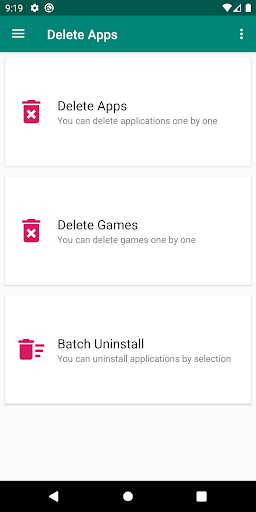
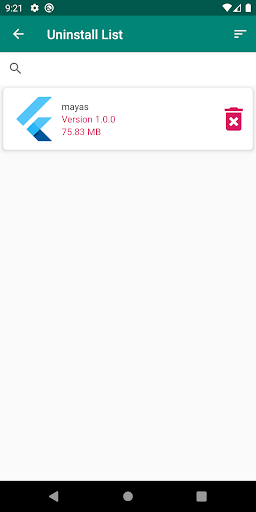
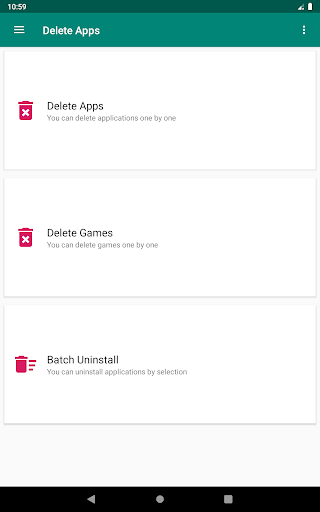
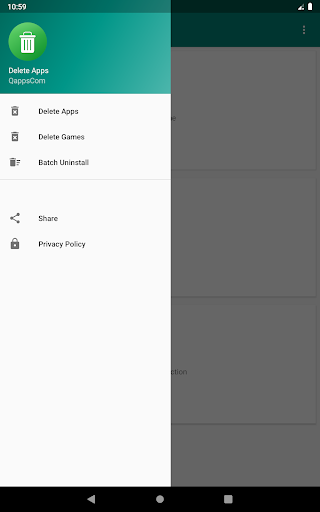
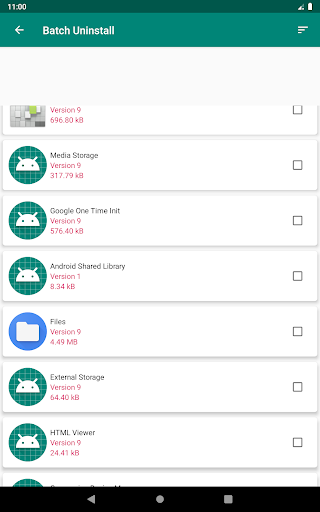
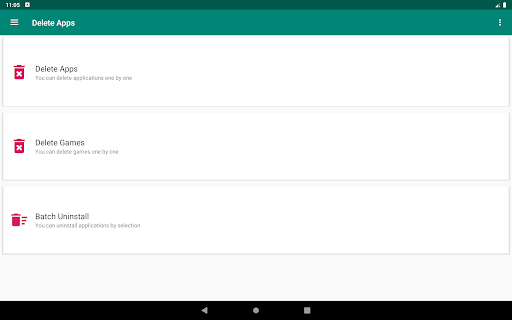
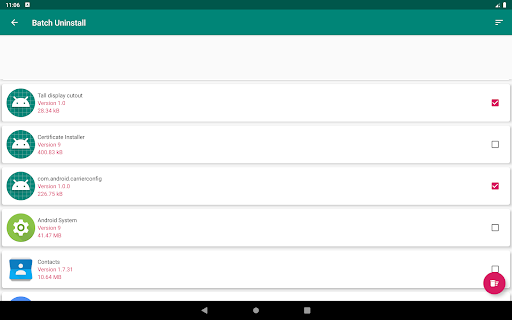
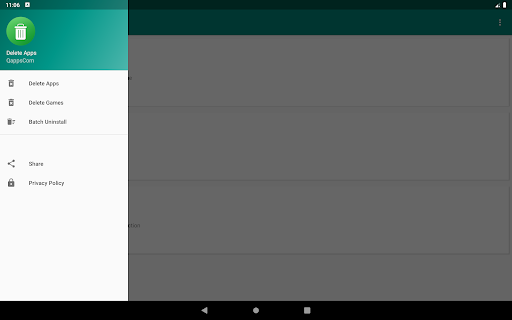
A free Android uninstaller focused on speed and simplicity: list installed apps, remove one or many at once, search to find targets quickly, and sort by usage or recent installs to identify bloat. Cannot remove preinstalled/system apps due to Android restrictions.
Verdict
Verdict: A fast, no-frills batch uninstaller that excels at cleaning regular apps, but it won’t help with true system bloatware.
Who is it for
Best for:
- Users who want quick batch uninstalls to free storage
- Anyone overwhelmed by many apps and needing search/sort tools
- Non-technical users who prefer a simple, one-tap workflow
Not ideal for:
- Users expecting to remove preinstalled/system apps without root
- Power users needing deep app management (freeze/backup/permissions)
Real-world User Experience
Users like it:
Consistently praised for being easy, fast, and reliable. Batch uninstall saves time versus Android’s default flow. Search/sort helps find rarely used or newly installed apps. Several users report success removing stubborn, adware-like launchers or hidden apps that were hard to uninstall via standard settings.
Users complain about:
Cannot remove preloaded/system apps (expected limitation), which some users still find frustrating. A few reports of the app UI freezing or getting stuck, and isolated cases where certain apps (e.g., Play Music) didn’t uninstall. Contains ads.
Is it Worth Paying For?
There is no paid plan or IAP; it’s free with ads. Given its solid utility and reliability for batch uninstalls, it offers good value at no cost.
How it Compares to Alternatives
Compared to Android’s built-in app manager, this adds batch uninstall, quicker navigation, and better discovery via search/sort. Versus root-level uninstallers, it’s safer but can’t remove system apps. Among lightweight uninstallers, it stands out for reliability and simplicity, though it lacks advanced tooling (backups, app freezing, permissions audits) found in power-user alternatives.
Summary
Delete apps - Easy Uninstall is a straightforward cleaner that streamlines removing multiple apps in minutes. With batch uninstall, search, and usage-based sorting, it helps surface and remove space-wasting apps more efficiently than Android’s default flow. Reviews highlight smooth, dependable performance—even for some stubborn or disguised apps—while noting inherent Android limits around system apps and occasional UI hiccups. If you need a free, simple way to clear out regular apps quickly, this is an easy recommendation; just don’t expect root-level control or system app removal.
Ratings
Trending APP












Alternative to this app










