
Copyright 2026 © swekartor. All Rights Reserved.


Information about Easy Scanner - PDF Maker
App Feature
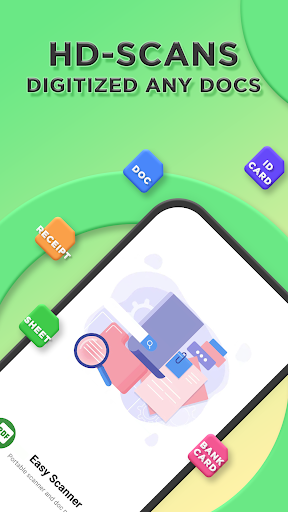
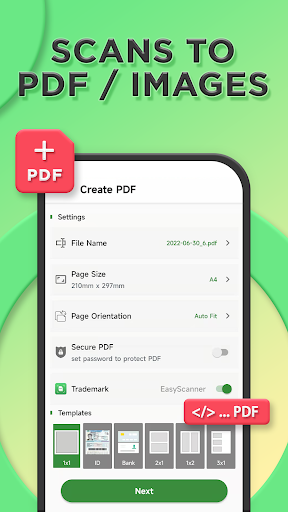
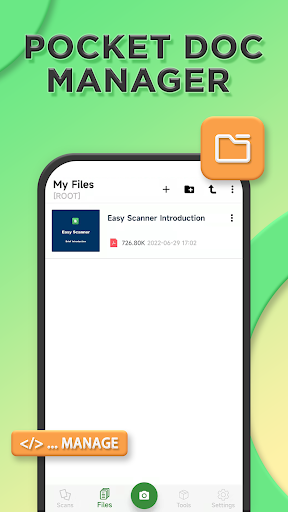
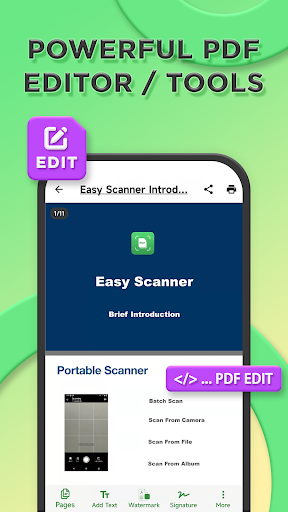
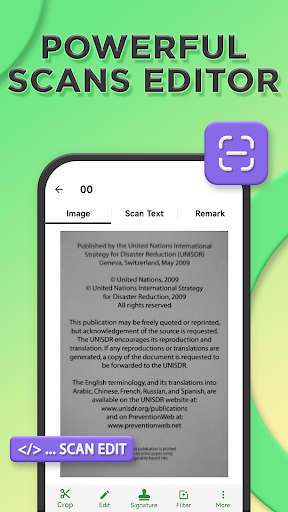
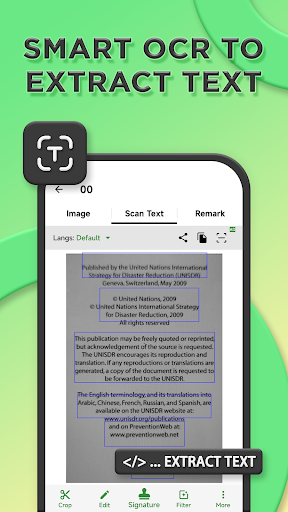
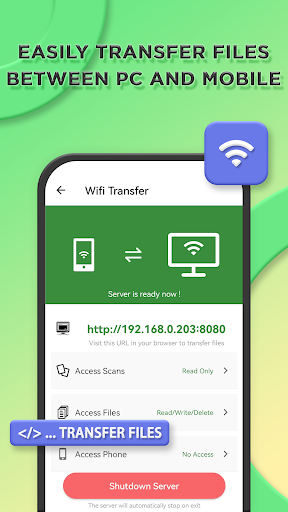
Easy Scanner - PDF Maker turns your phone into a portable HD document scanner with automatic edge detection, enhancement, OCR text extraction, full-text search across scans and local files, PDF/Image export, and a built‑in editor/PDF toolbox (annotations, watermark, signatures, merge, crop). It also offers a local ‘file cabinet’ with app lock and private storage.
Verdict
Verdict: A capable, no‑frills mobile scanner with strong OCR and PDF tools, best if you value local control over flashy design.
Who is it for
Best for:
- Students and professionals needing clear scans, OCR, and quick PDF sharing
- Users who prefer local file management with privacy features like app lock
- Anyone wanting robust on-device editing and PDF utilities without a steep learning curve
Not ideal for:
- Users demanding ultra‑compact PDFs by default or fine‑grained size controls
- Design-focused users who want a polished, premium UI/UX and cloud automation
- People needing advanced workflows like text-to-PDF authoring or sophisticated e‑signature flows
Real-world User Experience
Users like it:
Consistently praised for being very easy to use, fast, and producing clear, high‑quality scans. OCR, editing tools, and PDF creation/sharing work reliably. Ads are present but generally unobtrusive, and first-time users report getting productive quickly without prior scanner app experience.
Users complain about:
Some want better onboarding and the ability to import and place saved signatures from device storage. A few note larger PDF file sizes (>500 KB) without obvious compression controls. UI aesthetics feel basic to some, and requests include text‑to‑PDF and more advanced signature management.
Is it Worth Paying For?
The core features are free with ads; in‑app purchases likely remove ads and/or unlock limits. Given the strong free experience, casual users can stick with the free tier. If you scan frequently, need ad‑free use, or want premium tools (e.g., more PDF utilities or higher OCR quotas), the paid option is a reasonable value.
How it Compares to Alternatives
Versus Adobe Scan and Microsoft Lens, Easy Scanner leans more into on‑device editing and a private ‘file cabinet’ rather than deep cloud integration. Compared to CamScanner or TapScanner, it offers competitive OCR and PDF tools but a simpler UI and fewer advanced file‑size controls. If you want seamless cloud syncing or polished interfaces, Adobe/Microsoft may fit better; if you want robust local tools and privacy features without subscriptions, Easy Scanner is compelling.
Summary
Easy Scanner - PDF Maker is a well‑rounded mobile scanner that delivers clear scans, dependable OCR, and a surprisingly rich PDF toolbox for free. Its strengths are speed, simplicity, and local file privacy, complemented by helpful editing features and full‑text search across documents. While power users may miss fine‑grained compression, slicker design, and advanced signature or text‑to‑PDF workflows, the app’s core experience is solid and approachable. With 10M+ installs and a 4.2 rating, it stands out as a practical, lightweight alternative to cloud‑heavy competitors—especially if you value on‑device control and straightforward scanning.
Ratings
Trending APP












Alternative to this app










