
Copyright 2026 © swekartor. All Rights Reserved.



Information about ID Photo - Easy ID Maker
App Feature
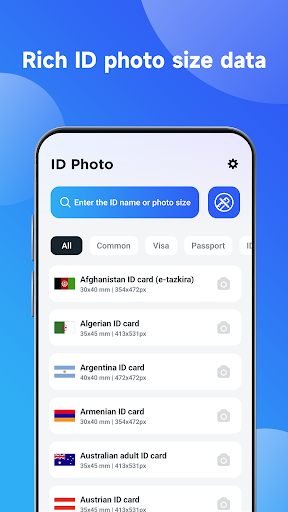
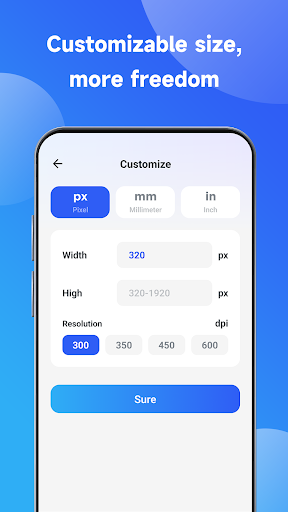
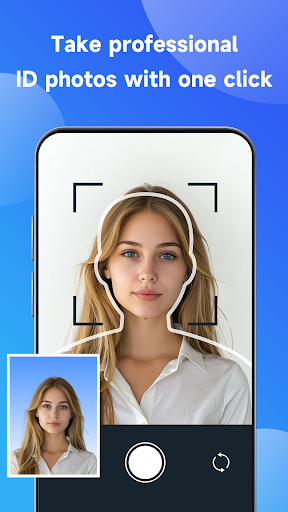
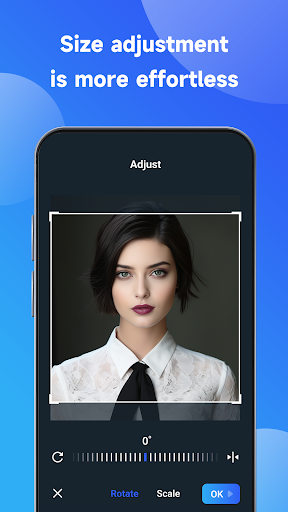
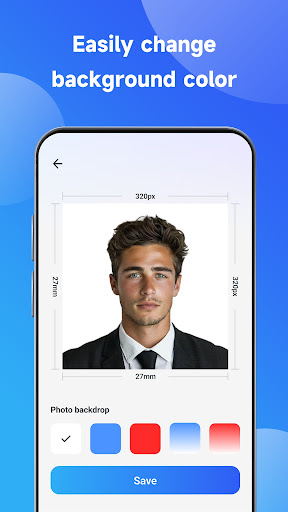
ID Photo - Easy ID Maker creates compliant ID photos (passport, visa, driver’s license, certificates) and AI-styled portraits. It auto-detects faces, lets you swap backgrounds, tweak brightness/contrast, choose common size presets, and export in higher resolutions for print or digital use.
Verdict
Verdict: A convenient ID photo and AI-portrait tool for quick results, but ads, paywalls, and occasional accuracy hiccups limit pro reliability.
Who is it for
Best for:
- Users who need fast, basic ID photos without learning complex editors
- People who want AI-styled portraits and light beautification
- Travelers or job seekers needing common passport/visa/resume sizes
Not ideal for:
- Users who require strict, country-specific compliance with zero margin for error
- Those who dislike ads or frequent paywalls for HD exports/backgrounds
- Professionals needing batch processing or detailed manual controls
Real-world User Experience
Users like it:
Simple, beginner-friendly workflow; multiple preset sizes; quick background replacement and beautification; AI portrait styles for social media; decent quality exports for casual needs.
Users complain about:
Ads and in-app purchases can interrupt flow; some reports of imperfect auto-cropping/background edges; occasional compliance mismatches for stringent passport/visa standards; mixed reliability reflected by a mid-3s rating.
Is it Worth Paying For?
The free version works for basic tasks, but you may need IAPs for ad removal, higher-resolution exports, or advanced backgrounds. It’s a fair value for occasional ID photos versus studio costs; frequent or professional use may justify paying, though heavy users might prefer a one-time-purchase app or desktop tool with stricter compliance controls.
How it Compares to Alternatives
Compared to typical ID photo makers (e.g., Passport Photo Maker/Passport Size Photo apps), this app stands out with AI artistic portraits and a very easy UI. However, some competitors emphasize strict compliance templates, detailed manual alignment, or one-time pricing. Versus broader editors (e.g., Photoshop Express), it’s faster for ID-specific sizes but offers less granular control and color management.
Summary
ID Photo - Easy ID Maker focuses on speed and simplicity for creating standard ID photos and fun AI portraits. Auto detection, preset sizes, and background replacement help casual users produce acceptable prints or digital submissions quickly. The trade-offs are ads, add-on payments for premium exports, and occasional alignment or background issues that can matter for strict government requirements. If you want a no-fuss way to generate ID photos and experiment with AI styles, it’s a handy, low-cost option; if you need ironclad compliance or pro-level controls, you may prefer more specialized or paid alternatives.
Ratings
Trending APP












Alternative to this app










