Copyright 2026 © swekartor. All Rights Reserved.


Information about PDF Reader: PDF Scanner & Edit
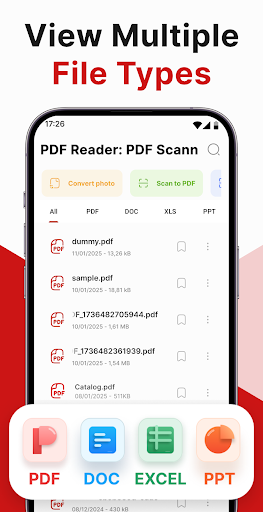
App Feature
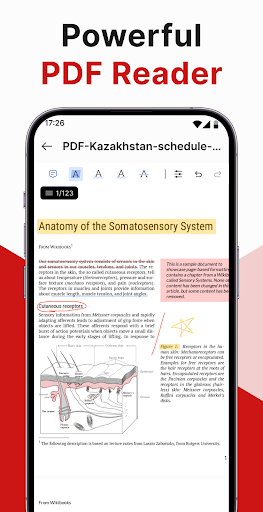
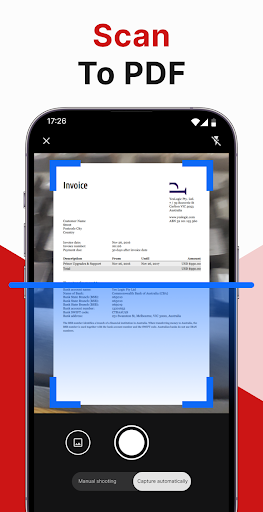
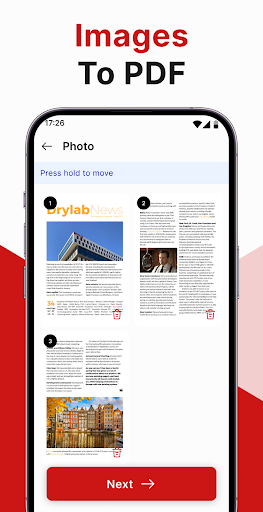
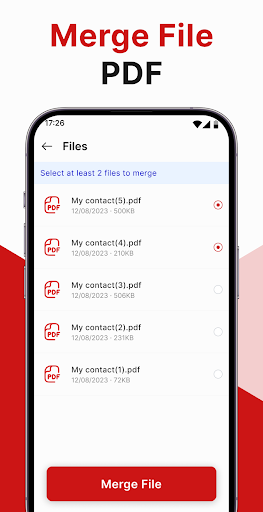
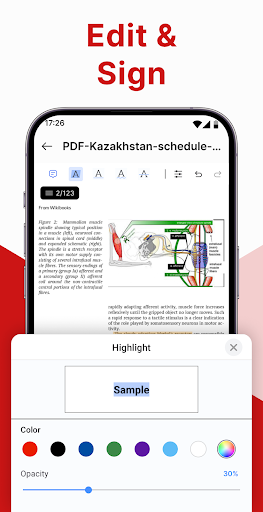
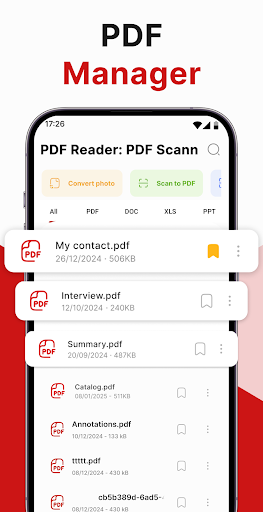
All-in-one PDF toolkit to read, scan, edit, annotate, sign, convert images to PDF, and merge files, wrapped in a simple, fast interface.
Verdict
Verdict: A capable, easy-to-use PDF suite that covers everyday needs, though ads and notifications may annoy frequent users.
Who is it for
Best for:
- Students and professionals needing quick read/annotate/sign workflows
- Users who want built-in scanning and image-to-PDF in one app
- Anyone managing multiple PDFs and occasional merges on mobile
Not ideal for:
- Power users needing advanced OCR, cloud collaboration, or deep form tools
- Ad-averse users who won’t tolerate frequent interruptions
- Enterprises requiring rigorous admin controls and integrations
Real-world User Experience
Users like it:
Smooth, intuitive interface; clear scanning results; reliable editing/annotation and signing; convenient merging; one user reports excellent Word-to-PDF formatting compared to larger brands.
Users complain about:
Frequent ads for regular use; persistent notifications nudging to open downloads; some broader concerns about payment handling on the platform (not specific to the app).
Is it Worth Paying For?
The free version is strong for reading, scanning, editing, and merging, but contains ads. If you use it daily or dislike interruptions, the IAP to remove ads/unlock extras is likely worth it; casual users can stay free.
How it Compares to Alternatives
Versus Adobe Acrobat Reader: this app is lighter and quicker for basic tasks, while Adobe offers stronger cloud features, advanced form handling, and ecosystem ties. Versus Microsoft Lens: Lens excels at scanning/OCR and export options, but lacks robust PDF editing; this app balances scan + edit in one place. Versus CamScanner: comparable scanning; CamScanner has powerful OCR but heavier monetization and watermarks in free tiers, while this app emphasizes a cleaner, simpler workflow with integrated edits and merges.
Summary
PDF Reader: PDF Scanner & Edit bundles reading, scanning, annotating, signing, image-to-PDF conversion, and merging into a straightforward mobile package. Users highlight its ease of use, clean results, and practical editing tools, with a standout anecdote on strong Word-to-PDF formatting. The trade-offs are ads and occasionally pushy notifications, which may bother heavy users. If you want a fast, all-in-one PDF utility without complex extras, it’s an excellent free choice; power users who need advanced OCR, collaboration, or deeper form features may prefer premium suites. Paying to remove ads can make it a dependable daily driver.
Ratings
Trending APP












Alternative to this app