
Copyright 2026 © swekartor. All Rights Reserved.


Information about PDF Viewer & Document Scanner
App Feature
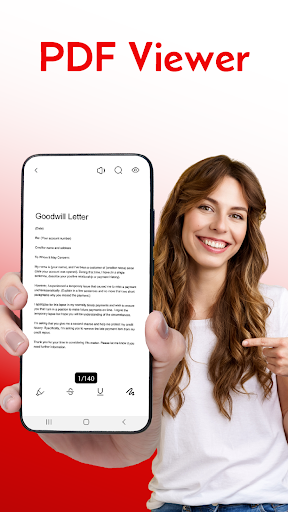
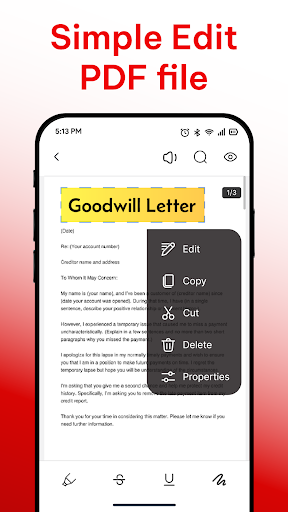
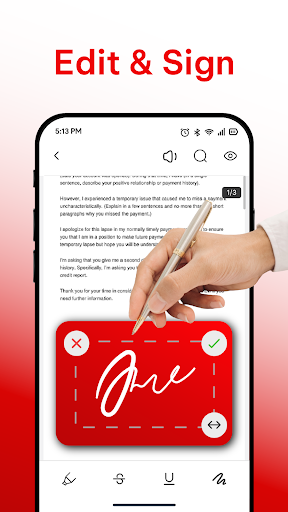
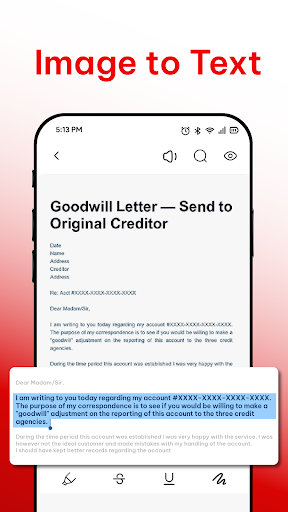
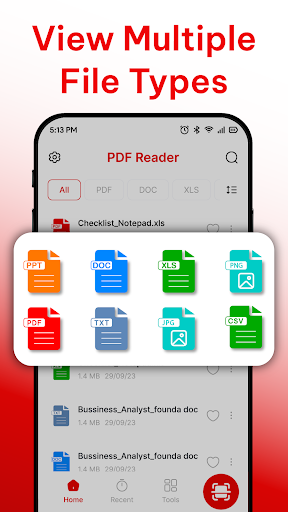
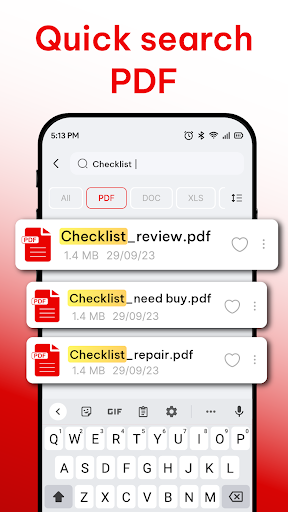
All-in-one PDF toolkit that lets you view, scan, convert images to PDF, run basic OCR to extract text, annotate with highlights/notes, and manage files (folders, rename, compress, share/export to cloud or email).
Verdict
Verdict: A capable, lightweight PDF reader-scanner with OCR and annotations, best for everyday document tasks rather than advanced PDF workflows.
Who is it for
Best for:
- Students and professionals needing quick scanning, viewing, and basic markup
- Users who want image-to-PDF conversion plus simple file organization
- Anyone seeking a free, straightforward PDF toolbox with essential features
Not ideal for:
- Power users needing advanced editing, form filling, e-signatures, or collaboration
- Teams that require integrated cloud workflows, real-time sync, or granular OCR layout control
Real-world User Experience
Users like it:
Praise highlights simplicity and usefulness—called a great platform and 'best PDF' by reviewers, suggesting smooth viewing/scanning and an easy interface.
Users complain about:
No consistent complaints surfaced in the limited public reviews; lack of detailed critical feedback means potential issues (ads, paywalls, edge-case OCR quality) are unclear.
Is it Worth Paying For?
The app is free with ads and optional IAPs. For casual reading, scanning, and occasional OCR, the free tier should suffice. Paying likely removes ads and/or unlocks premium limits (e.g., higher-quality OCR or advanced tools). If you frequently scan, annotate, or need reliable OCR, a modest upgrade could be worthwhile; otherwise, stick with free.
How it Compares to Alternatives
Compared to Adobe Acrobat Reader, it covers core viewing, scanning, annotations, and basic OCR but lacks Acrobat’s advanced editing, form fill/sign, and cloud ecosystem. Versus Microsoft Office/OneDrive and Google Drive’s scanner, it offers richer PDF-specific tools (annotations, compression, file management) but not the deep cloud integration. Against CamScanner, it’s a cleaner, less aggressive all-in-one without heavy upsells, though CamScanner may edge it on scanning enhancements and batch automations.
Summary
PDF Viewer & Document Scanner brings the essentials—PDF viewing, camera scanning with image-to-PDF, basic OCR, annotations, and file organization—into a single, approachable app. With a 4.3 rating and 1M+ installs, it appears reliable for everyday school or work needs, offering enough to replace multiple utilities for most users. While it doesn’t target power workflows like advanced editing, form filling, or enterprise cloud features, it shines as a fast, uncluttered tool for reading, digitizing, marking up, and sharing documents. The free version covers the basics well; consider the IAP if you want an ad-free experience or heavier OCR/annotation use.
Ratings
Trending APP












Alternative to this app










