
Copyright 2026 © swekartor. All Rights Reserved.



Information about CCleaner – Phone Cleaner
App Feature
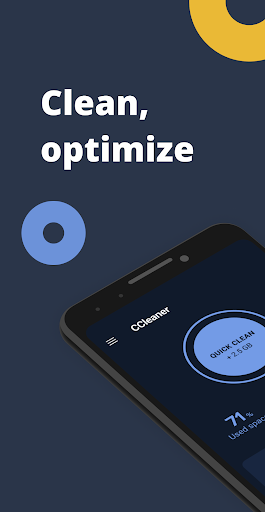
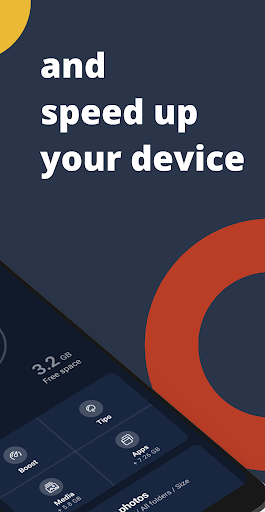
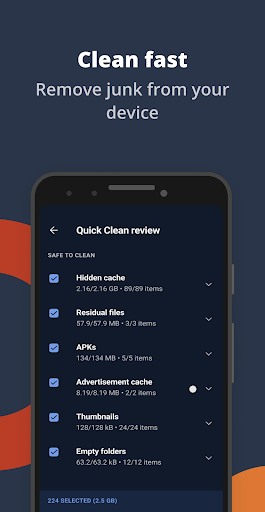
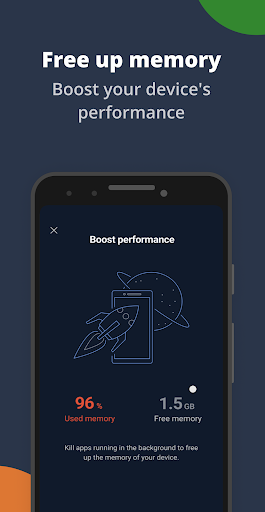
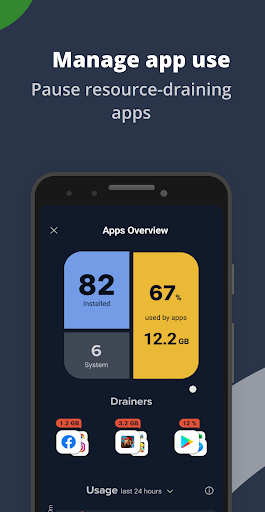
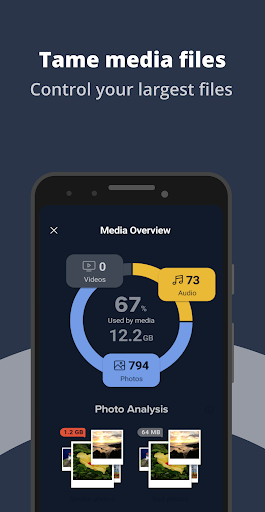
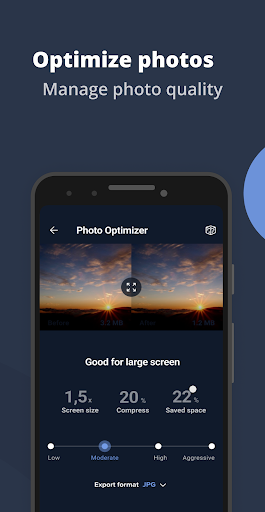
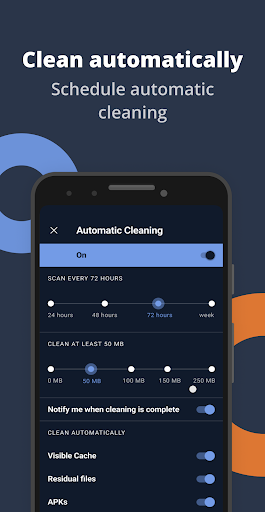
CCleaner – Phone Cleaner is a storage and performance optimizer that scans for junk, cache, residual files, and large/unused items; helps uninstall apps in bulk; analyzes app/battery/data impact; identifies poor/duplicate photos with optional compression and cloud offloading; and offers system monitoring with an easy, guided UI.
Verdict
Verdict: A polished, trustworthy cleaner that reliably frees space and speeds up Android, though ads and occasional paywalls may frustrate some users.
Who is it for
Best for:
- Users running out of storage who want fast, safe cleanup
- People who value simple, guided maintenance and trusted brand tools
- Those who want photo cleanup/compression and app impact insights
Not ideal for:
- Users who dislike ads or recurring subscriptions
- Power users who prefer fully manual control without prompts or paywalled automations
Real-world User Experience
Users like it:
Consistently finds hidden cache and residual junk others miss; quick, straightforward cleanup; effective app management and system insights; reputable brand with long-term trust; light on battery; premium photo tools and automation appreciated by frequent cleaners.
Users complain about:
Ads in the free version; some features sit behind a paywall; occasional update/upgrade confusion; auto-suggested deletion of empty folders can be risky if users don’t review; requires Accessibility permission for one-tap stopping of background apps.
Is it Worth Paying For?
For frequent cleaners or those wanting automated scans, deeper cache cleaning, and photo compression/deduplication, the premium plan offers good value at a modest annual cost. The free tier is fully usable for manual cleanups, but expect ads and fewer automations. If you clean monthly or less, free is likely enough; if you optimize weekly, premium can be worth it.
How it Compares to Alternatives
Compared to Files by Google, CCleaner digs deeper into cache/residuals and offers richer app/battery insights and photo compression, but Files is ad-free and simpler. Versus AVG Cleaner or similar utilities, CCleaner feels more streamlined and brand-trusted, with comparable or better cleanup accuracy; some alternatives push heavier optimization claims or visuals but no clear advantage. SD Maid (for advanced users) can expose more system-level leftovers with granular control, but CCleaner is easier and safer for most users.
Summary
CCleaner – Phone Cleaner brings Piriform’s well-known desktop cleaning pedigree to Android with a capable, safe, and approachable toolset. It reliably reclaims space by clearing cache and residual files, highlights heavy or unused apps, and includes thoughtful photo cleanup and compression to make a real dent in storage pressure. The interface is clear and quick, and system monitors help you understand what’s slowing or draining your device. Downsides are the free tier’s ads, a few desirable features locked behind premium, and the need to review suggested deletions (like empty folders) before proceeding. If you want a trusted, beginner-friendly cleaner that still offers meaningful tuning, CCleaner stands out; heavy optimizers can justify the premium, while casual users will do fine with the ad-supported free version.
Ratings
Trending APP












Alternative to this app










