
Copyright 2026 © swekartor. All Rights Reserved.



Information about dfndr security: antivirus
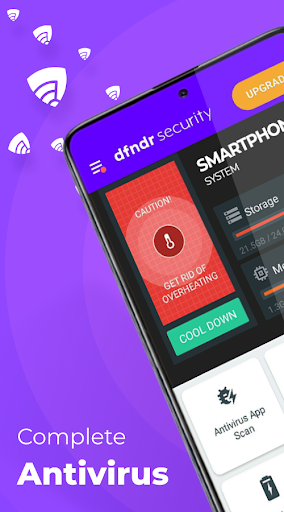
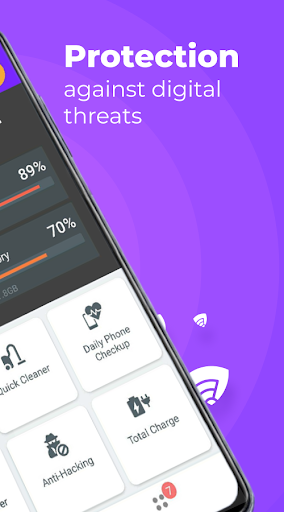
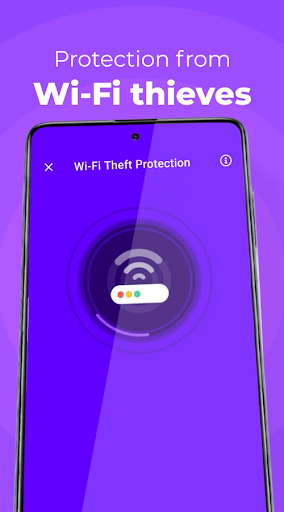
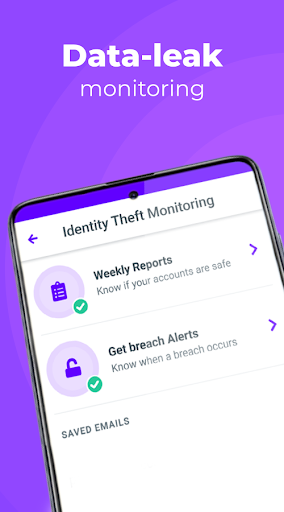

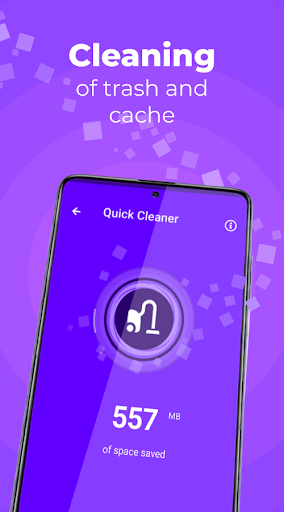
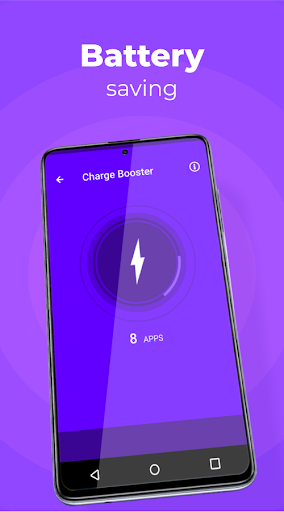

App Feature
dfndr security: antivirus is a multipurpose Android security suite that combines real-time antivirus and anti-phishing protection, identity leak monitoring, Wi‑Fi device auditing, anti-theft tools (remote wipe, alarm, locate), system cleanup and storage management, and a proactive assistant that surfaces recommended actions.
Verdict
Verdict: A capable all‑in‑one Android security and cleanup suite with strong essentials, but ad-heavy and occasionally pushy unless you upgrade.
Who is it for
Best for:
- Users who want a single app for antivirus, identity leak alerts, cleanup, and simple performance tools
- People who appreciate guided recommendations and set‑and‑forget protection
- Anyone who wants anti‑theft basics like remote wipe and alarms
Not ideal for:
- Users who dislike ads, upsells, or frequent prompts in the free tier
- Power users seeking granular controls, advanced network/VPN features, or long trial periods
- Those who prefer minimal background permissions and very lightweight footprints
Real-world User Experience
Users like it:
Many report immediate malware detection and removal missed by other apps, helpful real‑time link/site checks, noticeable cleanup benefits (storage reclaimed, fewer junk files), occasional cooling/battery improvements, and easy one‑tap guidance. Users also praise the identity leak alerts and Wi‑Fi checks, and several long‑term users find it reliable and easy to use.
Users complain about:
Common gripes include frequent ads and upgrade prompts, a very short 3‑day premium trial, occasional confusion about what each feature does, and perceptions of heaviness or intrusiveness if given extensive background permissions. Some features sit behind paywalls, and notifications can feel pushy if not tuned.
Is it Worth Paying For?
The free version is genuinely useful for on‑device scanning, link checks, and cleanup, but it’s ad-supported. Premium removes ads and adds continuous identity monitoring and other advanced protections; reviewers frequently call it affordable, though the 3‑day trial is brief. If you value fewer prompts and round‑the‑clock credential monitoring, the upgrade is reasonable; otherwise, the free tier covers core needs.
How it Compares to Alternatives
Compared to Google Play Protect, dfndr offers broader features (identity monitoring, anti‑theft, assistant, cleanup). Versus Avast/AVG/Malwarebytes, dfndr leans more into all‑in‑one convenience and housekeeping tools, while those competitors may offer deeper malware telemetry or longer histories in independent lab tests. Bitdefender/Norton suites often provide richer premium ecosystems (VPN, web protection depth, cross‑platform tie‑ins) at a higher cost. If you want a lightweight, no‑frills scanner, rivals like Malwarebytes may feel simpler; if you want a single app for scanning plus cleanup and guidance, dfndr is competitive.
Summary
dfndr security: antivirus delivers a broad, user‑friendly security package that blends real‑time antivirus and anti‑phishing with identity leak monitoring, Wi‑Fi auditing, anti‑theft, and device cleanup. User feedback highlights fast, effective detections and practical guidance that keeps phones tidy and responsive, though the free tier’s ads and prompts can be intrusive. The premium plan removes ads and enhances monitoring, but the trial is short. Compared with alternatives, dfndr trades ultra‑granular controls for convenience and breadth, making it a strong pick for users who want an all‑in‑one protector and tidy‑upper in one place, while power users or those who dislike notifications may prefer a leaner or more advanced suite.
Ratings
Trending APP












Alternative to this app










