
Copyright 2026 © swekartor. All Rights Reserved.


Information about Purer FileManager - Cleaner
App Feature
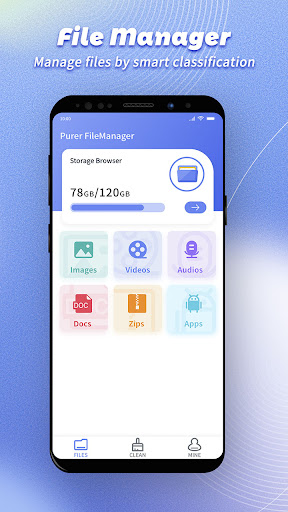
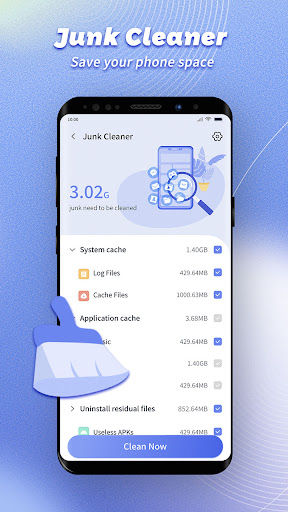
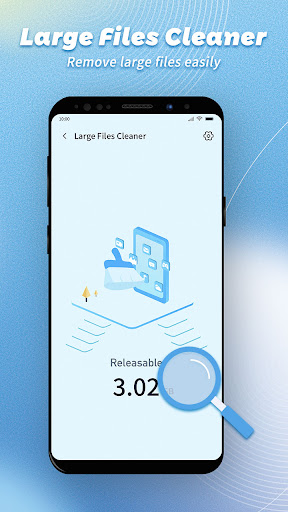
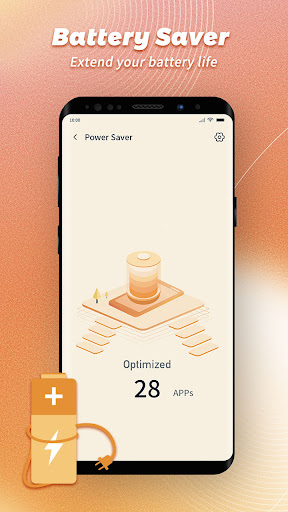
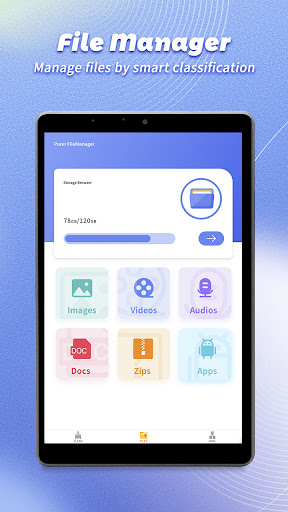
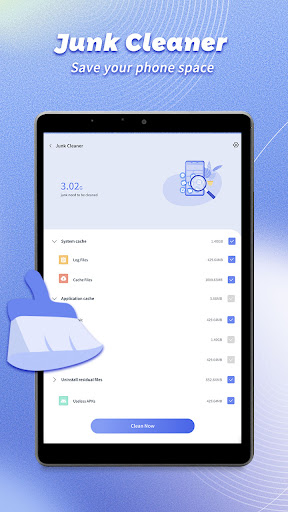
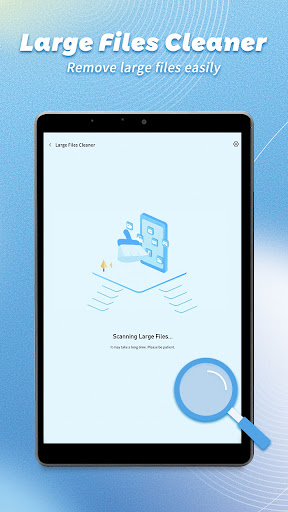
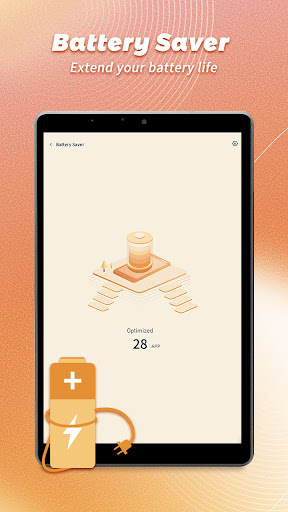
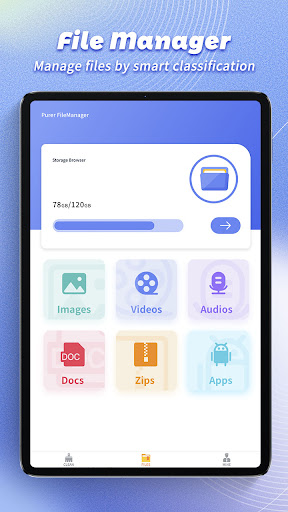
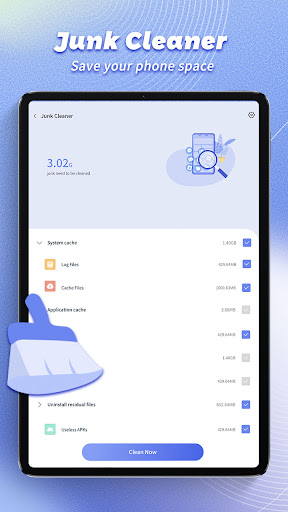
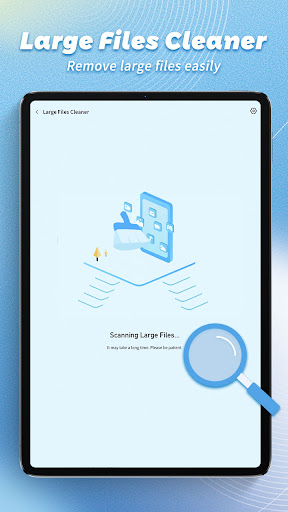
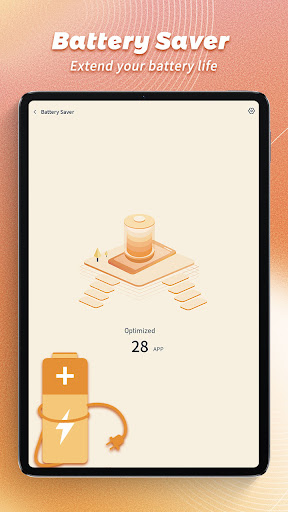
Purer FileManager - Cleaner is a free Android utility that combines a straightforward file manager with a one-tap cleaner. It helps you browse folders, copy/move/rename files, create folders, and clear cache, temporary files, and other junk to reclaim storage.
Verdict
Verdict: A clean, capable file manager with handy storage cleanup, perfect for everyday organization but not a power-user toolkit.
Who is it for
Best for:
- Users who want a simple, intuitive interface to manage files
- Anyone needing quick storage cleanup without complex settings
- Budget-conscious users looking for a free, ad-light solution
Not ideal for:
- Power users needing root tools, scripting, or advanced protocols (SFTP/SMB)
- Cloud-centric users who want deep Google Drive/Dropbox/OneDrive integration
- Those requiring dual-pane or highly customizable layouts
Real-world User Experience
Users like it:
The interface feels familiar and easy to navigate; cleaning tools quickly free up space by identifying cache and temporary files; core actions like copy, move, and rename work reliably.
Users complain about:
May lack advanced features found in pro file managers (network shares, archive depth, automation); cleaning results can sometimes be conservative or require manual review to avoid removing needed files.
Is it Worth Paying For?
The app is free and no paid plan is indicated. Given its solid 4.6 rating and useful basics, it delivers good value without requiring purchases.
How it Compares to Alternatives
Compared to Files by Google, Purer offers a similarly simple experience with focused cleaning but fewer smart suggestions and sharing integrations. Against Solid Explorer, FX, or MiXplorer, it’s lighter and easier for beginners but misses power features like dual-pane browsing, plug-ins, rich network/cloud support, and granular permissions. It sits in the middle: friendlier than heavyweights, more capable than bare-bones cleaners.
Summary
Purer FileManager - Cleaner blends an approachable file manager with practical storage cleanup, making everyday organization and space recovery painless. It covers the essentials—browsing, copying, moving, renaming, and clearing junk—without burying users in settings. While advanced users may outgrow it due to limited cloud, network, and pro utilities, most Android owners will appreciate its simplicity, efficiency, and free price tag for keeping devices tidy and files in order.


Ratings
Trending APP












Alternative to this app










