
Copyright 2026 © swekartor. All Rights Reserved.



Information about Photo Recover - File Recovery
App Feature
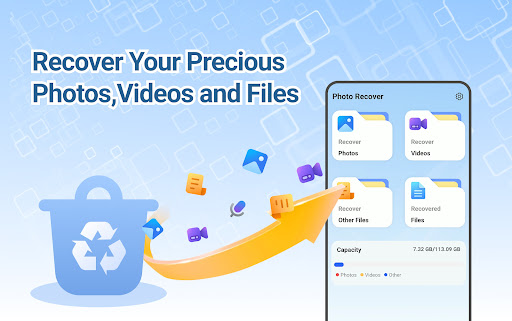
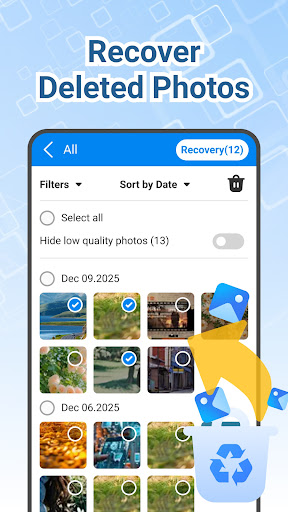
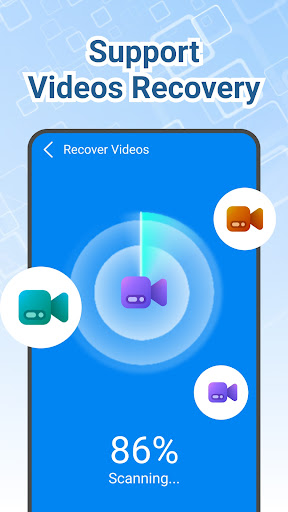
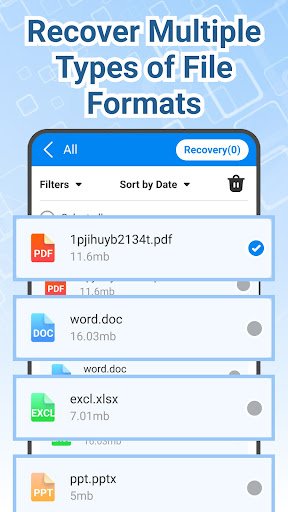
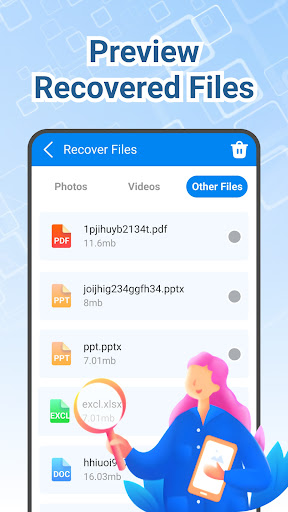
Photo Recover - File Recovery is a free Android tool that scans internal storage and SD cards to recover deleted photos, videos, and other files. It offers deep scanning, previews before restore, and support for common formats like JPEG/PNG/MP4. All processing occurs locally, with a disclaimer that success varies by device and file system state.
Verdict
Verdict: A capable, no-cost recovery utility for quick photo/video restores, but outcomes are inconsistent and not guaranteed.
Who is it for
Best for:
- Users who accidentally deleted recent photos or videos
- People wanting a simple, local recovery tool with file preview
- Anyone seeking a free first attempt before professional recovery
Not ideal for:
- Users expecting guaranteed recovery after factory reset or long-term deletion
- Those needing advanced forensic recovery or full-disk imaging
- People who dislike ad-supported apps
Real-world User Experience
Users like it:
Simple to use and helpful for finding old photos; some users report good experiences recovering previously deleted images.
Users complain about:
The provided reviews are minimal and don’t detail issues; based on the mid-range rating, some users likely encounter mixed or unsuccessful recovery results.
Is it Worth Paying For?
The app is free with ads and no in-app purchases, so it’s worth trying as a no-cost recovery attempt. There’s no paid tier to evaluate for extra value.
How it Compares to Alternatives
Compared to popular tools like DiskDigger, Dumpster, or EaseUS-style recovery apps, Photo Recover keeps things straightforward: deep scans, previews, and selective restores without cloud requirements or subscriptions. It may lack the advanced filters, cloud backup, and polished UX of top-tier competitors, and—like most Android recovery tools—its success rate depends heavily on how quickly you scan after deletion and your device’s storage state.
Summary
Photo Recover - File Recovery focuses on quick, device-local recovery of deleted photos, videos, and common documents with deep scanning and preview-based selective restore. It’s free, ad-supported, and promises no data collection, which makes it a safe first try when you’ve just lost files. However, like all mobile recovery apps, results vary by device and how much the data has been overwritten; it can’t help after a factory reset. If you need guaranteed or advanced recovery, consider more robust alternatives or desktop tools, but for many accidental deletions, this lightweight app is a practical starting point.
Ratings
Trending APP












Alternative to this app










