Copyright 2026 © swekartor. All Rights Reserved.



Information about PhotoRescue-Recover Files

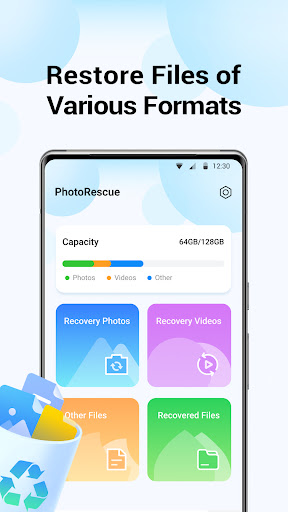
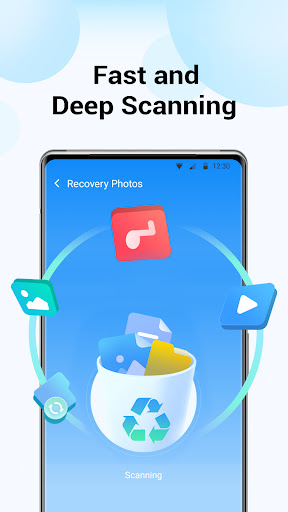
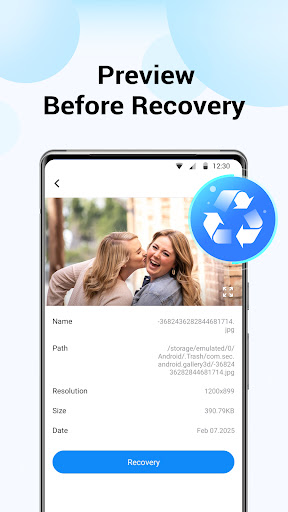
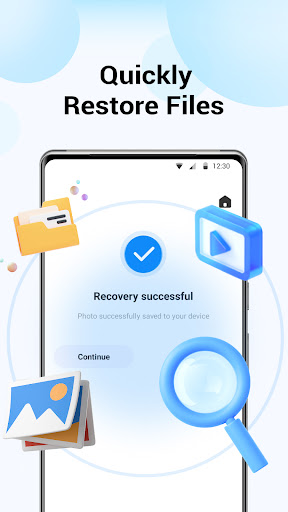
App Feature
PhotoRescue-Recover Files scans local storage to recover recently deleted photos, videos, and documents. It offers a simple interface, preview-before-restore, and on-device processing without uploading data. Recovery is limited to files matching certain storage paths and cannot undo factory resets.
Verdict
Verdict: A capable, ad-supported quick-recovery tool for recent deletions, but unreliable for deeply lost or factory-reset data.
Who is it for
Best for:
- Users who accidentally deleted photos/videos recently
- Anyone wanting a simple, on-device recovery with previews
Not ideal for:
- Users needing guaranteed recovery after factory reset or long-term loss
- Power users seeking deep file-system forensics or full-drive scans
Real-world User Experience
Users like it:
Many report successfully resurfacing old photos and files, appreciate the straightforward flow, and feel reassured by quick scans and previews.
Users complain about:
Some cannot locate recovered items or see no actual recovery; a few note scans that show items but fail to download/restore, and uncertainty until results are confirmed.
Is it Worth Paying For?
Free with ads and no in-app purchases; there’s no paid tier to evaluate. As a no-cost option, it’s worth a try before considering premium recovery tools.
How it Compares to Alternatives
Compared to Dumpster or Google Photos’ Trash (which restore from prior backups or app-specific bins), PhotoRescue attempts raw storage recovery, which can help when no backup exists but is less predictable. Versus DiskDigger or EaseUS-style tools, it feels simpler and more guided but may offer fewer deep-scan controls and limited success beyond cached or recently deleted files.
Summary
PhotoRescue-Recover Files targets quick, on-device recovery of recently deleted photos, videos, and documents with a clean interface and preview capability. Its privacy stance is strong—operations stay on your phone—but recoveries depend on device, storage state, and path patterns, and it cannot help after factory resets. User feedback is mixed: some celebrate found memories, others struggle to retrieve or locate results. Given it’s free and lightweight, it’s a reasonable first attempt for accidental deletions, though users needing deeper, more reliable recovery should consider specialized alternatives or existing cloud/app trash options.
Ratings
Trending APP












Alternative to this app