
Copyright 2026 © swekartor. All Rights Reserved.



Information about AirDroid: File & Remote Access
App Feature
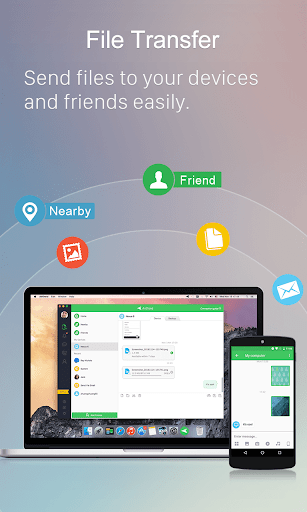
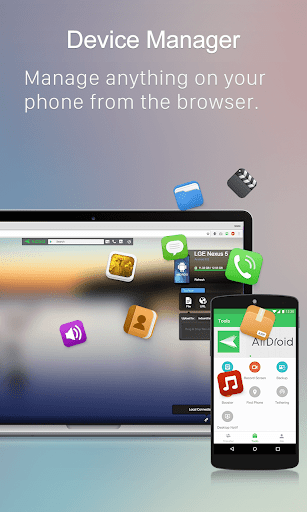
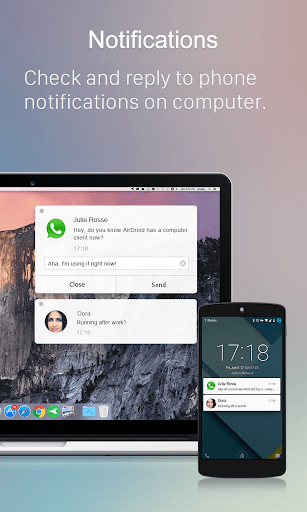
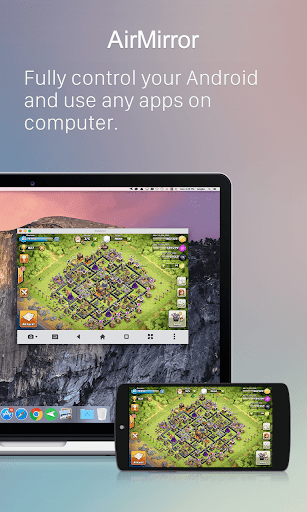
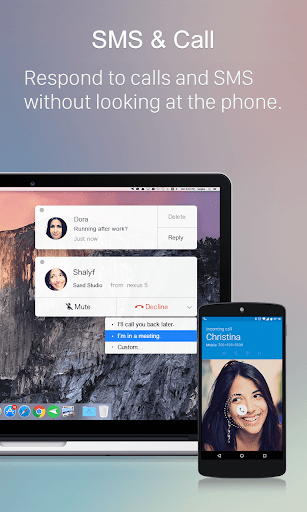
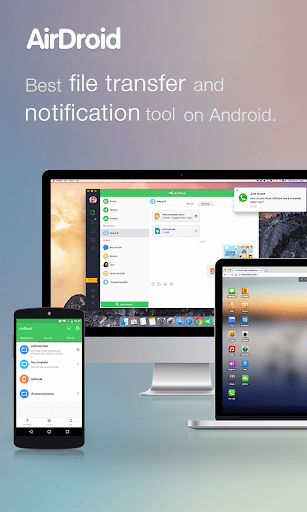
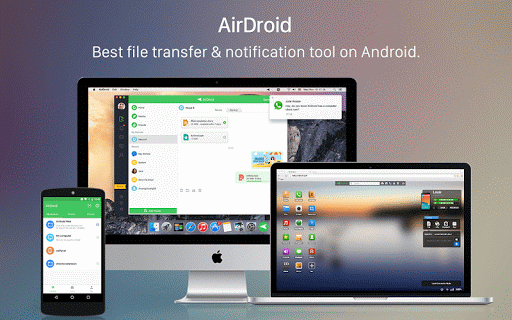
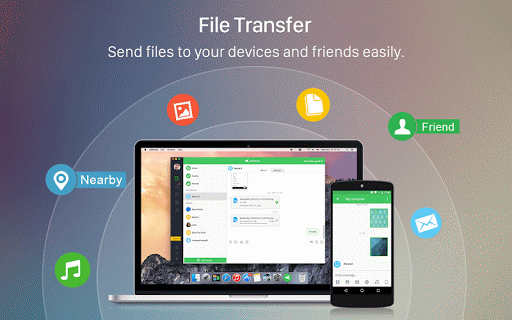
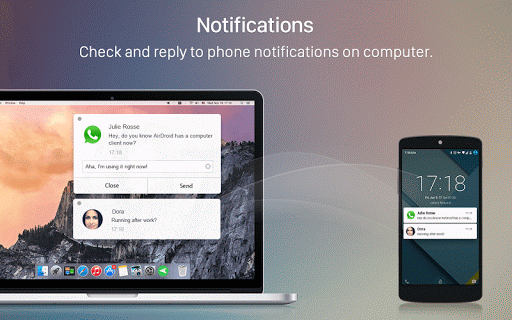
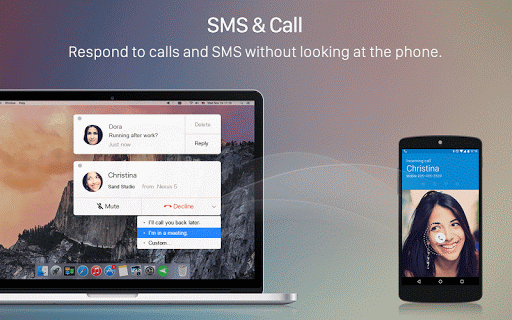
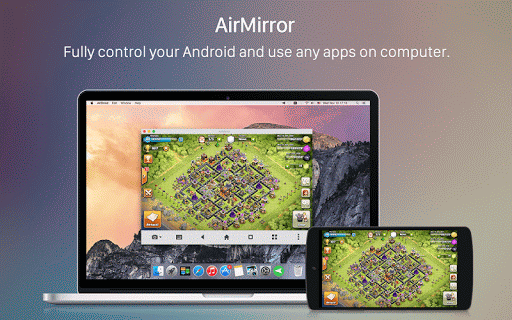
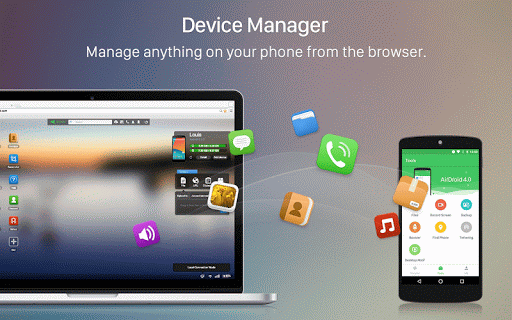
AirDroid is a cross‑platform device management suite for Android that focuses on fast, cable‑free file transfers, full file management from desktop/web, screen mirroring, remote control/monitoring, and desktop handling of SMS and notifications.
Verdict
Verdict: A powerful all‑in‑one Android-to-computer toolkit, excellent for wireless transfers and control, but some premium features sit behind a paywall.
Who is it for
Best for:
- Users who frequently move photos, videos, and documents between Android and PC/Mac without cables
- People who want desktop SMS/notification handling and occasional screen mirroring
- Power users who need remote control/monitoring of secondary devices
Not ideal for:
- Those who want everything free with no ads or limits
- Users who need flawless SD card write access or advanced automation without tinkering
- Anyone uncomfortable with granting broad device permissions for remote features
Real-world User Experience
Users like it:
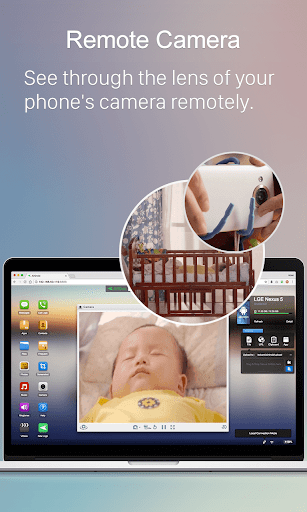
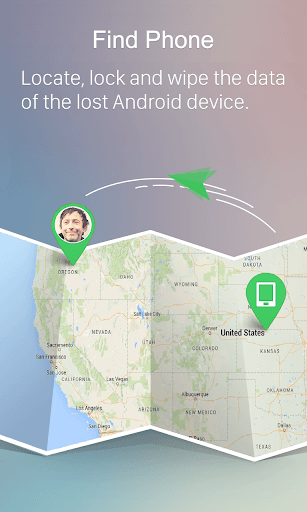
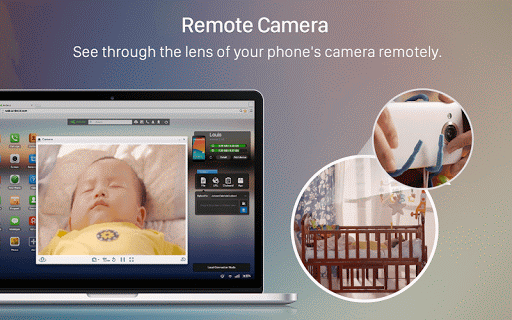
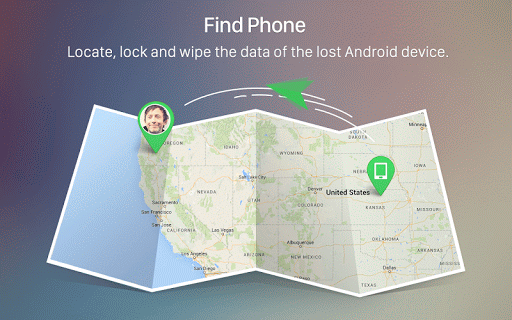
Consistently praised for speedy, reliable transfers (often faster and smoother than some peers), easy setup, and a clean drag‑and‑drop web/desktop experience. Many love replying to texts from the computer, stable mirroring/control on non‑rooted phones, and the breadth of tools (notifications sync, remote camera, device find/lock). Long‑time users report years of dependable use across multiple devices and platforms.
Users complain about:
A few report occasional connection hiccups tied to network conditions, some difficulty or inconsistency accessing SD card folders, and that key capabilities (notably remote control and higher limits) require a subscription. Minor UX nitpicks include text‑sharing workflow not being streamlined and sporadic quirks like video download options. Ads exist on the free tier.
Is it Worth Paying For?
Core features (local transfers, basic management, web client) work well for free. The paid plan unlocks more—smoother remote control, monitoring, higher limits, and convenience features. If you regularly need remote access/control or large remote transfers, the subscription offers strong value; otherwise the free tier suffices.
How it Compares to Alternatives
Against Xender/FEEM, AirDroid is more stable for some users and far more feature‑rich (desktop SMS, mirroring, remote control). Compared with Nearby Share/Windows Phone Link, AirDroid is more cross‑platform and offers deeper device management and remote capabilities, though those first‑party tools can be simpler for basic transfers/notifications. AirDroid’s edge is its comprehensive toolkit; the tradeoff is occasional complexity and premium gating.
Summary
AirDroid: File & Remote Access is a mature, all‑in‑one solution for managing Android devices from your computer. It excels at fast, wireless file transfers and adds meaningful extras like desktop SMS/notifications, screen mirroring, remote control, and remote monitoring. Long‑term users highlight reliability and ease of use via the web/desktop clients. The free tier covers everyday transfers and management, while the paid plan meaningfully expands remote and power features. If you need more than simple file sharing—especially remote control—AirDroid is one of the strongest, most versatile options, tempered by a few connectivity and SD card quirks and the fact that some marquee features require a subscription.
Ratings
Trending APP












Alternative to this app










