
Copyright 2026 © swekartor. All Rights Reserved.


Information about Tv Remote: Roku Remote Control
App Feature
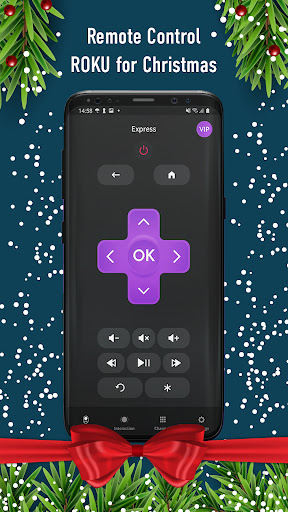
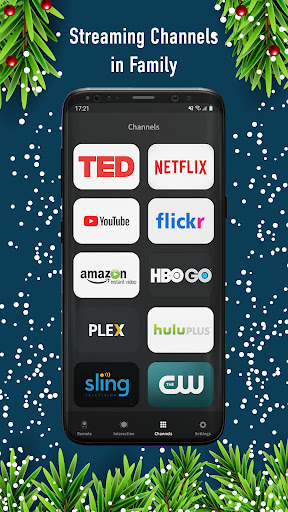
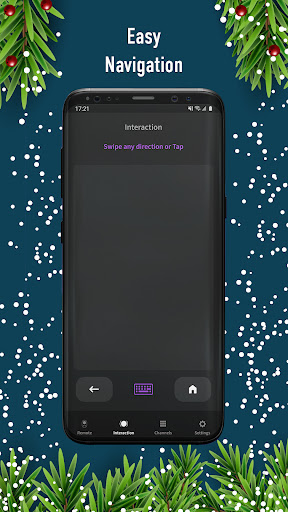
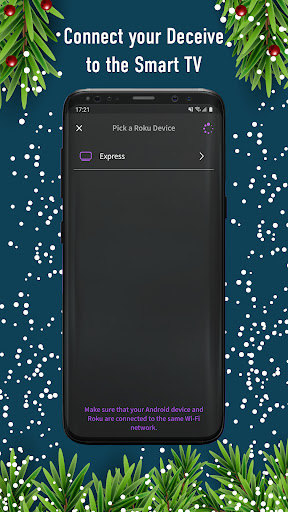
Turns an Android phone into a Roku remote with automatic device discovery, directional/touchpad navigation, volume control, keyboard input for text entry, channel launching, and basic YouTube search/cast to Roku.
Verdict
Verdict: A capable Roku remote replacement with low-latency controls, but reliability and ads/IAP may deter power users.
Who is it for
Best for:
- Roku owners who want a quick, no-setup mobile remote
- Users who value a large touchpad and on-screen keyboard for text entry
- Tinkerers seeking low-latency button input for simple Roku games
Not ideal for:
- Gamers expecting multi-button, console-like responsiveness on Roku
- Anyone who prefers an ad-free, fully integrated official experience
- Households with complex networks (VPNs, VLANs, separate subnets)
Real-world User Experience
Users like it:
Very low latency over Wi‑Fi with separate press/release events, making it unusually responsive for Roku control; straightforward setup with automatic device discovery.
Users complain about:
Gaming control is limited (concurrent button presses don’t register well); potential friction from ads and paywalls; connectivity can fail if devices aren’t on the exact same network conditions.
Is it Worth Paying For?
The app is free with ads and offers IAPs. If you need an ad-free experience or plan to use it frequently, paying could be worthwhile; otherwise, the free tier should suffice for casual use. Compare the value against Roku’s official app, which is free and may meet most needs without extra cost.
How it Compares to Alternatives
Compared to the official Roku remote app, this app emphasizes a large touchpad and notably low-latency button handling, which some third-party remotes lack. However, the official app typically offers tighter integration and steadier reliability. Versus other third-party remotes, it stands out for responsive controls but shares common drawbacks like ads/IAPs and occasional network discovery hiccups.
Summary
Tv Remote: Roku Remote Control delivers a straightforward, no-setup way to control Roku devices, with a roomy touchpad, keyboard input for quick searches, and handy channel launching. Its standout advantage is low-latency press/release handling that makes navigation snappy and even enables basic gaming use, though it still struggles with multiple simultaneous button presses. The 3.6 rating and monetization suggest mixed experiences—many users will be satisfied, but others may encounter network quirks or find ads intrusive. If you want a fast, simple Roku remote and can tolerate ads (or don’t mind paying to remove them), it’s a practical pick; if reliability and deep integration matter most, the official Roku app remains a strong baseline.
Ratings
Trending APP












Alternative to this app










