Copyright 2026 © swekartor. All Rights Reserved.



Information about SmartRecovery - All Restore
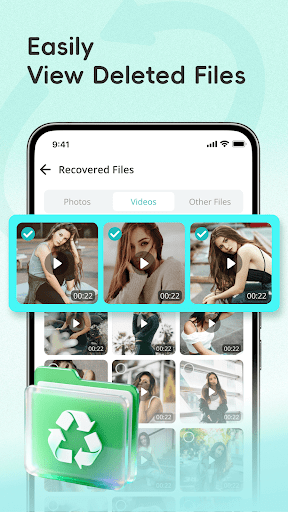
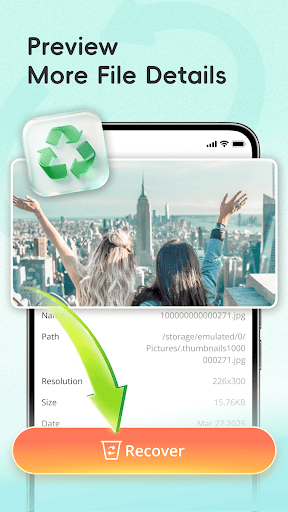
App Feature
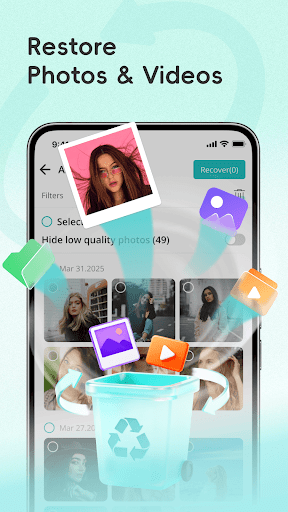
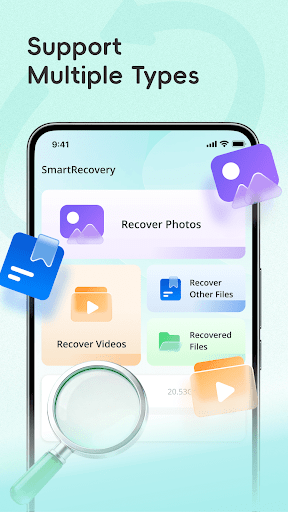
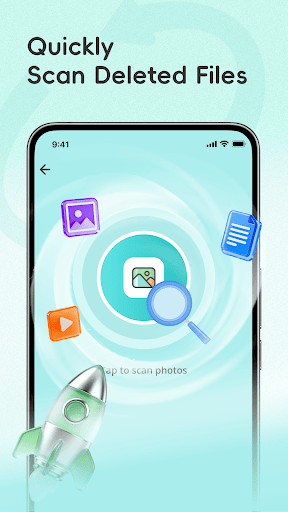
SmartRecovery - All Restore is a free, ad-supported tool that scans device storage (including removable media) to find and restore deleted photos, videos, and documents. It offers quick and deep scan modes, in-app previews with selective restore, and export/backup options, with all processing done locally on the device.
Verdict
Verdict: A convenient, privacy-conscious file recovery helper for everyday losses, but not a guaranteed solution for deeply deleted or factory-reset data.
Who is it for
Best for:
- Android users who accidentally delete recent photos, videos, or documents
- People who want quick scans, previews, and selective restores without technical steps
Not ideal for:
- Users seeking guaranteed recovery after factory reset or long-term deletions
- Power users needing forensic-level tools, root-based deep scans, or advanced filters
Real-world User Experience
Users like it:
Highlighted reviews praise it as effective and easy to use, with several users reporting successful recoveries on common Android devices.
Users complain about:
The provided reviews do not mention specific negatives; however, the mid-range rating (≈3.7) suggests results can vary by device and scenario.
Is it Worth Paying For?
It’s free with ads and no in‑app purchases. Given the price (free), it’s worth trying when you need a quick, no-cost recovery attempt.
How it Compares to Alternatives
Compared to well-known recovery apps (e.g., DiskDigger, Dumpster, EaseUS-style utilities), SmartRecovery emphasizes fast scans, previews, and local-only processing with a simple UI. It lacks advanced, root-assisted or forensic recovery features some competitors offer and cannot help after factory resets, but it’s simpler and more privacy-forward for routine, recent deletions.
Summary
SmartRecovery - All Restore targets everyday recovery needs with quick/deep scans, preview-based selection, and easy exports for photos, videos, and documents. Its local-only processing and straightforward interface make it approachable, and user comments indicate it can work well on typical Android devices. That said, recovery is not guaranteed—especially for older deletions or post–factory reset scenarios—and the overall rating implies variable success across devices. As a free, ad-supported option, it’s a practical first step before turning to more advanced or paid recovery tools.
Ratings
Trending APP












Alternative to this app