
Copyright 2026 © swekartor. All Rights Reserved.


Information about Screen Mirroring - Castto
App Feature
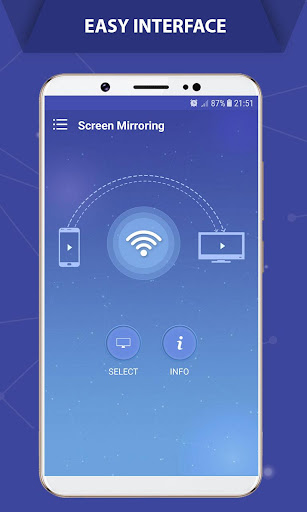
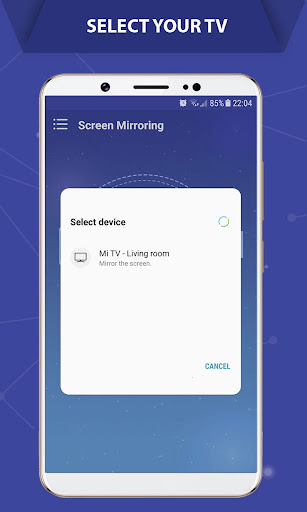
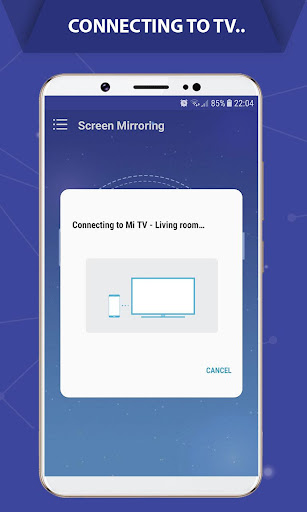
Screen Mirroring - Castto mirrors your Android screen to TVs and streaming devices (Chromecast, Roku, Fire TV, Anycast, Miracast-enabled TVs) over the same Wi‑Fi network. It streams apps, photos, videos, and games in real time with simple, guided setup and broad device compatibility.
Verdict
Verdict: A reliable, no-frills screen mirroring app that’s easy and free, best for casual casting rather than high-performance or advanced features.
Who is it for
Best for:
- Users who want quick, free mirroring to smart TVs or streaming sticks
- Watching videos, photos, and casual apps on a bigger screen
- People frustrated with paywalled casting apps and free trials
Not ideal for:
- Gamers or users needing ultra-low latency/60fps performance
- Those expecting to bypass DRM restrictions from protected streaming apps
- Users who need advanced controls, fine-tuning, or desktop-level casting features
Real-world User Experience
Users like it:
Consistently reported as easy to set up and connect across many devices (Samsung, LG, Roku, Nvidia Shield, Vizio). Works immediately with minimal fuss, smooth playback with little lag for most use cases, and ads are present but generally unobtrusive. Many appreciate that it’s truly free without forced trials or subscriptions.
Users complain about:
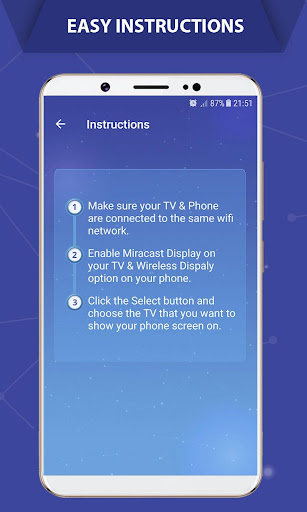
Occasional audio artifacts or slight lag, particularly with music-heavy content or weaker Wi‑Fi. Some intermittent disconnects. Performance can cap around 30fps; proximity to router matters. A rare device-specific conflict was reported (later seemingly resolved). Setup confusion is common if devices aren’t on the same network or Miracast isn’t enabled.
Is it Worth Paying For?
The app is free with ads and offers no in-app purchases; given the reliable mirroring and light ad load reported by users, there’s nothing to pay for and the free value is strong.
How it Compares to Alternatives
Compared to many casting apps that push subscriptions or free trials, Castto is genuinely free and straightforward. It’s less feature-rich than paid tools like ApowerMirror or AirDroid Cast (which offer higher frame rates, annotation, or remote control), and it won’t match a wired USB‑C–to–HDMI connection for latency or 60fps. For Chromecast-centric setups, Google Home can cast supported apps directly, but Castto is more flexible for full-screen mirroring across various brands with minimal setup.
Summary
Screen Mirroring - Castto delivers easy, reliable Android-to-TV mirroring for the masses. It excels at straightforward, wireless screen duplication to a wide range of TVs and streaming devices without subscriptions or complex settings. User feedback highlights quick connections, stable performance for movies, photos, and casual apps, and manageable ads. Expect occasional lag or audio quirks on weaker networks and a practical 30fps experience, making it less suited for competitive gaming or advanced workflows. For everyday mirroring at zero cost, it’s a strong pick.
Ratings
Trending APP












Alternative to this app










