
Copyright 2026 © swekartor. All Rights Reserved.



Information about Auto Click - Automatic Clicker
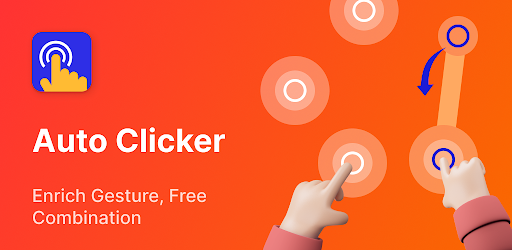
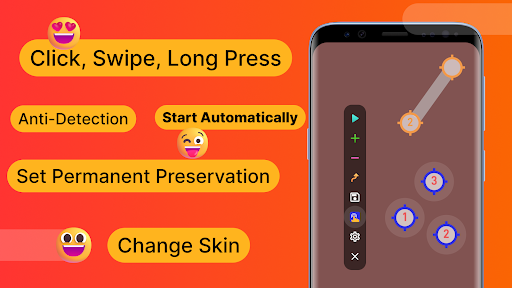
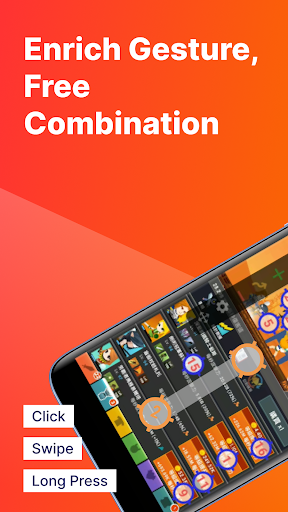
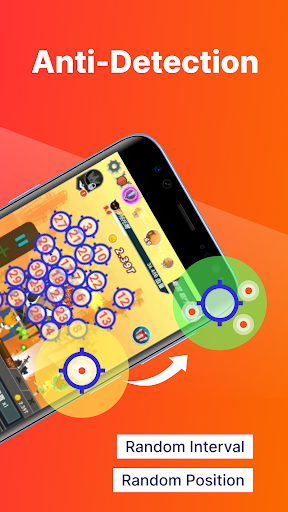
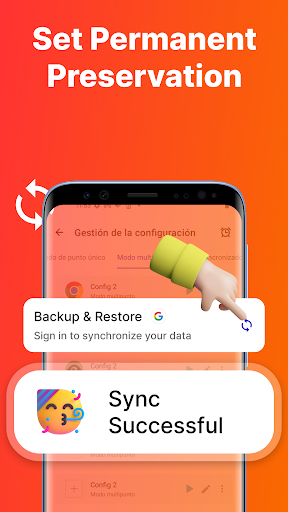
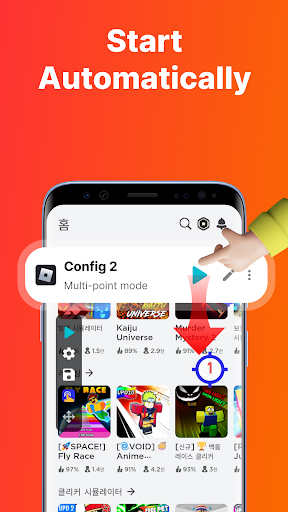
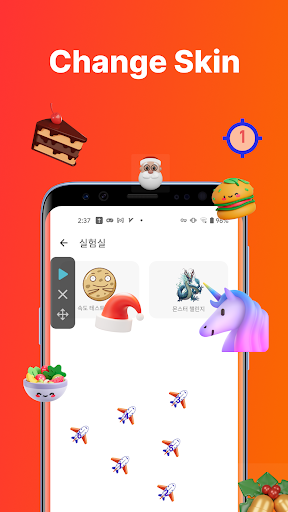
App Feature
Auto Click - Automatic Clicker automates taps, swipes, and long presses with precise timing. It supports delayed starts, synchronous multi-point clicks, sequential multi-touch with per-point loops, combined tap/swipe/press routines, edge clicking, random intervals/coordinates (anti-detection), auto-launch per app, import/export of configs, customizable click icons, floating control transparency, and very fast intervals (down to ~1 ms) with up to 10 contact points.
Verdict
Verdict: A powerful, low-friction auto-clicker that excels at complex, repeatable touch automation with minimal ads, though a few VIP quirks and occasional glitches remain.
Who is it for
Best for:
- Mobile gamers and power users automating repetitive taps, swipes, and farming tasks
- Anyone needing multi-point, timed, or randomized input sequences (e.g., long sessions)
- Users who value quick setup, import/export, and lightweight performance
Not ideal for:
- Users who expect zero ads or never want to see accessibility prompts
- Strict ToS environments where automation may be disallowed despite anti-detection
- Workflows requiring more than 10 simultaneous points or advanced scripting/IF logic
Real-world User Experience
Users like it:
Consistently praised for reliability, ease of use, and versatility across modes (single, synced multi-point, sequential, swipe/long-press). Many note fast click rates (≈1 ms), stable long-running sessions, low resource usage (no heating/lag), and that ads are short, often just one skippable 5‑second ad at launch. The UI and customization (skins, transparency) receive strong feedback, and features like per-app auto-start and keeping the device awake help with overnight grinding.
Users complain about:
A few report the VIP auto-start feature sticking after a 12‑hour ad-based VIP expires and being hard to disable without VIP. Some encounter occasional multi-click order glitches and find re-enabling accessibility permissions and passing through startup ads tedious. Rarely, conflicting experiences about ad frequency appear.
Is it Worth Paying For?
The free tier is highly capable and sufficient for most users. VIP mainly removes friction (fewer/no ads) and unlocks convenience features like persistent auto-launch per app; you can also earn temporary VIP by watching an ad. Pay if you rely on auto-start or want an ad-free experience—otherwise, the free version delivers excellent value.
How it Compares to Alternatives
Compared to many auto clickers that are ad-heavy or limited to basic single-point taps, this app stands out with multiple modes (synced, sequential, swipe/press), edge tapping, per-point loop counts, randomization for anti-detection, import/export, and polished UI. Some alternatives may offer scripting or more contact points, but few match this blend of speed, stability, and low-friction ads.
Summary
Auto Click - Automatic Clicker is a feature-rich, well-optimized automation tool that makes repetitive tapping and swiping a breeze. Its multi-mode system, fine-grained timing, randomization options, and thoughtful touches like per-app auto-launch, UI skins, and transparent controls cater to both quick tasks and long grind sessions. Real-world users highlight excellent performance, minimal intrusive ads, and a clean interface, with minor caveats around temporary VIP behavior and occasional multi-point sequencing quirks. For most, the free version is more than enough; upgrading adds convenience if you rely on it daily. Overall, it’s one of the strongest, most user-friendly auto-clickers on Android.
Ratings
Trending APP












Alternative to this app










