
Copyright 2026 © swekartor. All Rights Reserved.



Information about Super Security: Safe Antivirus
App Feature
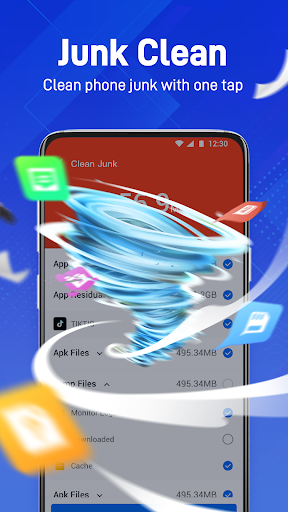
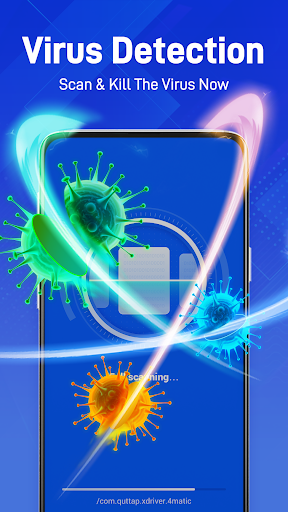
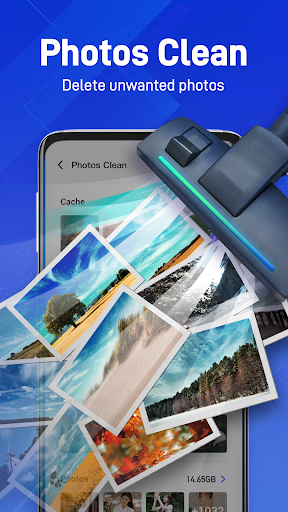
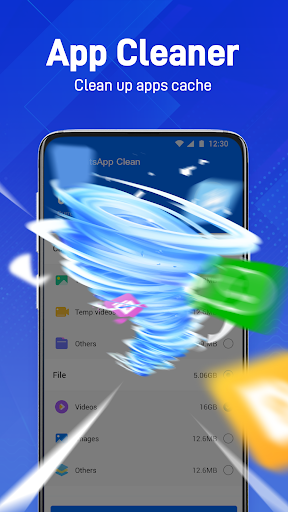
All-in-one Android utility combining antivirus scanning (malware, spyware, Trojans), junk file cleaning, RAM/speed boosting, and photo deduplication to free storage and improve performance.
Verdict
Verdict: A user-friendly antivirus and cleaner that’s great for quick tune-ups, but heavy users may prefer more transparent, ad-light tools.
Who is it for
Best for:
- Users who want one-tap scans, cleanup, and speed boosts
- Phones with limited storage needing fast junk and photo cleanup
- Non-technical users seeking simple, guided maintenance
Not ideal for:
- Privacy-focused users wary of broad permissions or in-app ads
- Power users wanting detailed controls, logs, or lab-tested protection
- Devices already using a full-suite security app
Real-world User Experience
Users like it:
High 4.8 rating suggests people appreciate the one-tap simplicity, visible storage savings from junk/photo cleaning, and noticeable speed improvements on older or cluttered devices.
Users complain about:
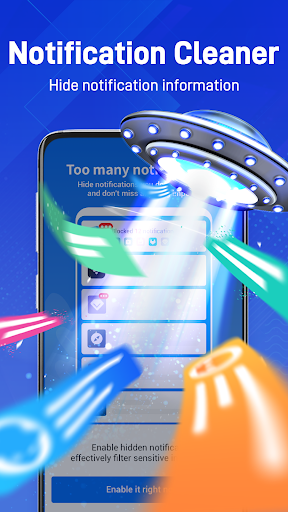
As with many free cleaners/antivirus apps, some users may report frequent ads, aggressive notifications, battery impact during scans, or occasional false-positive warnings.
Is it Worth Paying For?
The app is free; no paid tiers are specified. Value is strong if you want basic antivirus and cleanup at no cost, but expect ads. If a paid option exists in-app, only consider it if it removes ads and adds verifiable protection/features beyond what free alternatives provide.
How it Compares to Alternatives
Compared with Avast, AVG, or Norton, Super Security emphasizes one-tap ease over enterprise-grade reporting and independent test certifications. Versus CCleaner, Files by Google, or SD Maid, it offers broader ‘security’ coverage but may have more ads and fewer granular controls. Files by Google remains an ad-free, trustworthy storage cleaner; Super Security aims to bundle antivirus plus photo dedupe in a single place for convenience.
Summary
Super Security: Safe Antivirus bundles core Android maintenance—antivirus scanning, junk cleanup, memory boosting, and photo deduplication—into a simple one-tap experience. Its strengths are convenience and quick wins: freeing space, trimming duplicates, and making older phones feel snappier. The trade-offs likely mirror many free utilities: ads, notifications, and less transparency than top-tier security suites. If you need a straightforward, no-cost tune-up tool, it’s a solid pick. If you want certified malware protection, fine-grained controls, and minimal ads, consider reputable antivirus brands or pair an ad-free cleaner like Files by Google with a well-rated, independently tested security app.

Ratings
Trending APP












Alternative to this app










