
Copyright 2026 © swekartor. All Rights Reserved.



Information about Deep Cleaner-Phone Faster


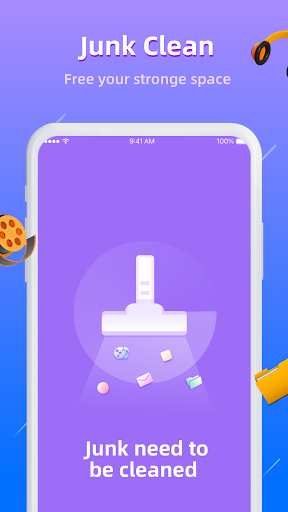
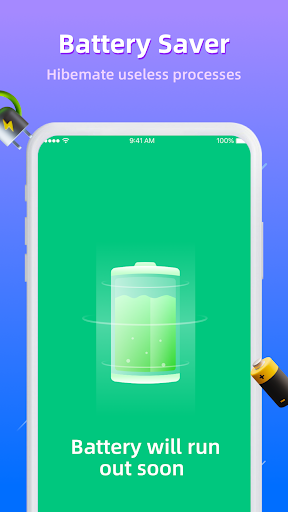
App Feature
Deep Cleaner-Phone Faster aims to keep your phone running smoothly by clearing junk files, freeing storage, stopping battery-draining background apps, and cooling down the CPU to reduce overheating.
Verdict
Verdict: A capable one-tap cleaner/booster for quick tune-ups, but its background behavior may offset the gains if left running.
Who is it for
Best for:
- Users with low storage who need simple junk cleaning
- People wanting quick, temporary speed boosts and battery optimization
- Older or budget phones that benefit from periodic cleanup
Not ideal for:
- Users sensitive to apps running persistently in the background
- Phones already performing very poorly, where constant operation could worsen issues
- Those who prefer built-in, minimal-intervention maintenance tools
Real-world User Experience
Users like it:
Noticeable, short-term performance lift after clearing junk; easy storage cleanup; convenient battery-saving and CPU-cooling tools bundled in one place.
Users complain about:
Can be too intrusive if it keeps running in the background; may negatively impact already struggling devices if not shut down after use.
Is it Worth Paying For?
The app is free. There’s no mention of paid plans or IAP, so it’s worth trying at no cost—use it on-demand and close it afterward to avoid background interference.
How it Compares to Alternatives
Compared with basic built-in cleaners, it adds an all-in-one booster, battery saver, and CPU cooler, offering more knobs for quick fixes. However, lighter alternatives or native tools may be less intrusive because they don’t persist in the background, making them safer for consistently poor-performing phones.
Summary
Deep Cleaner-Phone Faster bundles junk cleaning, storage optimization, battery saving, and CPU cooling to deliver quick, noticeable tune-ups—especially helpful for devices accumulating clutter. Its 3.7 rating and large install base suggest mixed but generally positive results. The key is how you use it: run it when needed to clear junk and stop battery-draining processes, then shut it down to prevent background interference that could negate benefits or worsen performance on struggling phones. If you want a straightforward, on-demand cleanup tool, it’s a practical, free option; if you prefer low-maintenance, always-on stability, consider lighter or native alternatives.
Ratings
Trending APP












Alternative to this app










