
Copyright 2026 © swekartor. All Rights Reserved.


Information about Screen Mirroring & Sharing TV
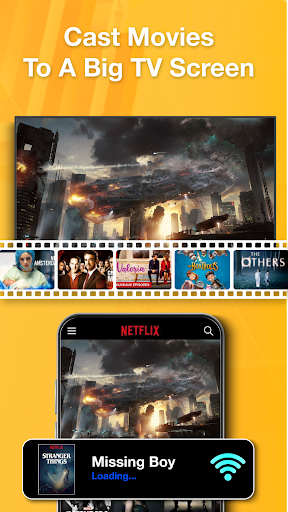
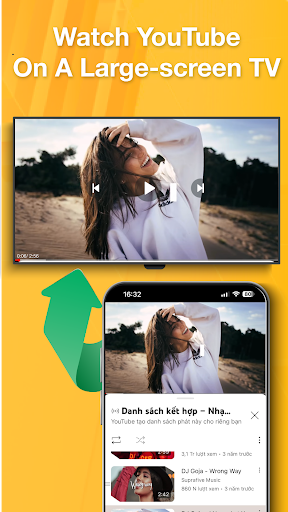
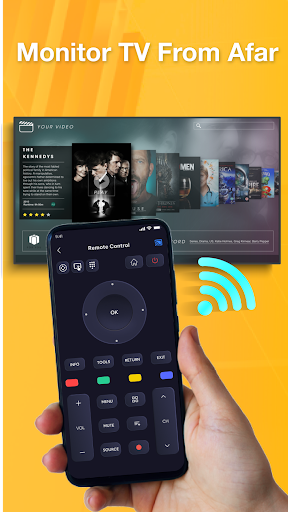
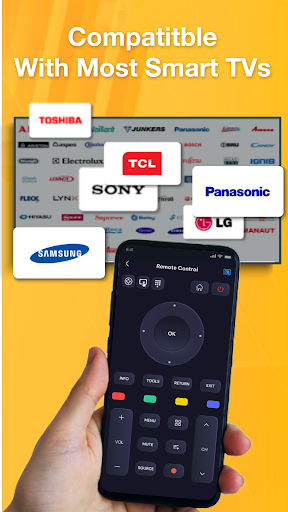
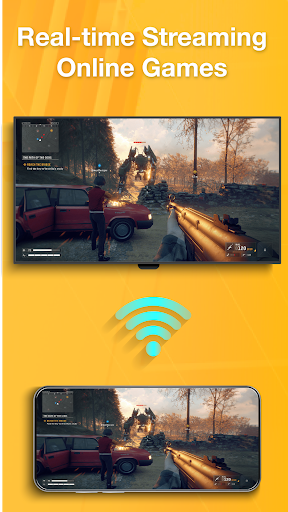
App Feature
Screen Mirroring & Sharing TV mirrors your phone/tablet to larger displays like smart TVs, projectors, and streaming devices, emphasizing quick setup, broad device compatibility, and real-time sharing of photos, videos, and presentations.
Verdict
Verdict: A convenient basic mirroring tool with broad device reach, but reliability and polish may vary.
Who is it for
Best for:
- Users who want quick, no-frills mirroring to a TV or projector
- Sharing photos, videos, and slides on a bigger screen at home or in small meetings
- People with varied display hardware who need flexible compatibility
Not ideal for:
- Latency-sensitive use cases like gaming or live demos requiring near-zero lag
- Users who need cast-level stability or DRM-protected streaming support
- Those who dislike ads or trial-style prompts (common in free utility apps)
Real-world User Experience
Users like it:
Easy setup when devices are compatible, straightforward interface, and effective for casting photos, casual videos, and presentations to a variety of screens.
Users complain about:
Mixed reliability (connection drops, occasional lag), inconsistent compatibility across TV models/streamers, potential ad interruptions, and typical limitations with audio routing or DRM-protected content.
Is it Worth Paying For?
The app is free. No clear information about in-app purchases is provided; expect ads. As a free utility, it’s worth trying, but consider paid upgrades only if they demonstrably improve reliability or remove ads after testing on your setup.
How it Compares to Alternatives
Compared with platform-native options (e.g., Google Home/Chromecast, Apple AirPlay, or Miracast built-in), this app aims for broader hardware coverage but may be less stable and have more latency. Alternatives like Google Home (for Chromecast) or AirScreen (for receiving AirPlay/Google Cast) often provide smoother playback within their ecosystems. Samsung SmartThings can be more reliable for Samsung TVs. This app’s advantage is a single, simple solution across mixed devices, trading off some polish and consistency.
Summary
Screen Mirroring & Sharing TV promises quick, real-time screen sharing to TVs, projectors, and streaming devices without complex setup. Its strength is convenience and broad compatibility for everyday needs like showing photos, short videos, or slides. The 3.4 rating suggests mixed experiences: it can work well on supported hardware, but users may encounter lag, occasional disconnects, ad friction, or content restrictions—common trade-offs in free mirroring apps. If your use is casual and your expectations are moderate, it’s a handy, no-cost option. For demanding scenarios—especially smooth video with audio, DRM content, or gaming—native casting solutions tied to your device/TV ecosystem are likely more reliable.
Ratings
Trending APP












Alternative to this app










