
Copyright 2026 © swekartor. All Rights Reserved.



Information about Auto Clicker - Automatic tap
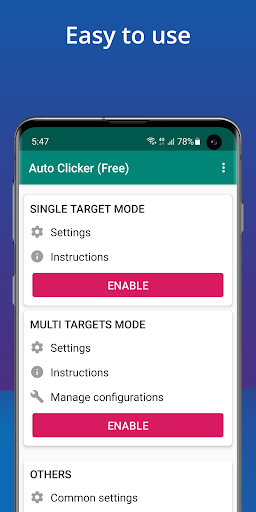
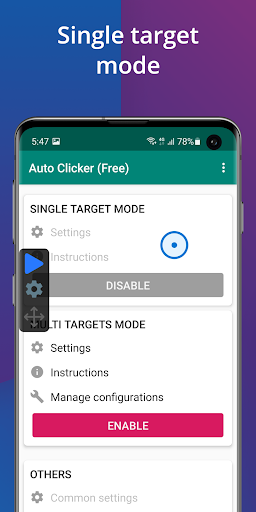
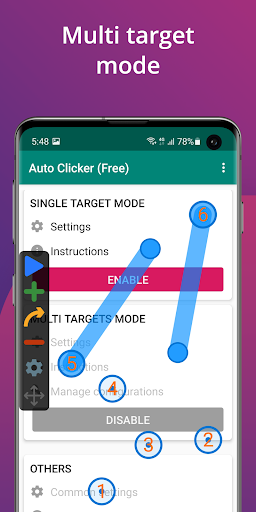
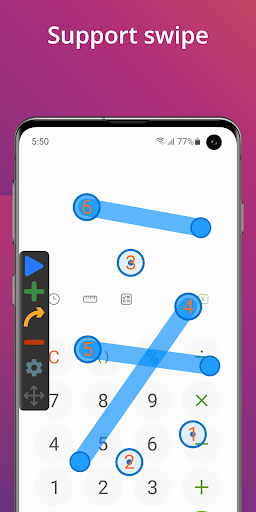
App Feature
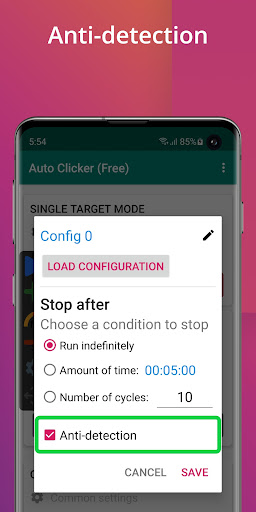
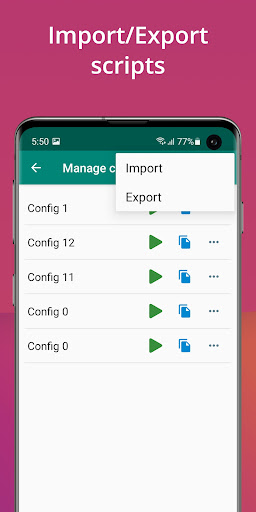
Auto Clicker - Automatic tap automates repeated taps and swipes anywhere on your screen without root. It offers single/multi-target modes, adjustable intervals and durations, a floating control panel, global timer, profile save/import/export, and runs via Android Accessibility on Android 7.0+.
Verdict
Verdict: A reliable, no-root auto clicker with strong customization and light ads, best for gaming and repetitive tasks but with a few edge-case quirks.
Who is it for
Best for:
- Mobile gamers and grinders needing repeat taps/swipes
- Users automating simple workflows (refresh, accept, farm) without scripting
- Anyone wanting a free, easy auto-clicker with profiles and timers
Not ideal for:
- Phones below Android 7.0 or brands that frequently revoke Accessibility
- Power users needing advanced macro logic (conditional flows, delayed starts, hold-to-press)
Real-world User Experience
Users like it:
Consistently stable and fast; easy to set up multi-tap and swipe sequences; profiles can be saved and reused; minimal, non-intrusive ads; works across devices and orientations; flexible timing, pointer resizing, and global timer; handles large sequences; free and Play Store-available without root.
Users complain about:
At ultra-fast intervals (≤30–40 ms) some apps lag or devices may freeze; occasional glitches (targets drifting slightly, start/stop button overlaps); on some phones Accessibility must be re-enabled frequently; saving configs can be confusing without explicit save; can’t easily click at screen edges due to system UI; rare case where the stop control disappeared requiring a battery drain reboot; requests for features like autosave, delayed start, hold-press, and easier multi-target sequencing.
Is it Worth Paying For?
The core app is free with light ads; in-app purchases (typically to remove ads or unlock conveniences) are good value if you use it daily and want a cleaner experience. For casual use, the free tier is sufficient.
How it Compares to Alternatives
Compared to other Android auto clickers, it’s easier to use, more stable, and has fewer intrusive ads. Unlike root-based tools or scripting-heavy macro apps, it works via Accessibility with straightforward setup. It lacks some advanced macro logic found in power-user alternatives, but its reliability and simplicity make it a top Play Store option.
Summary
Auto Clicker - Automatic tap delivers a dependable, no-root solution for automating taps and swipes with a friendly UI, multi-target support, timers, and reusable profiles. Reviews praise its stability, light ad footprint, and broad utility across games and routine tasks. Downsides are mostly edge cases: very high-speed tapping can cause lag, some devices force frequent Accessibility re-enables, and a few UX quirks around saving and edge clicking remain. If you want a straightforward, trusted auto clicker from the Play Store, this is an excellent pick; power users needing conditional logic or advanced macro features may want more specialized tools.
Ratings
Trending APP












Alternative to this app










