
Copyright 2026 © swekartor. All Rights Reserved.


Information about Screen Mirroring Pro - TV Cast
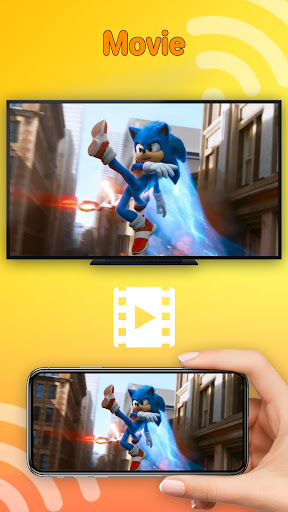
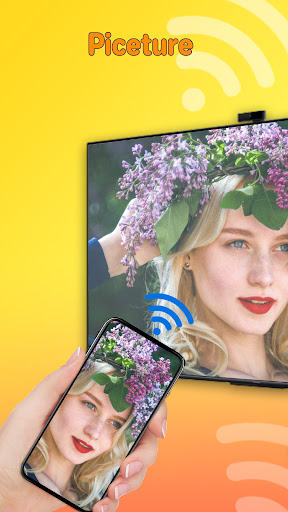
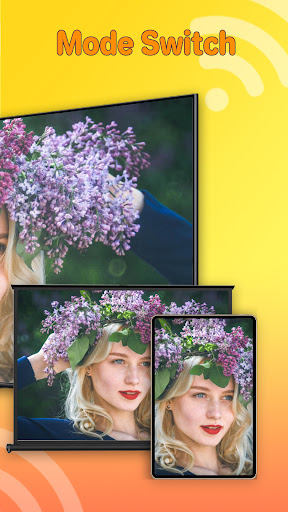

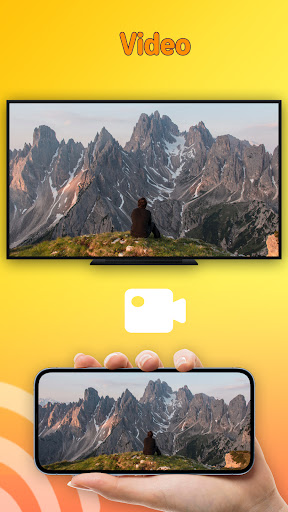
App Feature
Screen Mirroring Pro - TV Cast mirrors your phone or tablet to a TV for sharing photos, videos, games, and presentations, with real-time streaming and broad compatibility (smart TVs, Chromecast, Fire TV, Roku).
Verdict
Verdict: A capable, easy-to-use screen mirroring app for most TVs, best when your network is stable and Miracast/casting is enabled.
Who is it for
Best for:
- Users who want quick phone-to-TV mirroring for media and presentations
- Homes with Chromecast, Fire TV, Roku, or Miracast-enabled smart TVs
- People prioritizing simple setup over advanced casting controls
Not ideal for:
- Those on weak or mismatched Wi‑Fi networks
- Users with TVs/devices that don’t support Miracast or casting protocols
- Power users needing advanced features like fine latency tuning
Real-world User Experience
Users like it:
Straightforward setup, reliable real-time streaming when both devices share the same Wi‑Fi, and wide device compatibility across major TV platforms.
Users complain about:
Connection depends on enabling Wireless Display/Miracast and being on the same network; performance can dip on unstable Wi‑Fi or unsupported TVs.
Is it Worth Paying For?
It’s free and there’s no mention of in‑app purchases; for basic mirroring needs, the value is strong at no cost.
How it Compares to Alternatives
Compared to Google Home (great for Chromecast/Google TV) or Roku/Fire TV official apps, this offers broader, cross-brand mirroring in one place. It’s simpler than full-featured casting suites but also lighter on niche controls. If your ecosystem is single-brand, official apps may integrate tighter; for mixed devices, this is more flexible.
Summary
Screen Mirroring Pro - TV Cast focuses on easy, cross-device phone-to-TV mirroring with real-time streaming. It works well on mainstream platforms like smart TVs, Chromecast, Fire TV, and Roku, provided both devices share a stable Wi‑Fi and the TV supports Miracast or casting. With a solid 4.0 rating and 100K+ downloads, it suits everyday sharing of media and presentations without complex setup. It’s free, broadly compatible, and convenient—just ensure your network and TV settings are in order for the smoothest experience.
Ratings
Trending APP












Alternative to this app










