
Copyright 2026 © swekartor. All Rights Reserved.



Information about Cast To TV - Screen Sharing
App Feature
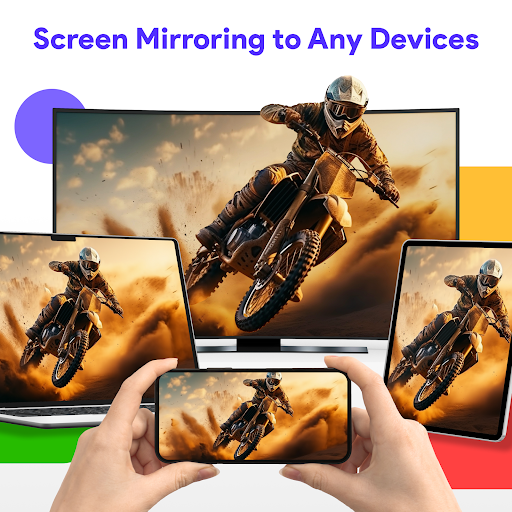
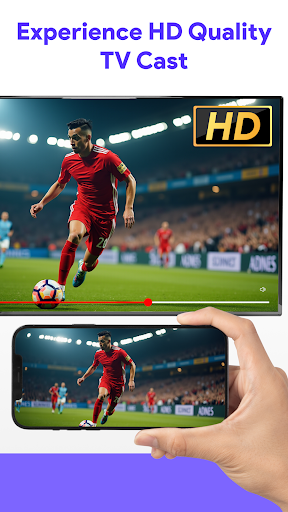
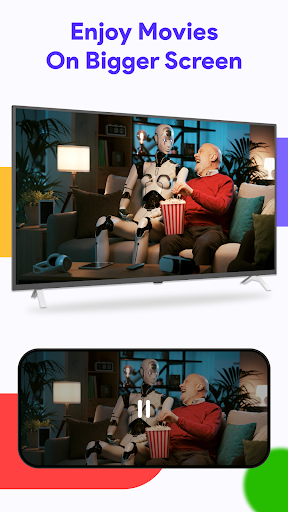
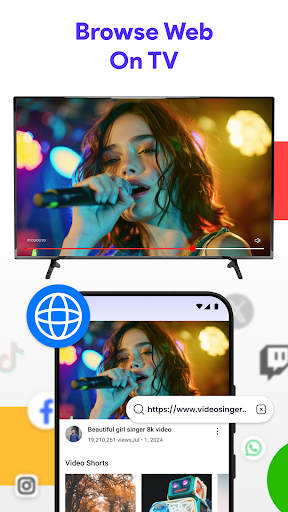
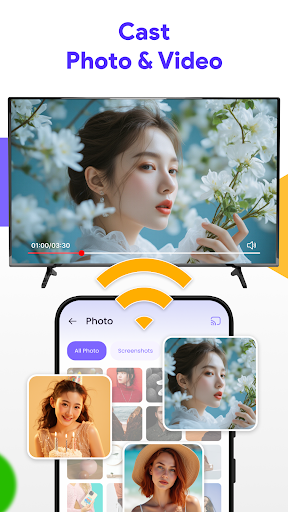
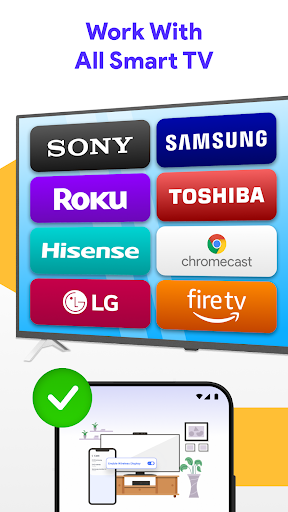
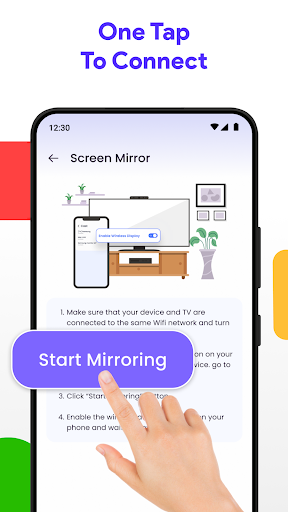
Cast To TV - Screen Sharing mirrors your phone or tablet to a TV or larger display over Wi‑Fi, focusing on quick setup, an intuitive interface, and broad device compatibility so you can share photos, videos, or presentations with minimal fuss.
Verdict
Verdict: A capable, easy-to-use screen mirroring app with broad compatibility, best for casual casting rather than latency-critical use.
Who is it for
Best for:
- Users who want simple, tap-and-go screen mirroring to TVs
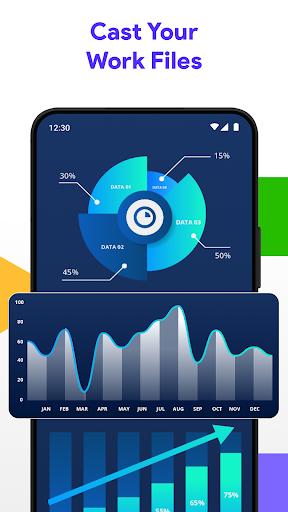
- Sharing photos, videos, and presentations in home or office settings
- People with mixed devices who need cross-platform compatibility
Not ideal for:
- Gamers or anyone needing ultra-low latency casting
- Users tied to a single ecosystem that already has a native solution (e.g., AirPlay/Chromecast)
- Those requiring advanced pro controls like granular latency/bitrate tuning
Real-world User Experience
Users like it:
Smooth setup, straightforward interface, and reliable mirroring on compatible TVs; convenient for showing media and slides without cables.
Users complain about:
Occasional connection hiccups depending on TV/network, potential lag with high-resolution video or interactive content, and possible limitations on certain device/OS combinations.
Is it Worth Paying For?
The app is free. With no confirmed in-app purchases, it’s an easy recommendation to try. If optional paid features or ads exist in your region/version, the free core functionality should still cover casual casting needs, making any upgrade optional.
How it Compares to Alternatives
Compared to Google Home (best for Chromecast) and Apple AirPlay (best within the Apple ecosystem), Cast To TV emphasizes cross-platform convenience and simplicity. It’s more flexible than brand-specific tools (e.g., Samsung Smart View) but may not match the ultra-stable, low-latency performance of native solutions or dedicated hardware for demanding use cases.
Summary
Cast To TV - Screen Sharing delivers a straightforward way to mirror your device to larger screens with minimal setup and broad compatibility. Its strength lies in an approachable interface and dependable performance for everyday media sharing and presentations. While it can’t fully eliminate latency—making it less suited for fast-paced gaming—it offers solid value as a free tool for casual casting across different devices and TVs. If you need a simple, cross-platform mirroring solution without committing to a single ecosystem, this is a practical, user-friendly choice.
Ratings
Trending APP












Alternative to this app










