
Copyright 2026 © swekartor. All Rights Reserved.


Information about All Document Reader & Viewer
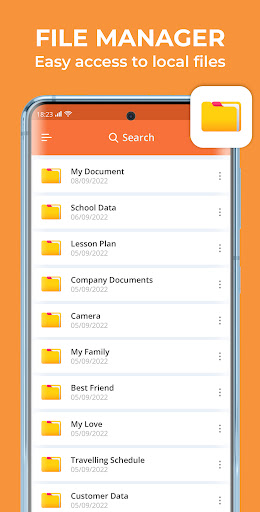
App Feature
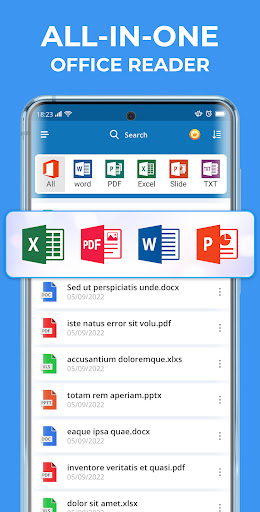
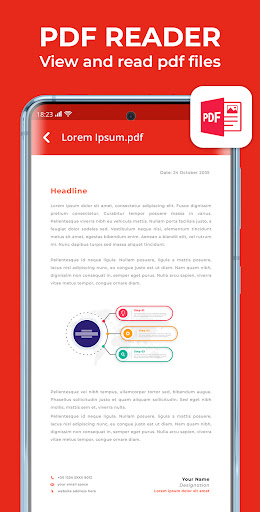
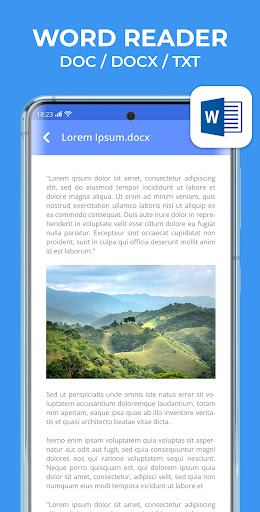
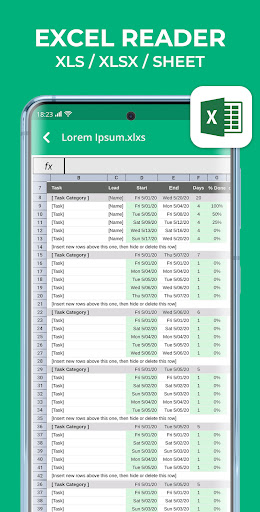
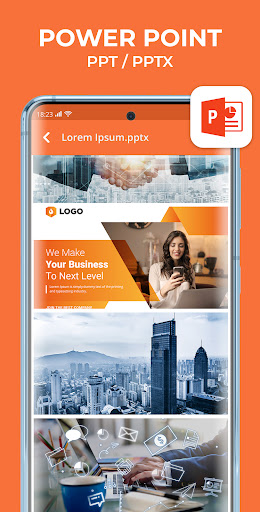
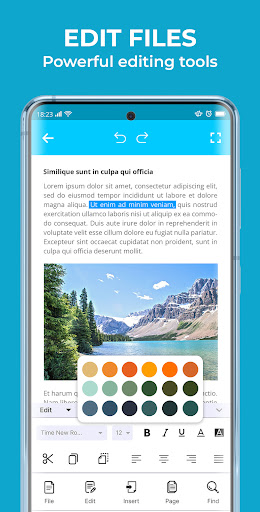
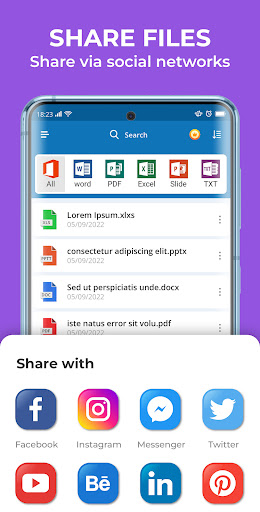
All Document Reader & Viewer is a free, multi-format document viewer focused on quick, simple access to PDFs, Word, Excel, PowerPoint, and more, with built-in text search and cloud storage integration (Google Drive, Dropbox, OneDrive) for seamless access across devices.
Verdict
Verdict: A straightforward, reliable document viewer for everyday use, best if you value simplicity over advanced editing.
Who is it for
Best for:
- Users who need a fast, no-fuss reader for common office files
- People who rely on cloud storage and want easy access across devices
- Anyone prioritizing quick search within documents
Not ideal for:
- Users needing deep editing, annotations, or advanced PDF tools
- Power users working with complex formatting or large, heavy files
Real-world User Experience
Users like it:
Overall 4.2 rating suggests users appreciate the clean interface, broad file support, quick loading, and convenient cloud connectivity.
Users complain about:
Based on the feature set (viewer-first), some users may miss advanced editing/annotation features found in full office suites.
Is it Worth Paying For?
The app is free and no paid plan is indicated; for viewing and searching documents, it offers solid value at no cost.
How it Compares to Alternatives
Compared to Adobe Acrobat Reader and Microsoft Office/Google Drive apps, this focuses on lightweight viewing and cross-format convenience rather than deep editing or collaboration. It’s simpler than WPS Office or full Office apps, but also less feature-heavy—ideal when you just need to open, read, and search files quickly.
Summary
All Document Reader & Viewer delivers a clean, efficient way to open and search across popular document formats, with cloud integration that makes pulling files from Google Drive, Dropbox, or OneDrive straightforward. Its strengths are speed, simplicity, and multi-format coverage, reflected in a solid 4.2 rating and substantial install base. If your primary need is reading and searching documents on the go, it’s a practical, no-cost choice. If you routinely annotate, edit, or manipulate complex documents, you’ll likely want a more feature-rich suite alongside this lightweight viewer.
Ratings
Trending APP












Alternative to this app










