Copyright 2026 © swekartor. All Rights Reserved.



Information about My Verizon
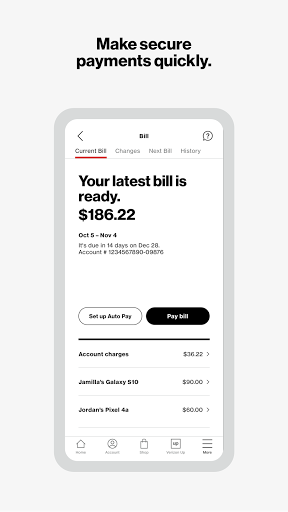
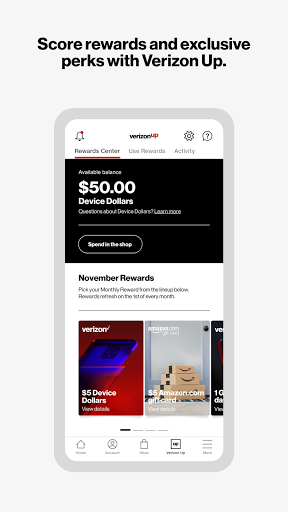
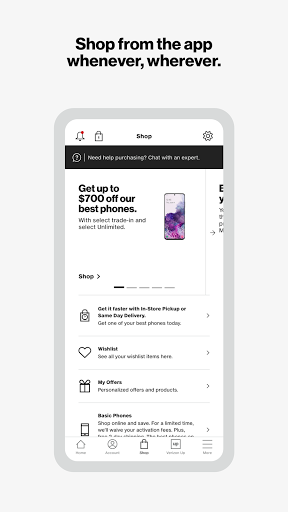
App Feature
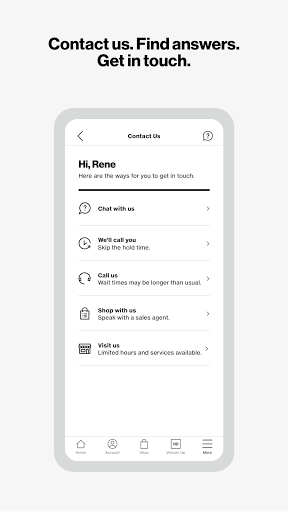
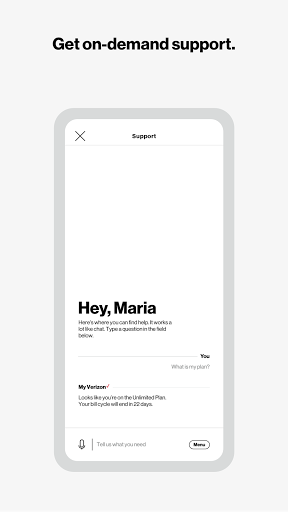
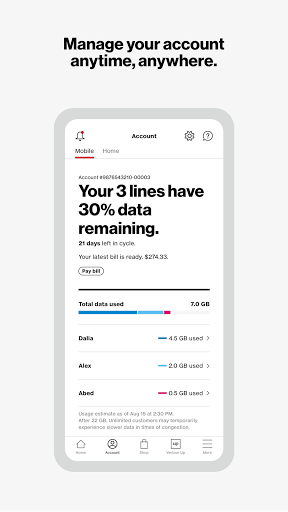
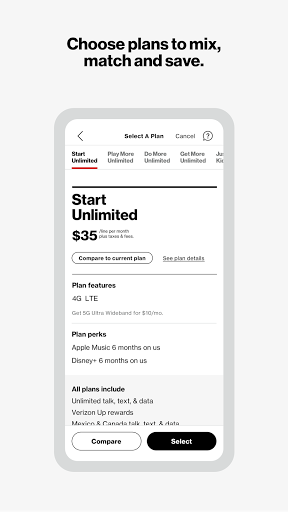
My Verizon centralizes wireless and home internet account management, letting you view plans and usage, pay bills, change services, manage devices, shop and upgrade, and access 24/7 chat-based support—all from a personalized dashboard with shortcuts and offers.
Verdict
Verdict: A comprehensive, reliable Verizon account hub with strong support, though login friction and a few UX quirks can frustrate power users.
Who is it for
Best for:
- Verizon customers managing multiple lines or Home Internet (5G Home/LTE Home/Fios)
- Users who prefer self-serve billing, upgrades, and chat-based support
- People wanting a consolidated view of usage, perks, and plan options
Not ideal for:
- Those who need perfectly consistent sign-in flows or frequent screenshots of payment confirmations
- Prepaid/pay-as-you-go users expecting seamless top-ups every time
- Users in spotty 5G/hotspot areas relying heavily on mobile data management
Real-world User Experience
Users like it:
Consistently strong customer service via chat and phone; convenient, user-friendly navigation after recent UI updates; easy bill pay, plan management, device upgrades, and insurance claim access; reliable coverage and service management for many long-time customers.
Users complain about:
Inconsistent login/2FA behavior and repeated access approvals; inability to screenshot after payments; occasional back-navigation issues that kick users out; limited clarity on device payoff balances and making extra payments; mixed results buying add-on data in prepaid; 5G/hotspot availability varies by location.
Is it Worth Paying For?
The app is free with no ads or in-app purchases; it’s the primary self-service tool for Verizon accounts, so there’s no cost barrier and clear value if you’re a Verizon customer.
How it Compares to Alternatives
Compared to AT&T and T-Mobile account apps, My Verizon is similarly full-featured for billing, plan changes, and upgrades, with particularly strong integrated support and home internet management. However, some users report more sign-in friction and screenshot restrictions than competitors, while overall reliability and customer support responsiveness are highlights.
Summary
My Verizon brings your mobile and home internet accounts into one place, making it straightforward to track usage, pay bills, manage devices, and shop for upgrades, with 24/7 assistance when you need it. Long-time users praise the coverage, customer service, and recent UI improvements that streamline navigation. On the flip side, the sign-in process can feel inconsistent, screenshots are blocked after payments, and a few flows (like device payoff details or prepaid top-ups) could be clearer. If you’re on Verizon, the app is a capable, no-cost command center for your services; just expect occasional authentication and UX hiccups.
Ratings
Trending APP












Alternative to this app