
Copyright 2026 © swekartor. All Rights Reserved.



Information about WeRecovery—File Recovery
App Feature
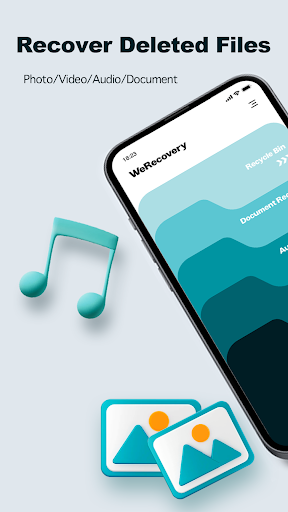
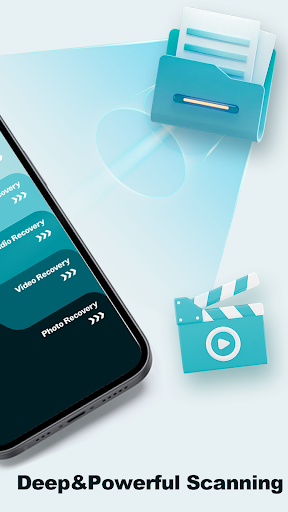
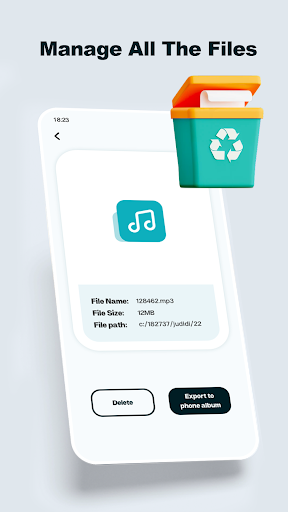
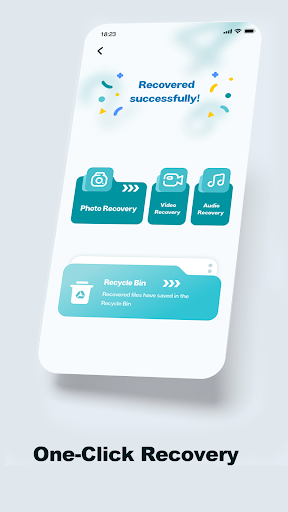
WeRecovery—File Recovery helps Android users scan internal storage or SD cards to locate and restore deleted files. It focuses on quick, tap-to-recover workflows, supports common formats (photos, videos, documents), and offers a clean, beginner-friendly interface.
Verdict
Verdict: A straightforward, beginner-friendly file recovery app that works for simple deletions, but results may vary for deeply deleted or corrupted files.
Who is it for
Best for:
- Users who need quick recovery of recently deleted photos, videos, or documents
- Beginners who want a simple, guided recovery process
Not ideal for:
- Power users needing advanced recovery, previews, or deep forensic scans
- Those expecting guaranteed recovery of long-ago or securely wiped files
Real-world User Experience
Users like it:
The simple interface and easy recovery flow, plus fast scans that can bring back recently deleted media and documents.
Users complain about:
Inconsistent recovery success on older or permanently deleted files; typical limitations of mobile recovery that may not retrieve everything.
Is it Worth Paying For?
The app is listed as free and there’s no clear indication of in‑app purchases here. As a no-cost first attempt at recovery, it’s worth trying before considering paid desktop tools.
How it Compares to Alternatives
Compared to alternatives like DiskDigger or Dumpster, WeRecovery emphasizes ease and a clean UI over advanced controls. DiskDigger often offers deeper scans and granular filters, while Dumpster focuses on recycle-bin style protection going forward. Desktop tools (e.g., EaseUS, Recuva via PC with device mounted) typically outperform mobile apps for complex recoveries but require a computer.
Summary
WeRecovery—File Recovery targets everyday Android users who need a quick, no-fuss way to retrieve deleted files. It scans device and SD storage, supports common formats, and keeps the process simple. With a mid-tier rating (3.7) and modest install base, expectations should be tempered: it can work well for recent deletions but cannot guarantee recovery of everything—especially items overwritten or securely erased. As a free, lightweight option, it’s a sensible first step; for critical or older data, consider more advanced Android recovery utilities or professional/desktop solutions.
Ratings
Trending APP












Alternative to this app










