
Copyright 2026 © swekartor. All Rights Reserved.



Information about Canon PRINT Inkjet/SELPHY
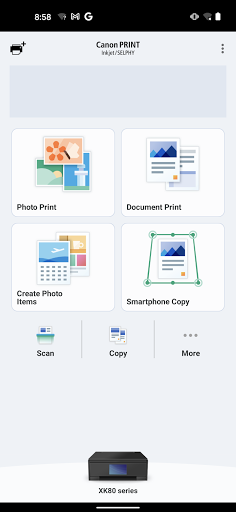
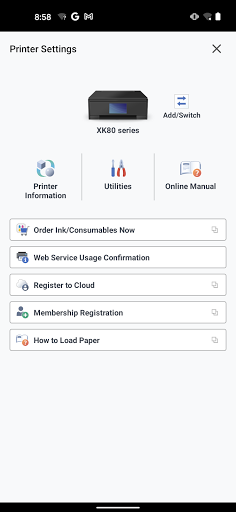
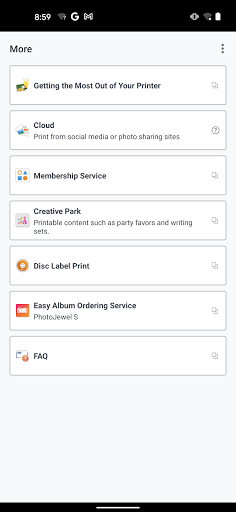
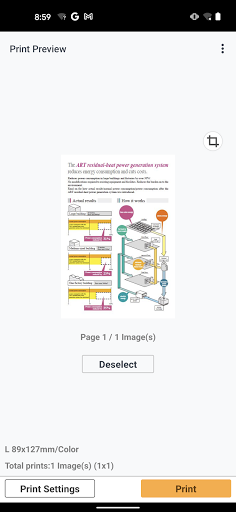
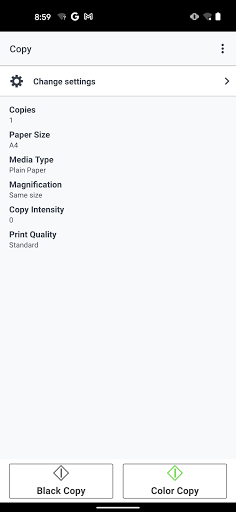
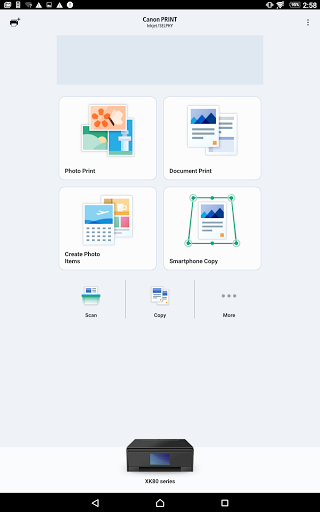
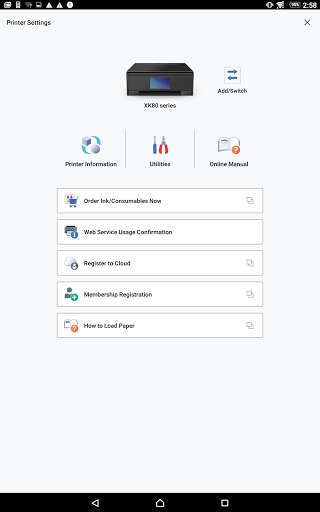
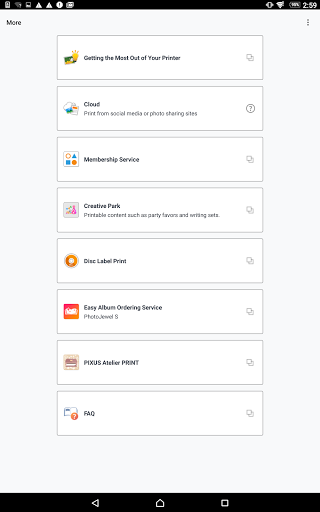
App Feature
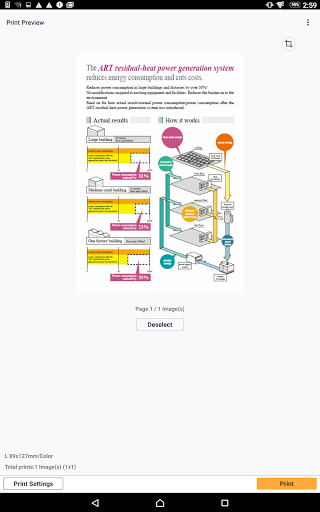
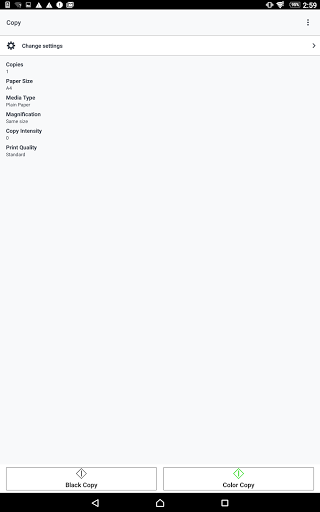
Canon PRINT Inkjet/SELPHY is a free companion app for Canon printers that handles setup, wireless photo/document/web printing, and scanning from your phone. It supports cropping and basic photo edits, batch photo printing (up to 20 at once), cloud printing, consumable/ink checks, and saves scans as PDF or JPEG. Works with a wide range of Canon inkjet, laser, and SELPHY photo printers (model-dependent).
Verdict
Verdict: A reliable, full-featured mobile companion for Canon printers, best for everyday wireless printing and scanning from your phone.
Who is it for
Best for:
- Canon printer owners who want quick, wireless print/scan from Android
- Home users printing photos, labels, web pages, and basic documents
- Beginners who need guided setup and simple editing before print
Not ideal for:
- People without Canon hardware or mixed-brand printer environments
- Power users needing pro color management or advanced layout workflows
- Teams seeking enterprise fleet controls and admin dashboards
Real-world User Experience
Users like it:
Smooth wireless setup for many users; prints shipping labels, schoolwork, and photos directly from phones; easy scanning to phone galleries as PDF/JPEG; convenient features like waking the printer, checking ink, and simple photo edits; long-term reliability across device changes and moves.
Users complain about:
Initial setup can be confusing for some; occasional prompts for login credentials without clear context; difficulty finding duplex/parameter settings; sporadic alignment or color/ink issues (often printer-related); confusion between this app and Canon’s separate Print Service plugin.
Is it Worth Paying For?
It’s free with no in‑app purchases; value is high for Canon owners. It contains ads, but there’s no paid tier to remove them.
How it Compares to Alternatives
Compared to HP Smart, Epson iPrint, and Brother iPrint&Scan, Canon PRINT offers a similar core set—setup, mobile print/scan, photo tools, and consumables checks. Its strengths are broad Canon model coverage (including SELPHY photo printers) and straightforward photo printing from a phone. HP Smart tends to add cloud account features and document services; Epson iPrint emphasizes photo quality controls; Brother’s app is utilitarian. If you already use Canon hardware, this app is the most seamless choice.
Summary
Canon PRINT Inkjet/SELPHY delivers an easy, dependable way to set up your Canon printer and handle everyday mobile printing and scanning. Photo and document jobs—whether from files, your gallery, or the web—are fast to send, with light editing and batch photo printing supported. Scans save cleanly to your device, and you can check ink levels and use cloud printing when supported. While some users face initial setup friction, unclear login prompts, or printer alignment/color issues, the majority report quick success and long-term reliability. For Canon owners, especially households and students, it’s a no‑brainer free companion that makes a printer feel truly wireless and phone‑friendly.
Ratings
Trending APP












Alternative to this app










