
Copyright 2026 © swekartor. All Rights Reserved.



Information about qBittorrent Remote
App Feature
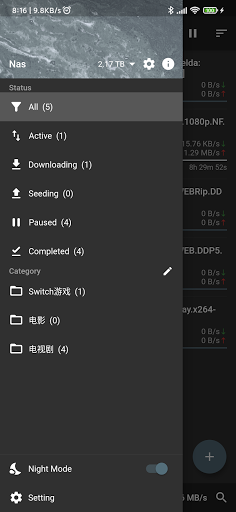
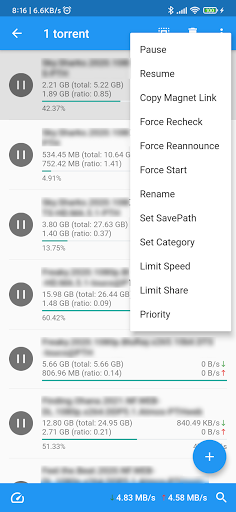
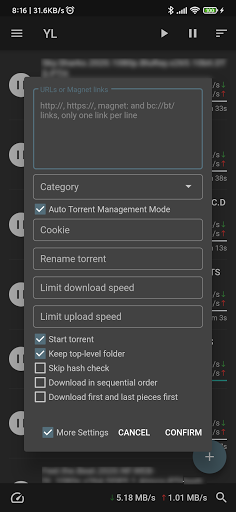
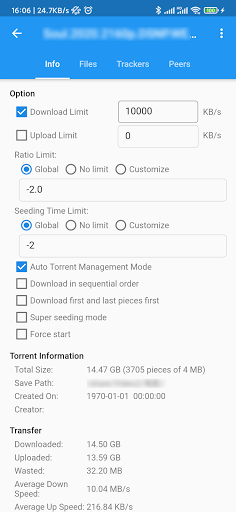
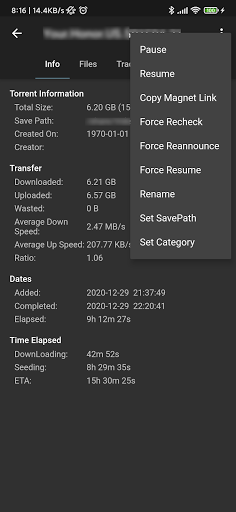
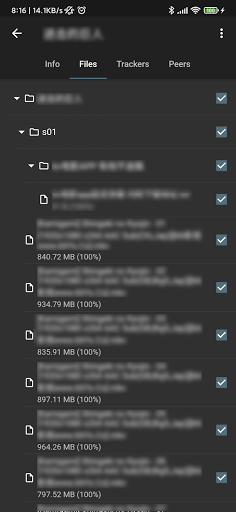
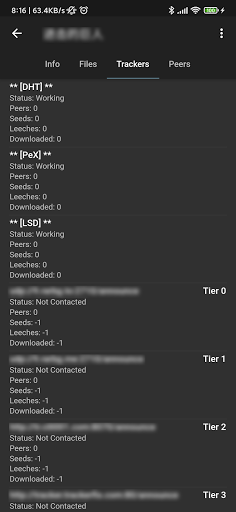
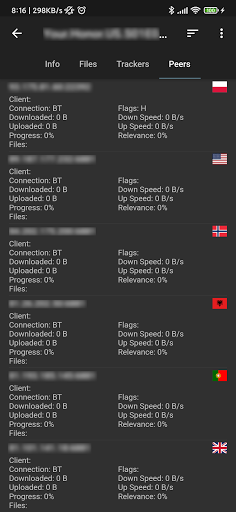
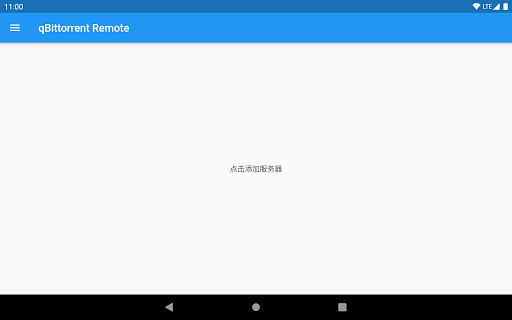
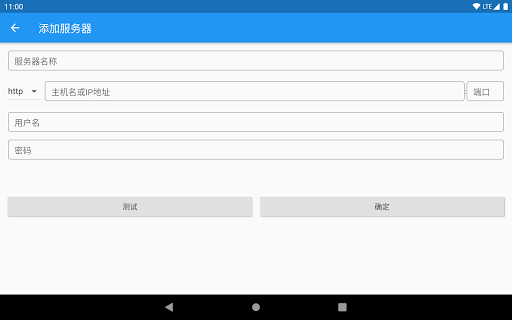
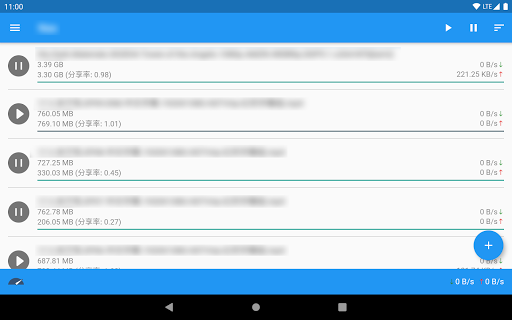
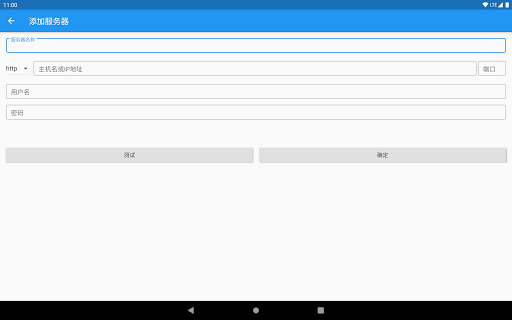
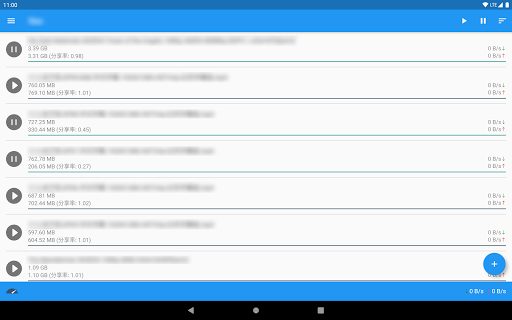
qBittorrent Remote is a free controller for your existing qBittorrent desktop/server. It lets you add torrents via magnet or file, pause/resume/delete, reorder and prioritize the queue, switch between global and alternate speed limits, manage categories and save locations, and connect to multiple hosts over HTTP/HTTPS with saved profiles and authentication. It focuses on remote control only—it does not download to your phone.
Verdict
Verdict: A polished, no‑nonsense remote for qBittorrent power users, best if you want full control without mobile downloading.
Who is it for
Best for:
- qBittorrent users running a home server/NAS who want reliable remote control
- Power users needing multi-server profiles, priority/queue tools, and speed limit toggles
- Privacy-minded users wanting a clean, ad-free utility
Not ideal for:
- Anyone expecting the app to download files directly to the phone
- Users unwilling to configure ports/HTTPS or match qBittorrent versions
- People who want a built-in torrent search or media streaming client
Real-world User Experience
Users like it:
High satisfaction (4.6/5 from 227 ratings) points to a clean, responsive UI and reliable core controls: adding magnets/files, pausing/resuming, deleting, copying links, editing categories/locations, and switching speed limits. Multi-server support and the focused remote-first design meet expectations without ads or bloat.
Users complain about:
Some friction likely comes from setup and compatibility (requires a properly configured qBittorrent WebUI and works best on 4.3.1+). Users expecting on-device downloads or richer extras (e.g., integrated search or media playback) may feel limited. Occasional connection/auth issues can occur depending on server/network setup.
Is it Worth Paying For?
It’s free with no ads and no IAP, so there’s nothing to buy—great value if you already run qBittorrent and just need a capable remote.
How it Compares to Alternatives
Compared to using the qBittorrent WebUI in a mobile browser, this app provides a faster, touch-friendly interface and saved host profiles. Versus general torrent remotes like Transdroid or qbController, it focuses tightly on qBittorrent with thoughtful controls (queue/priorities, speed limit switch, categories) and remains ad-free. Apps like LibreTorrent are full clients that download locally—this is intentionally remote-only, which many server users prefer.
Summary
qBittorrent Remote is a focused companion for anyone running qBittorrent on a PC, server, or NAS. It nails the essentials—adding torrents, managing queues and priorities, toggling speed limits, and editing categories/locations—while supporting multiple hosts over HTTP/HTTPS. With a strong user rating and no ads or IAP, it feels dependable and streamlined. Just note it won’t download to your phone and works best when your qBittorrent is up to date and properly exposed via the WebUI. If you want a clean, capable remote without extras or clutter, this is an easy recommendation.
Ratings
Trending APP












Alternative to this app










