
Copyright 2026 © swekartor. All Rights Reserved.



Information about Screen Recorder

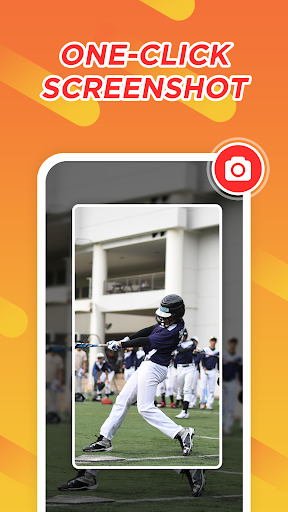
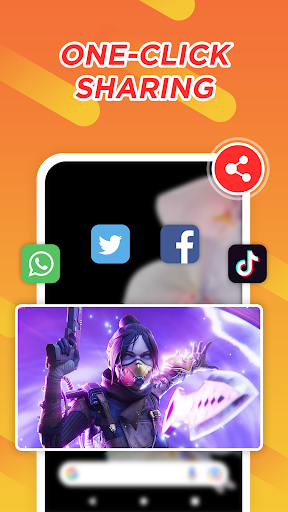
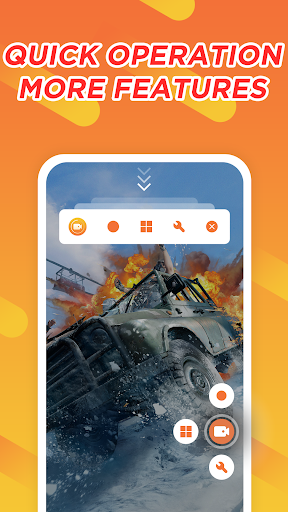
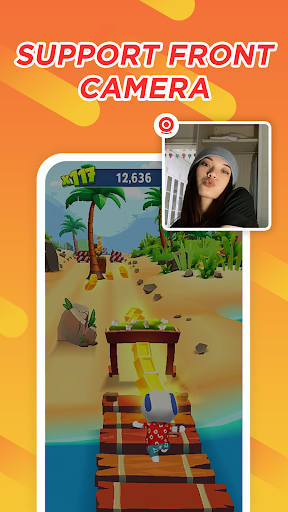
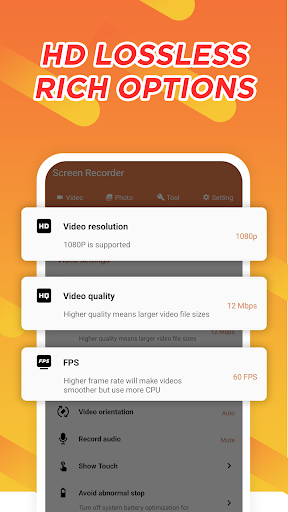
App Feature
Screen Recorder is a free Android tool for recording your screen with optional internal audio, facecam overlay, and on-screen drawing. It supports high-quality capture up to 1080p/60fps, unlimited recording time, a floating control window, shake-to-stop, video compression, and quick screenshots—no root required.
Verdict
Verdict: A capable, no-cost screen recorder with essential features and few frills, best for straightforward, high‑quality captures if you don’t mind ads.
Who is it for
Best for:
- Gamers, students, and creators needing 1080p/60fps screen capture
- Users who want internal audio, facecam, and simple controls without rooting
- Anyone seeking unlimited recording time at no cost
Not ideal for:
- Power users wanting built-in advanced video editing or annotations
- People who require guaranteed internal audio on older/fragmented Android versions
- Users who prefer an ad-free experience out of the box
Real-world User Experience
Users like it:
Easy setup and use; reliable high-quality recordings saved to gallery; workable internal audio (even noted by some on pre‑Android‑10 devices); minimal friction starting/stopping via floating window and shake‑to‑stop; generally low ad annoyance for a free app.
Users complain about:
Occasional hiccups or confusion (e.g., needing to enable audio sources in settings); behavior may vary across devices/Android versions; at least some presence of ads; rare reports of it not recording until settings are corrected.
Is it Worth Paying For?
The app is free with ads and no in‑app purchases. There’s nothing to buy, and the free feature set is generous—good value if you’re fine with ads and exporting to other editors for advanced work.
How it Compares to Alternatives
Against well-known options like AZ Screen Recorder, XRecorder, or Mobizen, Screen Recorder covers the core essentials (1080p/60fps, internal audio, facecam, floating controls) without a paywall. Competitors often gate features behind premium tiers or bundle built-in editors; this app leans lightweight with export‑to‑edit instead. If you need a robust integrated editor or watermark control, competitors’ paid tiers may be stronger; if you want free, straightforward recording, this holds its own.
Summary
Screen Recorder delivers the fundamentals of high‑quality Android screen capture—1080p/60fps recording, internal audio, facecam, brush tools, floating controls, and unlimited duration—without requiring root or payment. User feedback highlights ease of use and dependable saves, with occasional setup snags (especially around audio inputs) and typical free‑app ads. It’s a strong pick for gamers, students, and casual creators who just need clean captures and plan to edit elsewhere. If you demand built‑in pro editing or guaranteed internal audio on every device/version, consider premium alternatives; otherwise, this free option is a practical, capable choice. Always ensure you record legally and respect privacy and platform policies.
Ratings
Trending APP












Alternative to this app










