
Copyright 2026 © swekartor. All Rights Reserved.



Information about File Recovery - Restore Files


App Feature
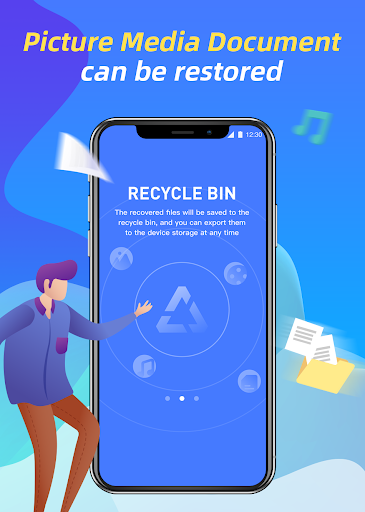
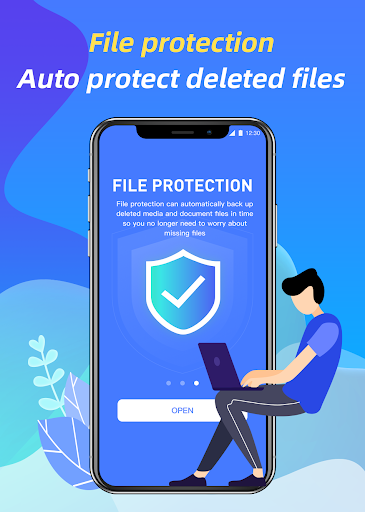
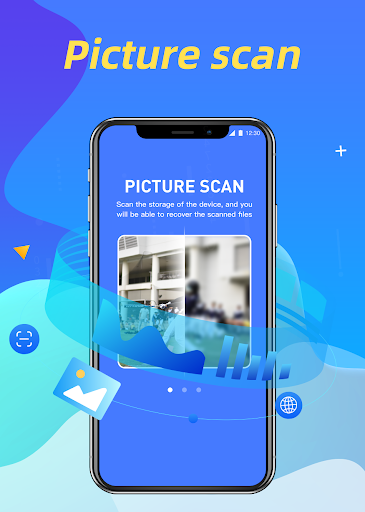
File Recovery - Restore Files scans your device to locate and restore deleted photos, videos, and audio. It offers deep, on‑device scanning with quick previews, a simple one‑tap restore flow, and emphasizes privacy by processing everything locally without uploading.
Verdict
Verdict: A capable, privacy‑first file recovery tool for quick, no‑root restores, but results vary for heavily overwritten or older deletions.
Who is it for
Best for:
- Android users needing quick recovery of recently deleted photos/videos/audio
- Privacy‑conscious users who want fully local processing
- People who prefer simple, one‑tap workflows without rooting
Not ideal for:
- Users expecting guaranteed recovery of all lost files
- Those needing advanced, forensics‑level recovery or full filesystem access
- Anyone impatient with potentially long deep scans on large storage
Real-world User Experience
Users like it:
Straightforward one‑tap scanning and restore flow, no root required, and on‑device processing that keeps files private. The deep scan surfaces both obvious and hidden deletions, with quick previews to pick what to restore.
Users complain about:
Recovery is not guaranteed—older or overwritten files may not come back. Deep scans can take time on devices with large storage, and results can include duplicates or irrelevant items to sift through.
Is it Worth Paying For?
The app is free and no in‑app purchases are indicated here, so there’s nothing to pay for—good value if you need a no‑cost recovery attempt.
How it Compares to Alternatives
Compared to alternatives like DiskDigger, EaseUS MobiSaver, or Dumpster, File Recovery stands out for its local‑only, privacy‑first approach and simple, no‑root workflow. Root‑enabled tools may recover more deeply in some cases, while recycle‑bin style apps (e.g., Dumpster) focus on preventing loss rather than true post‑deletion recovery. File Recovery is a balanced, hassle‑free option, though power users may prefer tools with root support and more granular controls.
Summary
File Recovery - Restore Files focuses on practical, no‑root recovery of photos, videos, and audio with an easy one‑tap experience and full local processing for privacy. Its deep scanning engine can surface both obvious and hidden deletions, and previews help you confirm what to restore. As with any mobile recovery app, success depends on how quickly you try and whether data was overwritten, so it cannot guarantee full recovery. For most users who need a quick, private, and free attempt to get lost media back, it’s a strong choice; users needing advanced, root‑level or forensics‑grade recovery may need specialized tools.
Ratings
Trending APP












Alternative to this app










